Chart position — tracked daily by LaunchShots
Screenshot changes — detected by LaunchShots
Screenshot style breakdown
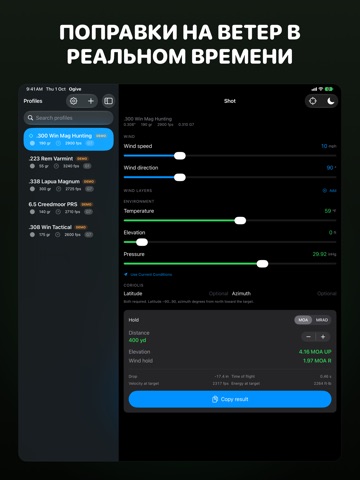
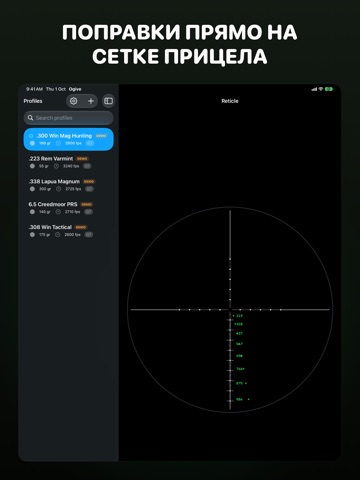
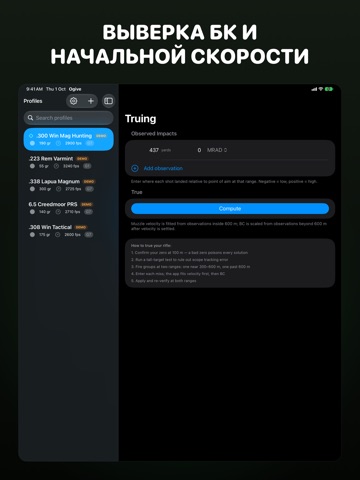
Sampled from 6 of Ogive: Баллистический Расчёт's App Store screenshots — background, accent and theme, measured by LaunchShots (not something Apple publishes).
#141C14 bg
#343B34
#44CC64 accent
#FFFFFF text
Screenshots


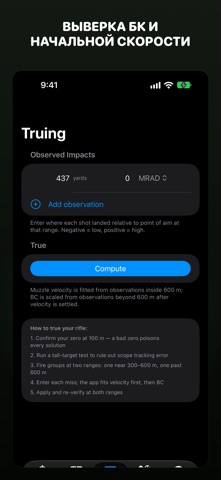


iPad screenshots






Icon palette
About this app
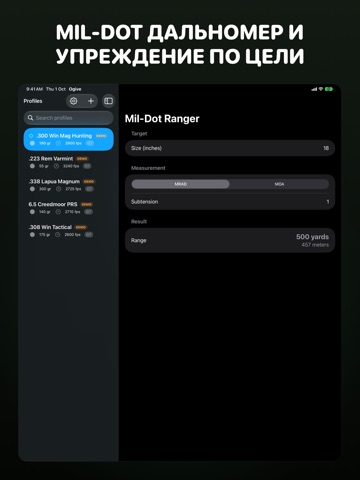
Ogive — баллистический калькулятор, который помогает стрелкам на дальние дистанции, охотникам и спортсменам-высокоточникам рассчитывать точные стрелковые решения для любого оружия, патрона и атмосферных условий. КТО ИСПОЛЬЗУЕТ OGIVE? Стрелки на дальние и сверхдальние дистанции, рассчитывающие траекторные данные от 100 метров до 3+ километров. Охотники, которым нужны быстрые поправки в поле с учётом высоты, температуры и угла выстрела. Спортсмены-высокоточники, составляющие детальные таблицы стрельбы и выверяющие баллистические данные по наблюдаемым попаданиям. ЧТО РАССЧИТЫВАЕТ OGIVE? Ogive решает баллистическое уравнение точечной массы с моделями сопротивления G1, G7 и пользовательскими. Рассчитывает поправки по высоте и ветру с учётом атмосферных условий (температура, давление, влажность, плотностная высота), эффектов Кориолиса и Этвёша, деривации и аэродинамического скачка, темпер…
App details
What you can learn from Ogive: Баллистический Расчёт
Every shipping app on the App Store has gone through the same decisions you're working through right now: which screenshot goes first, what caption sits over it, which device frame to show, what color the background should be. The 20 screenshots above are Ogive: Баллистический Расчёт's answers to those questions — they're public, they're real, and they made it through Apple's review.
What the numbers say: Ogive: Баллистический Расчёт runs a dark set with one background colour (#141C14) carried across every screenshot — the listing reads as a single poster when the shots sit side by side in search results. The accent colour we picked up, #44CC64, is the one to reuse for badges, arrows and highlighted words if you borrow this look. Hit Use this style to open the editor with these exact colours and drop your own screenshot in.
Notice the first screenshot in particular. It's the one users see in search results and on the product page, and it's where most apps spend their best caption and tightest design. Look at the proportion of background to phone, where the text sits, what one thing the image is trying to communicate.
Want to see how other Sports apps approach the same problem? Browse more Sports apps in the showcase.
Take what works into your own screenshots
Open LaunchShots and design your App Store & Google Play screenshots — pick a device frame, drop captions, ship in minutes. Free, in your browser.
Open the screenshot editor →Apps with a similar look
Closest background + accent colours among the listings we've analysed — useful when you want to see the same palette handled by a different team.