Screenshot style breakdown
Sampled from 4 of 中公教育's App Store screenshots — background, accent and theme, measured by LaunchShots (not something Apple publishes).
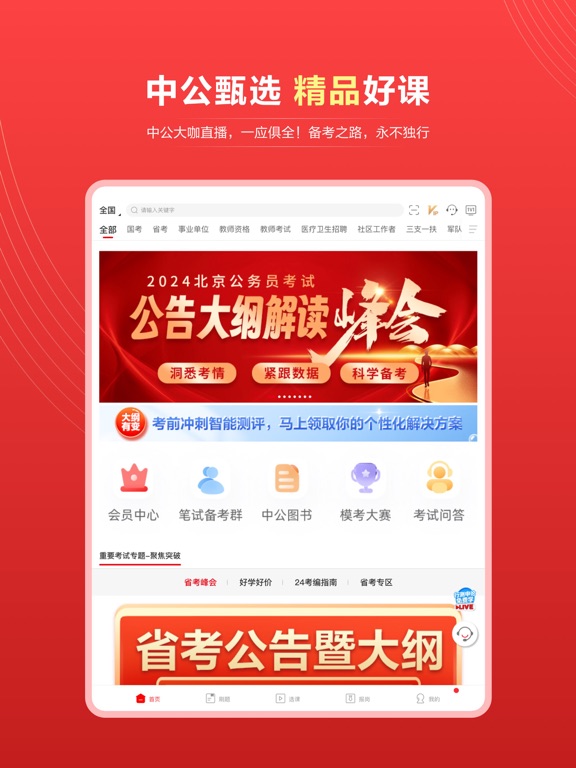
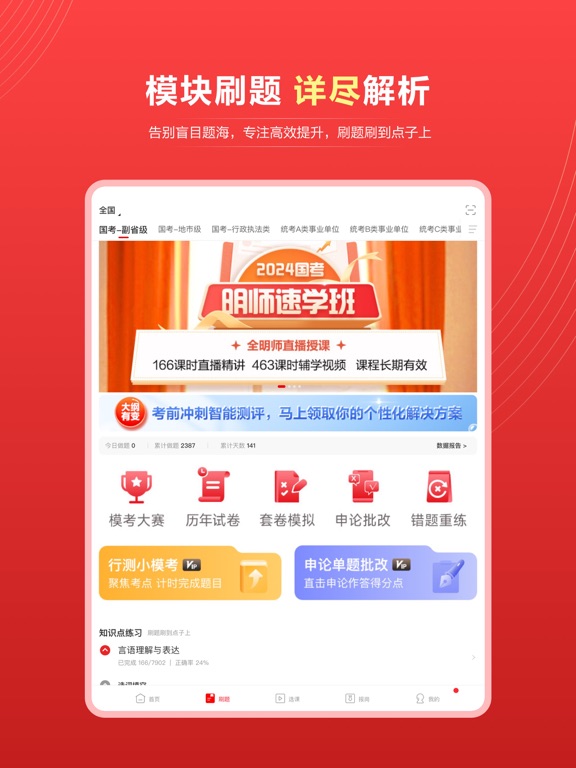
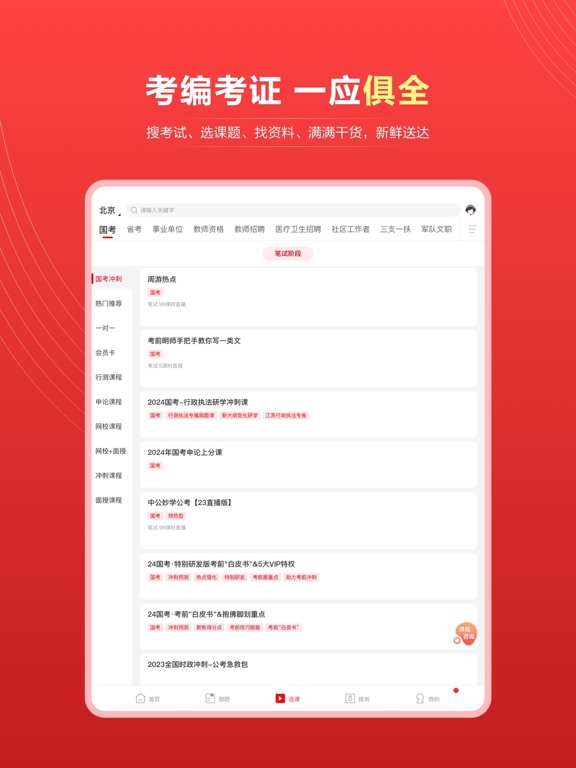
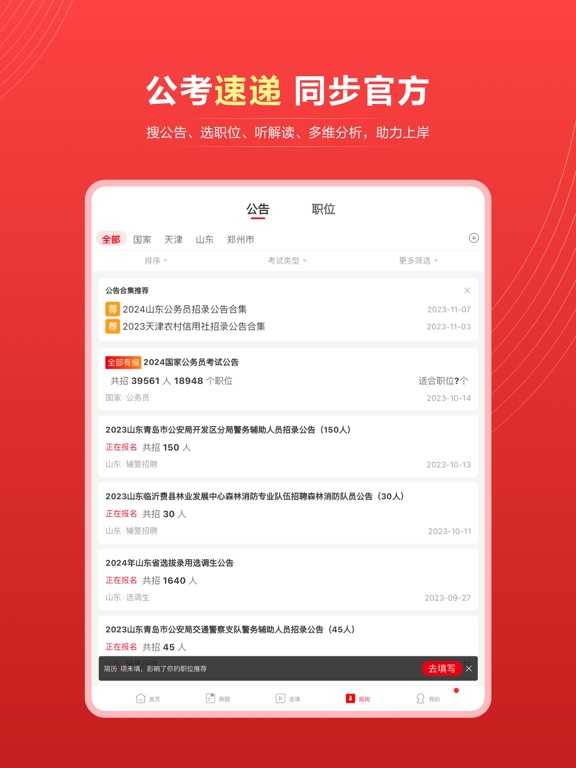
#FC4444 bg
#FC5E5E
#A40404 accent
#FFFFFF text
Screenshots
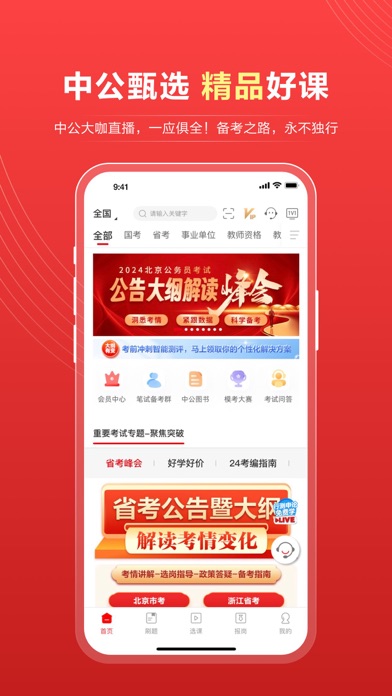
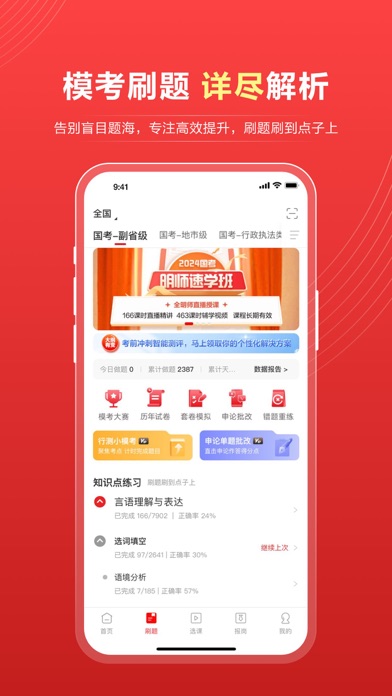
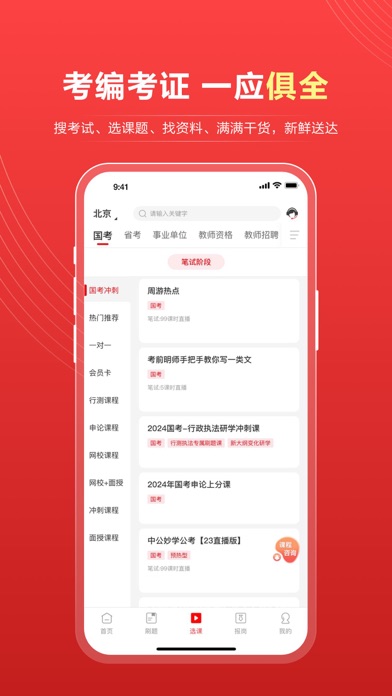
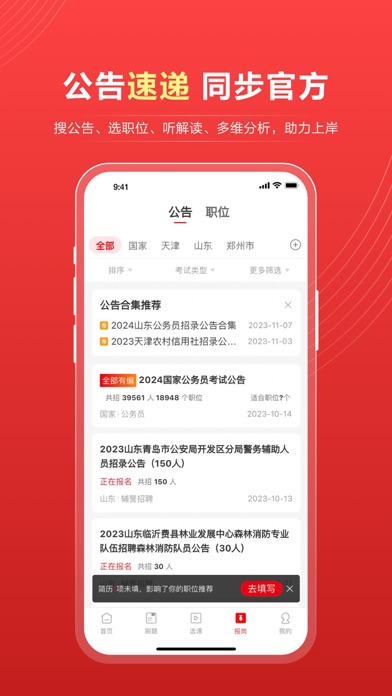
iPad screenshots
Icon palette
About this app
中公教育官方综合服务平台 中公教育是大型的多品类职业教育机构,主营业务横跨招录考试培训、学历提升和职业能力培训等3大板块,提供超过100个品类的综合职业就业培训服务。中公教育始终坚持“学员的事是最重要的事”这一服务理念,不断提升教学能力和服务水准,致力于为学员提供更完善、更优质的职业培训。 【中公甄选 精品好课】 中公大咖直播,随报随学,低至0元!更有智学行测、巧学申论、趣谈公基,思路拆解、大话面试、备考手册等系列可供选择,备考路上,你永不独行。 【模考刷题 详尽解析】 这里的每一道题目,都是历经千帆!具有丰富教学经验与深厚研发积淀的中公核心名师团队,为各考试项目分别定制习题与模考试卷,让考生通过刷题巩固基础知识,培养解题思路,告别盲目题海,专注高效提升。 【学员服务 与师俱进】 众多资深教师及专家研发服务资料,考点深入浅出;专属师资随时纠正点评,准确了解当前学习问题;充分利用时间碎片,随时学习,随时收获。 【动态档案 科学指导】 你的点滴进步,我们统统知道!中公教育学员管理系统,通过学习路径,听课记录、…
App details
What you can learn from 中公教育
Every shipping app on the App Store has gone through the same decisions you're working through right now: which screenshot goes first, what caption sits over it, which device frame to show, what color the background should be. The 8 screenshots above are 中公教育's answers to those questions — they're public, they're real, and they made it through Apple's review.
What the numbers say: 中公教育 runs a dark set with one background colour (#FC4444) carried across every screenshot — the listing reads as a single poster when the shots sit side by side in search results. The accent colour we picked up, #A40404, is the one to reuse for badges, arrows and highlighted words if you borrow this look. Hit Use this style to open the editor with these exact colours and drop your own screenshot in.
Notice the first screenshot in particular. It's the one users see in search results and on the product page, and it's where most apps spend their best caption and tightest design. Look at the proportion of background to phone, where the text sits, what one thing the image is trying to communicate.
Want to see how other Education apps approach the same problem? Browse more Education apps in the showcase.
Take what works into your own screenshots
Open LaunchShots and design your App Store & Google Play screenshots — pick a device frame, drop captions, ship in minutes. Free, in your browser.
Open the screenshot editor →Apps with a similar look
Closest background + accent colours among the listings we've analysed — useful when you want to see the same palette handled by a different team.