Screenshot style breakdown
Sampled from 6 of UQU's App Store screenshots — background, accent and theme, measured by LaunchShots (not something Apple publishes).
#FCFCFC bg
#DDDDDD
#04545C accent
#111111 text
Screenshots



Icon palette
About this app
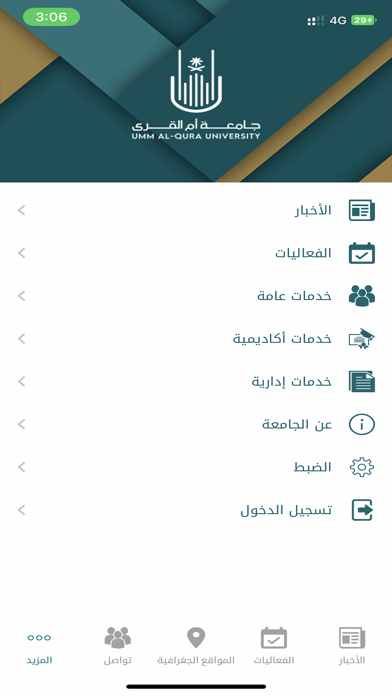
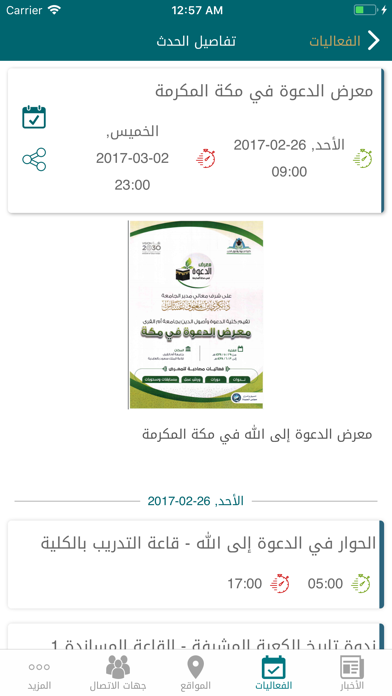
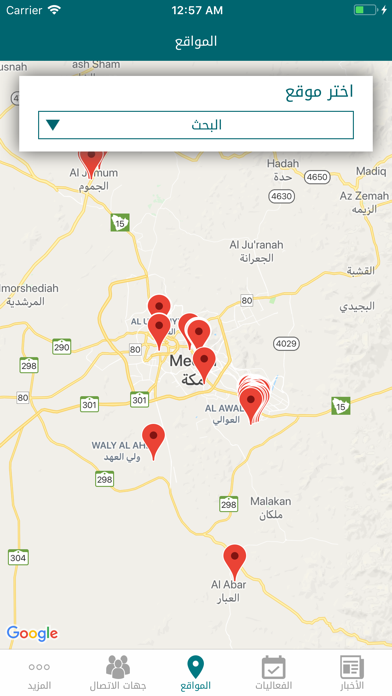
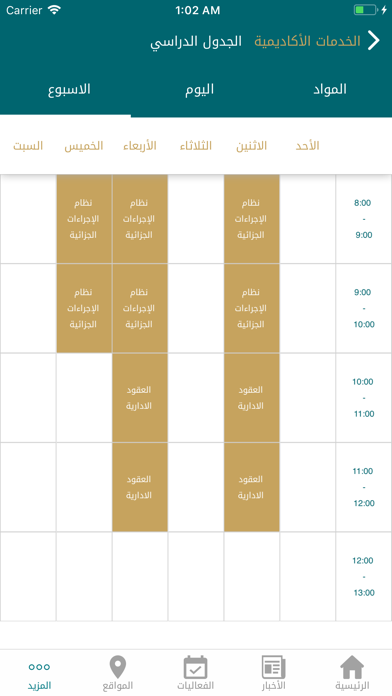
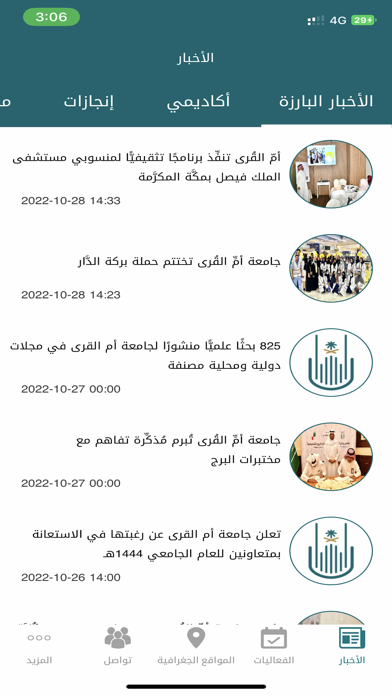
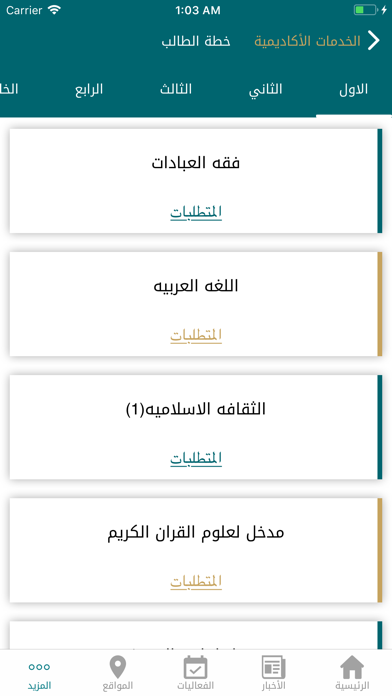
تطبيق جامعة أم القرى للآيفون يستعرض أهم المعلومات عن الجامعة، ويتيح مشاهدة آخر الأخبار والفعاليات التي تقام في الجامعة، كما يتيح لكل منسوبي الجامعة من طلبة وموظفين وأعضاء هيئة تدريس الدخول إلى البوابة الإلكترونية واستعراض الخدمات الإلكترونية. المميزات متوافق مع IOS 13 دعم للشاشات عالية الوضوح (ريتنا). يبقيك على اتصال دائم مع أخبار وفعاليات الجامعة. الخدمات الإلكترونية لمنسوبي الجامعة وأكثر **الخدمات العامة** الأخبار. الفعاليات. المجتمع الجامعي. المواقع الجغرافية. جهات الاتصال. الاستعلام عن المعاملات. الاستعلام عن أوامر الدفع. من راسلني؟ ** خدمات الطالب ** الخدمات الأكاديمية - الجدول الدراسي. - السجل الأكاديمي. - تقارير الإشراف على الرسائل العلمية. - الرسائل العلمية. - خطة الطالب. - المقررات المطروحة. - المعاملات الأكاديمية. - العقوبات. - المعدل التراكمي. الخدمات الإدارية - المكافآت. - البدلات. ** خدمات عضو هيئة التدريس ** الخدمات الأكاديمية - الجدول الدراسي. - السج…
App details
What you can learn from UQU
Every shipping app on the App Store has gone through the same decisions you're working through right now: which screenshot goes first, what caption sits over it, which device frame to show, what color the background should be. The 10 screenshots above are UQU's answers to those questions — they're public, they're real, and they made it through Apple's review.
What the numbers say: UQU runs a mixed light-and-dark set where the background shifts from screenshot to screenshot (first shot #FCFCFC) — each image has to stand on its own, so the captions carry more of the story. The accent colour we picked up, #04545C, is the one to reuse for badges, arrows and highlighted words if you borrow this look. Hit Use this style to open the editor with these exact colours and drop your own screenshot in.
Notice the first screenshot in particular. It's the one users see in search results and on the product page, and it's where most apps spend their best caption and tightest design. Look at the proportion of background to phone, where the text sits, what one thing the image is trying to communicate.
Want to see how other Education apps approach the same problem? Browse more Education apps in the showcase.
Take what works into your own screenshots
Open LaunchShots and design your App Store & Google Play screenshots — pick a device frame, drop captions, ship in minutes. Free, in your browser.
Open the screenshot editor →Apps with a similar look
Closest background + accent colours among the listings we've analysed — useful when you want to see the same palette handled by a different team.