Chart position — tracked daily by LaunchShots
Screenshot style breakdown
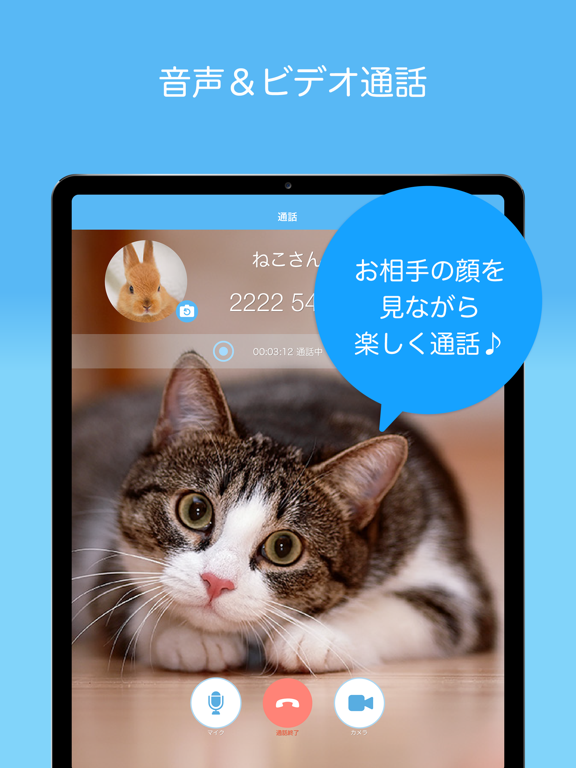
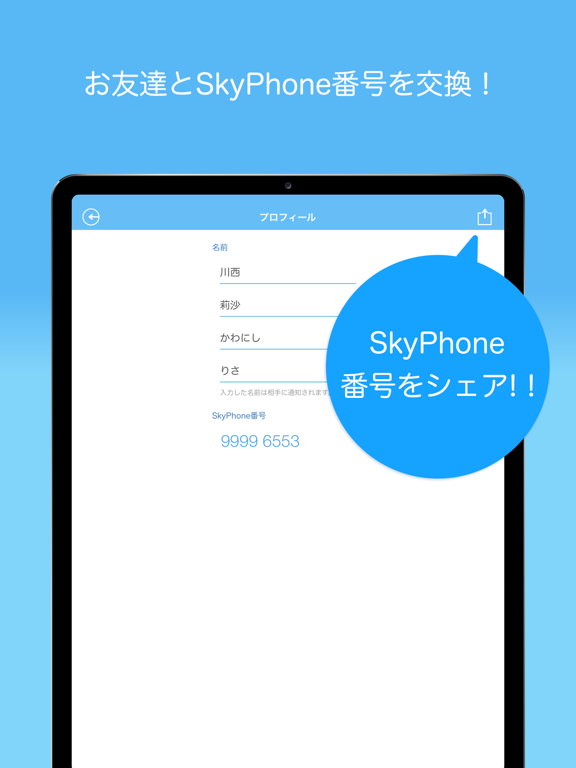
Sampled from 3 of SkyPhone - 高音質通話アプリ's App Store screenshots — background, accent and theme, measured by LaunchShots (not something Apple publishes).
#5CBCF4 bg
#50A5D6
#1C5C74 accent
#111111 text
Screenshots
iPad screenshots
Icon palette
About this app
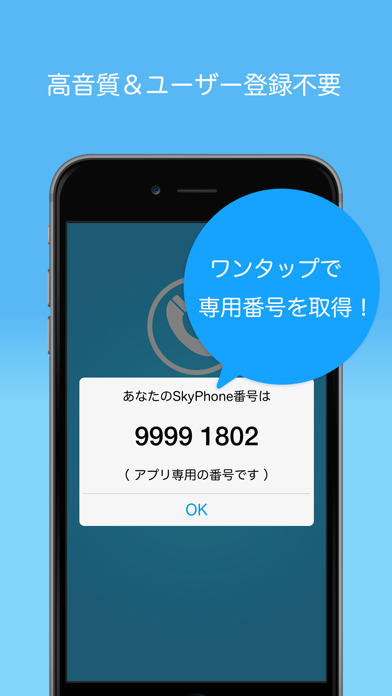
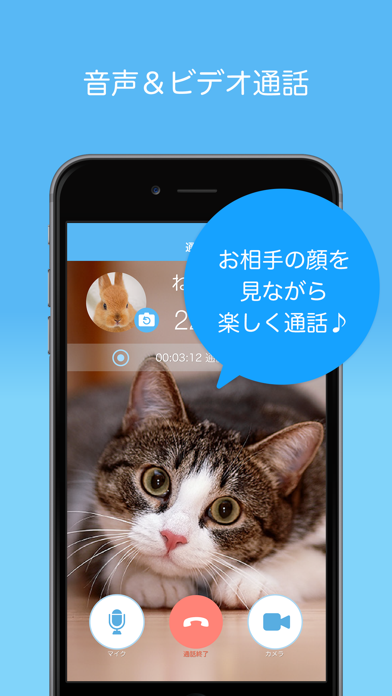
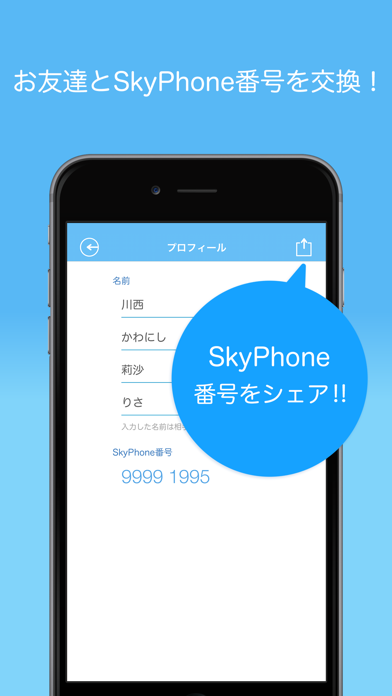
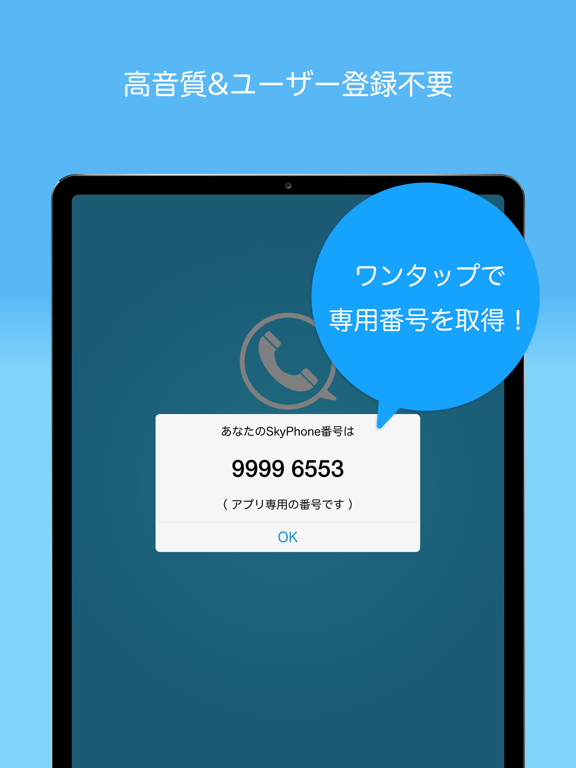
SkyPhone - 高音質通話アプリ 1,200万ダウンロード 突破! シンプルな無料通話アプリ 聴けば分かる、高音質な音声通話。 個人情報などのユーザー登録不要ですぐ使える。 自分のプロフィールを入力したら、友達や家族とSkyPhone番号を共有。 「SkyPhone」ユーザー同士、クリアな高音質の音声通話が無料で楽しめます。 シンプルなUI。 「あんしんモード」搭載で、SkyPhone連絡先未登録の番号からの着信をブロックできます。 つながりたい相手とだけつながる。家族や恋人とのホットラインとして。 雑踏でも「ノイズキャンセル」機能で聞き取りやすく、ストレスなく会話ができます。 通話音質を「低音質」に設定すれば、電波の弱い場所や速度制限中でも長時間の通話が楽しめます。 [SkyPhoneの特徴] ・クリアな高音質の音声通話 ・面倒なユーザー登録不要 [SkyPhoneの主な機能] ・無料音声通話 ・無料ビデオ通話 ・ポイント通話機能 ・メッセージ機能 ・あんしんモード機能 ・おやすみモード機能 ・お知らせ機能 ・SkyPhone番号引き継ぎ機能 ・発着信履歴 ・連絡先…
App details
What you can learn from SkyPhone - 高音質通話アプリ
Every shipping app on the App Store has gone through the same decisions you're working through right now: which screenshot goes first, what caption sits over it, which device frame to show, what color the background should be. The 6 screenshots above are SkyPhone - 高音質通話アプリ's answers to those questions — they're public, they're real, and they made it through Apple's review.
What the numbers say: SkyPhone - 高音質通話アプリ runs a light set with one background colour (#5CBCF4) carried across every screenshot — the listing reads as a single poster when the shots sit side by side in search results. The accent colour we picked up, #1C5C74, is the one to reuse for badges, arrows and highlighted words if you borrow this look. Hit Use this style to open the editor with these exact colours and drop your own screenshot in.
Notice the first screenshot in particular. It's the one users see in search results and on the product page, and it's where most apps spend their best caption and tightest design. Look at the proportion of background to phone, where the text sits, what one thing the image is trying to communicate.
Want to see how other Social Networking apps approach the same problem? Browse more Social Networking apps in the showcase.
Take what works into your own screenshots
Open LaunchShots and design your App Store & Google Play screenshots — pick a device frame, drop captions, ship in minutes. Free, in your browser.
Open the screenshot editor →Apps with a similar look
Closest background + accent colours among the listings we've analysed — useful when you want to see the same palette handled by a different team.