Screenshots


iPad screenshots



Icon palette
About this app
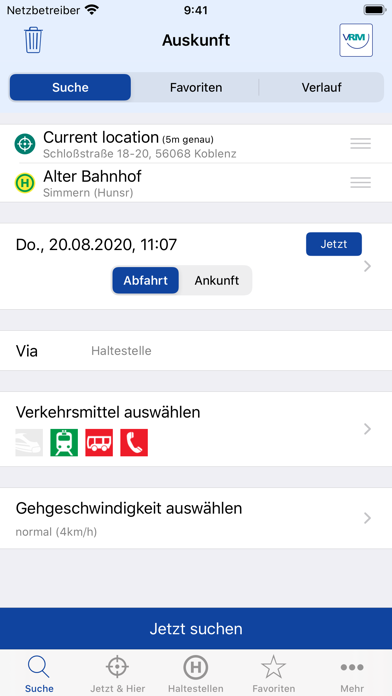
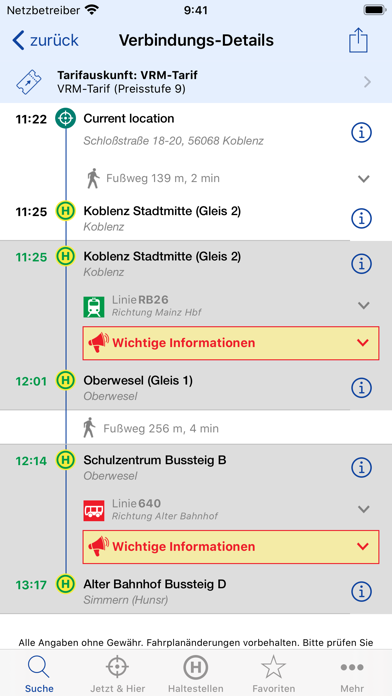
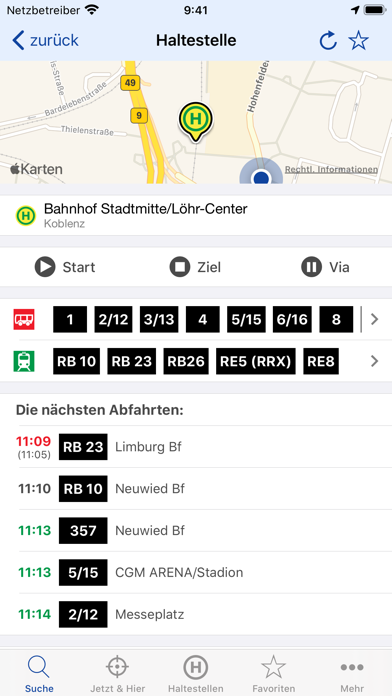
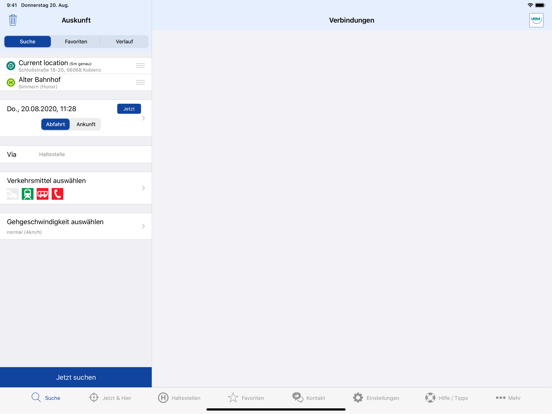
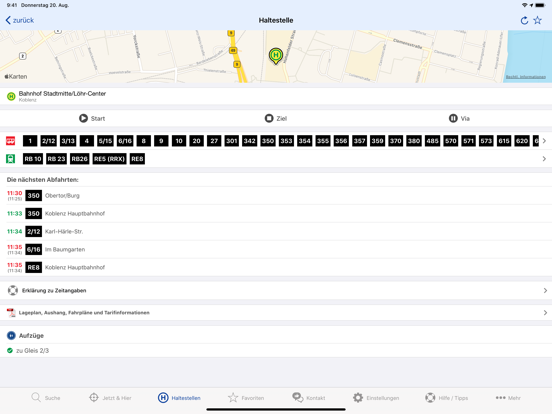
Für alle iPhones und iPads stellt der VRM eine kostenlose App zur Verfügung. Damit erhalten Sie ein einfaches und kostenloses Navigationssystem für Bus&Bahn im Verkehrsverbund Rhein-Mosel. Und den Fahrscheinautomaten haben Sie auch gleich in der Tasche. Auf unserer neuen Startseite, dem Dashboard, können Sie „Info-Kacheln“ nach ihren persönlichen Wünschen und Prioritäten zusammensetzen und gestalten. Regelmäßig genutzte Fahrtverbindungen können am Dashboard „angepinnt“ werden und sind dann spontan abrufbar. Außerdem haben Sie über die neue Funktion „Bring mich nach Hause“ die Möglichkeit mit nur einem Klick die aktuellen Fahrtmöglichkeiten für eine hinterlegte Adresse anzeigen zu lassen. Neben dem Zugriff auf die VRM-Fahrplanauskunft unter dem Menüpunkt „Suche“, welche Ihnen auf Grundlage von bekannten Haltestellen, Adressen oder interessanten Punkten stets die schnellste Verbindung…
App details
What you can learn from VRM Fahrplan & Tickets
Every shipping app on the App Store has gone through the same decisions you're working through right now: which screenshot goes first, what caption sits over it, which device frame to show, what color the background should be. The 13 screenshots above are VRM Fahrplan & Tickets's answers to those questions — they're public, they're real, and they made it through Apple's review.
Notice the first screenshot in particular. It's the one users see in search results and on the product page, and it's where most apps spend their best caption and tightest design. Look at the proportion of background to phone, where the text sits, what one thing the image is trying to communicate.
Want to see how other Navigation apps approach the same problem? Browse more Navigation apps in the showcase.
Take what works into your own screenshots
Open LaunchShots and design your App Store & Google Play screenshots — pick a device frame, drop captions, ship in minutes. Free, in your browser.
Open the screenshot editor →