Screenshots
Icon palette
About this app
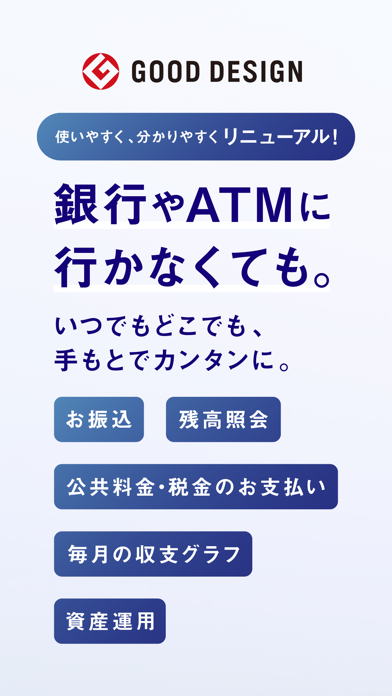
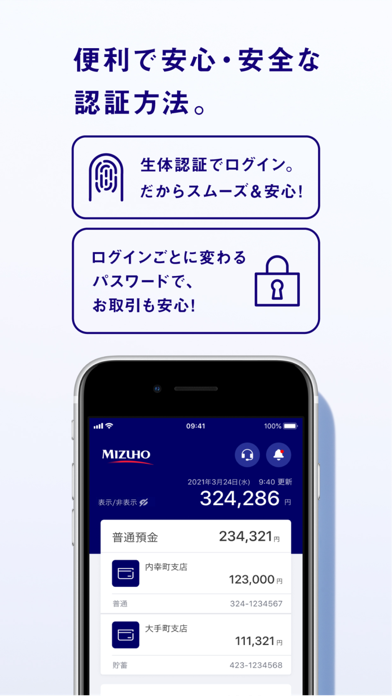
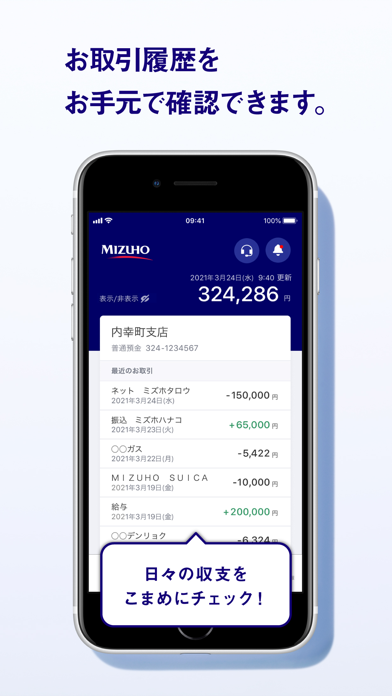
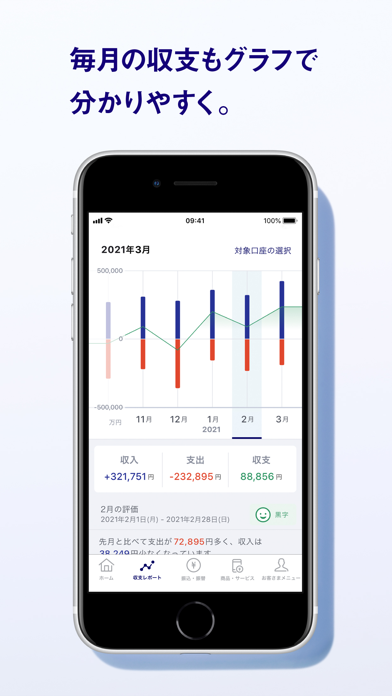
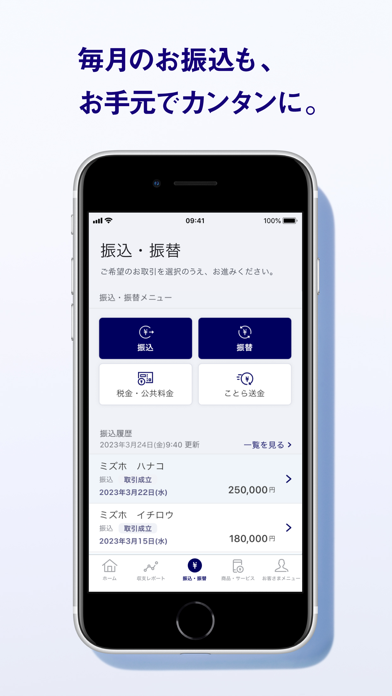
銀行やATMに行かなくても。いつでもどこでも、手元でカンタンに。 〈お振込〉〈残高照会〉〈公共料金・税金のお支払い〉 〈毎月の収支グラフ〉〈資産運用〉 詳しくはこちら https://www.mizuhobank.co.jp/retail/mizuhoapp/bankingapp/index.html 目次 ■①4つのポイント ■②ご利用の流れ ■③ご留意事項 ■①みずほダイレクトアプリ4つのポイント 1)便利で安心・安全な認証方法。 アプリ起動時の認証は、スムーズで安心の生体認証を採用。お振込などのお取引時も、 ログインごとに変わるパスワードによる認証なので安全です。 2)お取引履歴をお手元で確認できます。 入金・お引き出しやお振込などのお取引履歴を、いつでもどこでもお手元で確認可能に。 紙の通帳のように記帳する必要がなくスムーズです。 3)毎月の収支もグラフで分かりやすく。 入金と出金のバランスが月ごとに一目で分かるので、お金の管理も簡単に。 グラフで分かりやすく、すぐにご確認いただけます。 4)毎月のお振込もお手元でカンタンに。 家賃や仕送りなどのお振込も、いつでもどこ…
App details
What you can learn from みずほ銀行 みずほダイレクトアプリ
Every shipping app on the App Store has gone through the same decisions you're working through right now: which screenshot goes first, what caption sits over it, which device frame to show, what color the background should be. The 5 screenshots above are みずほ銀行 みずほダイレクトアプリ's answers to those questions — they're public, they're real, and they made it through Apple's review.
Notice the first screenshot in particular. It's the one users see in search results and on the product page, and it's where most apps spend their best caption and tightest design. Look at the proportion of background to phone, where the text sits, what one thing the image is trying to communicate.
Want to see how other Finance apps approach the same problem? Browse more Finance apps in the showcase.
Take what works into your own screenshots
Open LaunchShots and design your App Store & Google Play screenshots — pick a device frame, drop captions, ship in minutes. Free, in your browser.
Open the screenshot editor →