Screenshots
Icon palette
About this app
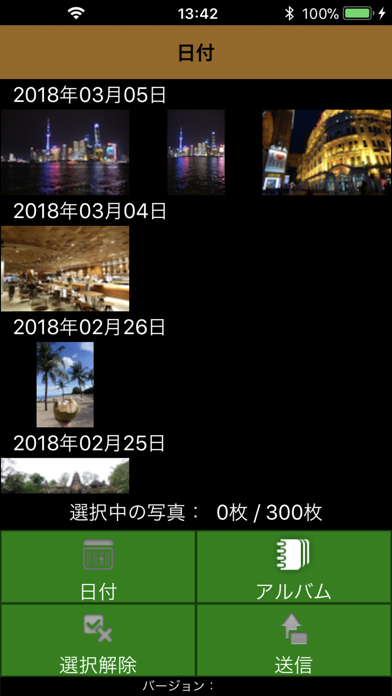
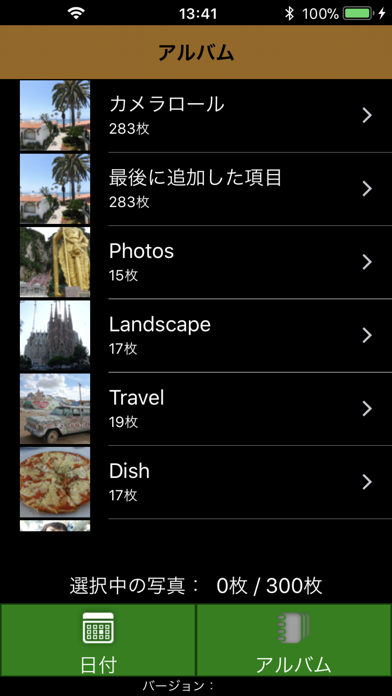
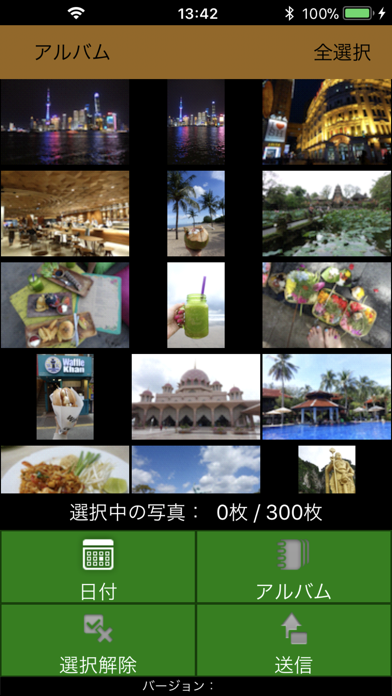
FUJIFILMおみせプリント(略称:わいぷり) 店頭のFUJIFILMプリント受付機で、写真を簡単にプリント注文できるアプリです。 プリント受付機のガイダンスに従ってスマートフォンをWiFi接続した後、本アプリ(わいぷり)にて写真を選択して送信するだけで注文できます。 本アプリで受付できる店舗を順次拡大してまいります。 WiFiで受付できる店舗を順次拡大してまいります。 [ご注意] 「"おみせプリント"から"写真ライブラリ"にアクセスしようとしています」と表示された場合は、[フルアクセスを許可]を押してください。 (初回起動時にのみ表示されます) [アクセスを制限....]または[許可しない]を押してしまった場合、以下の操作で設定を変更する事ができます。 a) iPhoneのホーム画面上の「設定」を起動してください。 b) 設定画面から「プライバシーとセキュリティ」を選択、プライバシー画面から「写真」を選択してください。 c) 「おみせプリント」の設定を「フルアクセス」に設定してください。 ※OSのバージョンにより表現が…
App details
What you can learn from FUJIFILMおみせプリント(わいぷり)
Every shipping app on the App Store has gone through the same decisions you're working through right now: which screenshot goes first, what caption sits over it, which device frame to show, what color the background should be. The 3 screenshots above are FUJIFILMおみせプリント(わいぷり)'s answers to those questions — they're public, they're real, and they made it through Apple's review.
Notice the first screenshot in particular. It's the one users see in search results and on the product page, and it's where most apps spend their best caption and tightest design. Look at the proportion of background to phone, where the text sits, what one thing the image is trying to communicate.
Want to see how other Photo & Video apps approach the same problem? Browse more Photo & Video apps in the showcase.
Take what works into your own screenshots
Open LaunchShots and design your App Store & Google Play screenshots — pick a device frame, drop captions, ship in minutes. Free, in your browser.
Open the screenshot editor →