Chart position — tracked daily by LaunchShots
Screenshot style breakdown
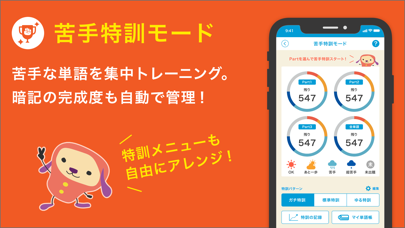
Sampled from 6 of ターゲットの友 英単語アプリ's App Store screenshots — background, accent and theme, measured by LaunchShots (not something Apple publishes).
#048CF4 bg
#279CF5
#3C7CAC accent
#FFFFFF text
Screenshots
Icon palette
About this app
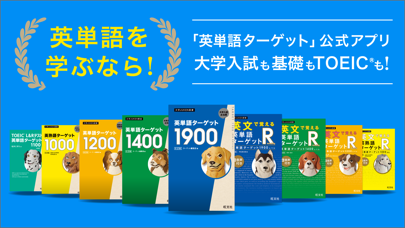
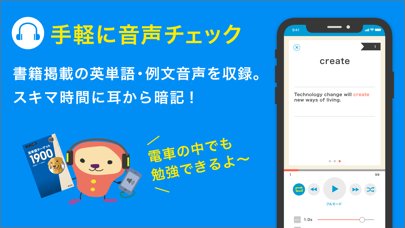
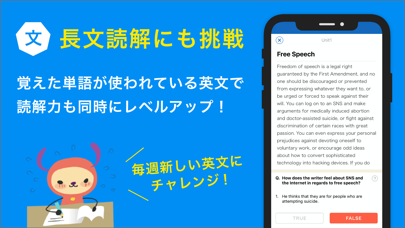
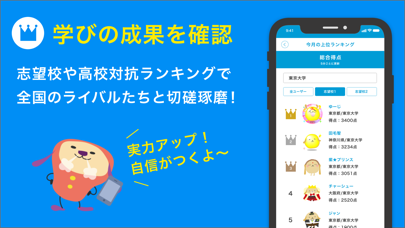
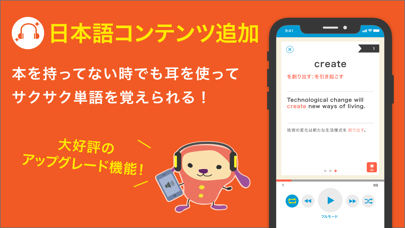
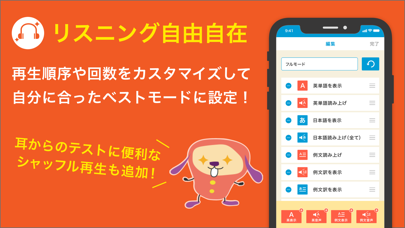
【旺文社『英単語ターゲット』シリーズ公式】 400万人以上の高校生が活用した英単語アプリ! 基礎~大学受験レベルからTOEIC対策まで、英単語・英熟語を学ぶなら「タゲ友」で。 ・第12回日本e-Learning大賞 アプリ部門賞受賞 ■「ターゲットの友」は旺文社が刊行する『英単語ターゲット』シリーズの学習をサポートする無料アプリです(一部機能では、App内課金があります)。 【対応書籍一覧】(2021年8月時点) ・『英単語ターゲット1900 6訂版』 ・『英単語ターゲット1400 5訂版』 ・『英単語ターゲット1200 改訂版』 ・『英文で覚える 英単語ターゲットR 英単語ターゲット1900レベル 改訂版』 ・『英文で覚える 英単語ターゲットR 英単語ターゲット1400レベル 改訂版』 ・『英文で覚える 英単語ターゲットR 英単語ターゲット1200レベル』 ・『英熟語ターゲット1000 5訂版』 ・『英文で覚える 英熟語ターゲットR 英熟語ターゲット1000対応 改訂版』 ・『TOEIC L&Rテスト英単語ターゲット1100』 ・『英単語ターゲット1900 5訂版』 (書籍の「版」にご注意ください…
App details
What you can learn from ターゲットの友 英単語アプリ
Every shipping app on the App Store has gone through the same decisions you're working through right now: which screenshot goes first, what caption sits over it, which device frame to show, what color the background should be. The 9 screenshots above are ターゲットの友 英単語アプリ's answers to those questions — they're public, they're real, and they made it through Apple's review.
What the numbers say: ターゲットの友 英単語アプリ runs a dark set with one background colour (#048CF4) carried across every screenshot — the listing reads as a single poster when the shots sit side by side in search results. The accent colour we picked up, #3C7CAC, is the one to reuse for badges, arrows and highlighted words if you borrow this look. Hit Use this style to open the editor with these exact colours and drop your own screenshot in.
Notice the first screenshot in particular. It's the one users see in search results and on the product page, and it's where most apps spend their best caption and tightest design. Look at the proportion of background to phone, where the text sits, what one thing the image is trying to communicate.
Want to see how other Education apps approach the same problem? Browse more Education apps in the showcase.
Take what works into your own screenshots
Open LaunchShots and design your App Store & Google Play screenshots — pick a device frame, drop captions, ship in minutes. Free, in your browser.
Open the screenshot editor →Apps with a similar look
Closest background + accent colours among the listings we've analysed — useful when you want to see the same palette handled by a different team.