Chart position — tracked daily by LaunchShots
Screenshot style breakdown
Sampled from 6 of 魚みっけ's App Store screenshots — background, accent and theme, measured by LaunchShots (not something Apple publishes).
#04ACF4 bg
#0397D6
#8CDCFC accent
#111111 text
Screenshots

iPad screenshots
Icon palette
About this app
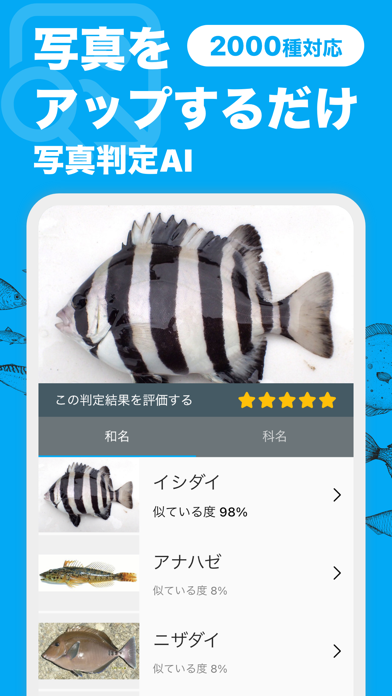
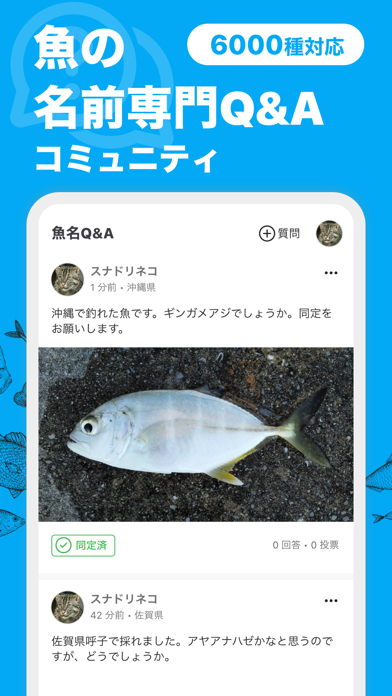
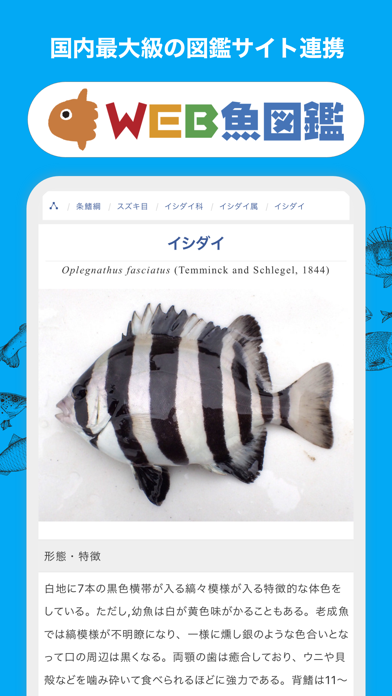
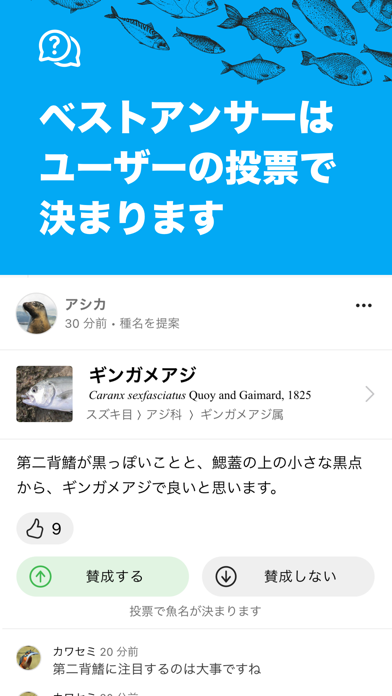
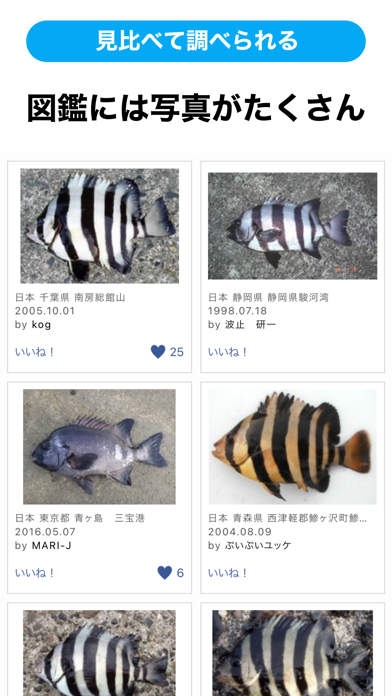
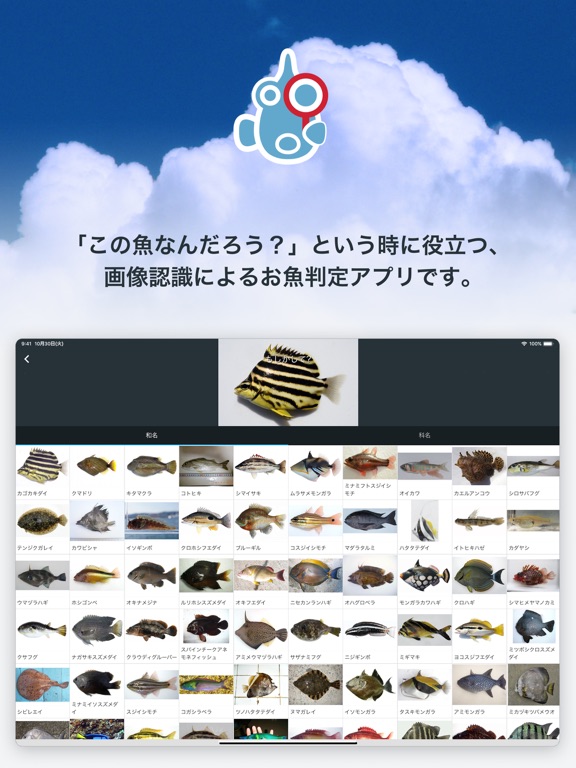
\ ありがとう50万ダウンロード /【写真判定AIとQ&A掲示板によるお魚判定アプリ】 「魚みっけ」は、「この魚なんだろう?」という時に役立つ、写真判定AIとQ&Aコミュニティによるお魚判定アプリです。 「この魚、なんだろう?」と思ったら、撮影して写真判定AIに送信。すぐに「これですか?」と候補の魚種を返してくれます。写真判定AIで分からない場合は、Q&Aコミュニティに質問してみましょう。お魚の名前の質問・回答に特化しているので、詳しい人たちが回答してくれます。釣りや水遊びはもちろん、夏休みの自由研究にも役立ちます。 写真判定AIは「種」と「科」のレベルで結果を表示します。「種」で見つからない場合は、「科」もチェックしてみてください。日本近海の魚類を対象としています(甲殻類・イカ・タコなど魚類以外の生き物には対応しておりません)。 【魚名Q&Aコミュニティの使い方】 ●写真を投稿して魚名を質問することができます。 ●回答は、魚名を入力すると候補が出てきますので、その中から選択します。 ●回答の正しさの評価は、閲覧しているユーザー…
App details
What you can learn from 魚みっけ
Every shipping app on the App Store has gone through the same decisions you're working through right now: which screenshot goes first, what caption sits over it, which device frame to show, what color the background should be. The 7 screenshots above are 魚みっけ's answers to those questions — they're public, they're real, and they made it through Apple's review.
What the numbers say: 魚みっけ runs a light set where the background shifts from screenshot to screenshot (first shot #04ACF4) — each image has to stand on its own, so the captions carry more of the story. The accent colour we picked up, #8CDCFC, is the one to reuse for badges, arrows and highlighted words if you borrow this look. Hit Use this style to open the editor with these exact colours and drop your own screenshot in.
Notice the first screenshot in particular. It's the one users see in search results and on the product page, and it's where most apps spend their best caption and tightest design. Look at the proportion of background to phone, where the text sits, what one thing the image is trying to communicate.
Want to see how other Reference apps approach the same problem? Browse more Reference apps in the showcase.
Take what works into your own screenshots
Open LaunchShots and design your App Store & Google Play screenshots — pick a device frame, drop captions, ship in minutes. Free, in your browser.
Open the screenshot editor →Apps with a similar look
Closest background + accent colours among the listings we've analysed — useful when you want to see the same palette handled by a different team.