Chart position — tracked daily by LaunchShots
Screenshot style breakdown
Sampled from 5 of JR西日本 列車運行情報アプリ's App Store screenshots — background, accent and theme, measured by LaunchShots (not something Apple publishes).
#FCFCFC bg
#DDDDDD
#0474BC accent
#111111 text
Screenshots
Icon palette
About this app
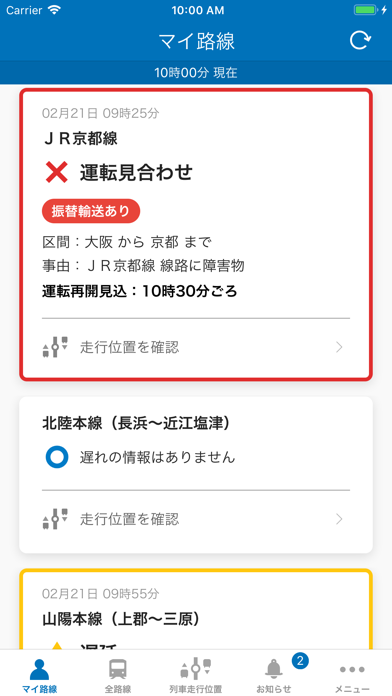
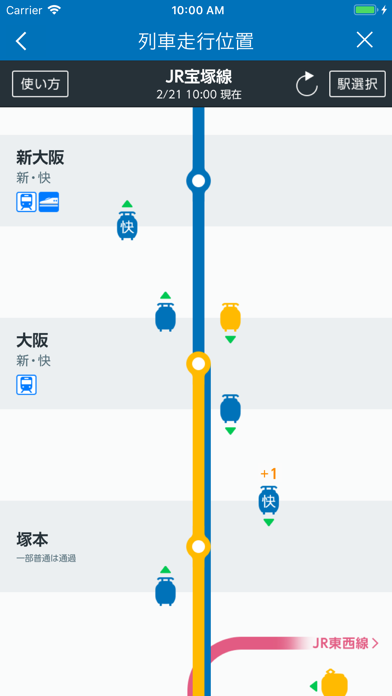
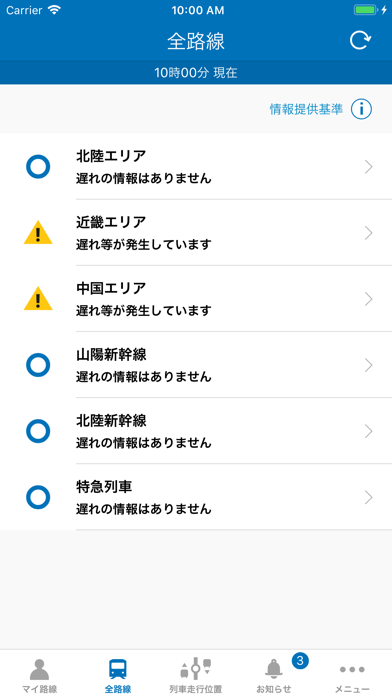
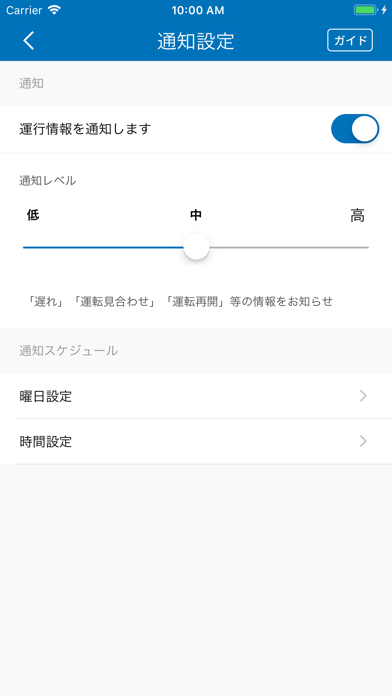
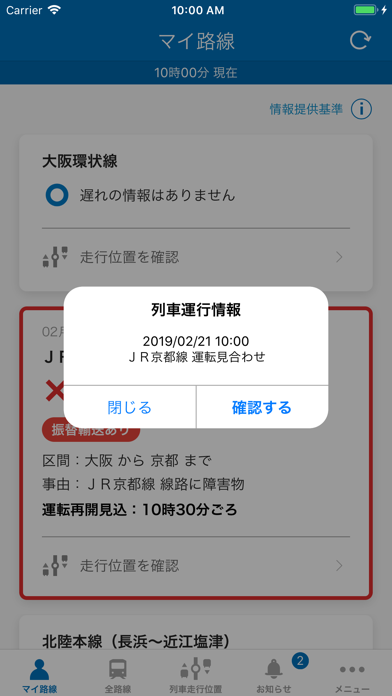
JR西日本公式の列車運行情報アプリです。 JR西日本管内の在来線、特急列車および新幹線について、お客様にご登録いただいた路線で複数列車に15分以上の遅れ(京阪神地区の朝ラッシュ時間帯、山陽新幹線及び北陸新幹線は10分以上)が発生または見込まれる場合に運行情報をプッシュ通知でお知らせします。路線・時刻・運転状況のほかに、状況が確認できれば、影響区間、原因、運転見合わせ時の再開見込み時間、振替輸送の実施についてもご確認いただけます。また、一部路線では個別列車の走行位置もご確認いただけます。 ■おもな機能(すべて無料) ○運行情報のプッシュ通知 ご登録いただいた路線の運行情報をプッシュ通知でお知らせします。プッシュ通知の「確認する」ボタンをタップすることで、ご登録いただいた路線の運行情報を確認することができ、さらに運行情報の詳細を確認したい場合は、JR西日本列車運行情報サイトに移動し、詳細な情報を確認することもできます。 ○列車走行位置表示 マイ路線の「走行位置を確認」をタップすると、個別列車の列車走行位置を…
App details
What you can learn from JR西日本 列車運行情報アプリ
Every shipping app on the App Store has gone through the same decisions you're working through right now: which screenshot goes first, what caption sits over it, which device frame to show, what color the background should be. The 5 screenshots above are JR西日本 列車運行情報アプリ's answers to those questions — they're public, they're real, and they made it through Apple's review.
What the numbers say: JR西日本 列車運行情報アプリ runs a light set where the background shifts from screenshot to screenshot (first shot #FCFCFC) — each image has to stand on its own, so the captions carry more of the story. The accent colour we picked up, #0474BC, is the one to reuse for badges, arrows and highlighted words if you borrow this look. Hit Use this style to open the editor with these exact colours and drop your own screenshot in.
Notice the first screenshot in particular. It's the one users see in search results and on the product page, and it's where most apps spend their best caption and tightest design. Look at the proportion of background to phone, where the text sits, what one thing the image is trying to communicate.
Want to see how other Navigation apps approach the same problem? Browse more Navigation apps in the showcase.
Take what works into your own screenshots
Open LaunchShots and design your App Store & Google Play screenshots — pick a device frame, drop captions, ship in minutes. Free, in your browser.
Open the screenshot editor →Apps with a similar look
Closest background + accent colours among the listings we've analysed — useful when you want to see the same palette handled by a different team.