Chart position — tracked daily by LaunchShots
Screenshot style breakdown
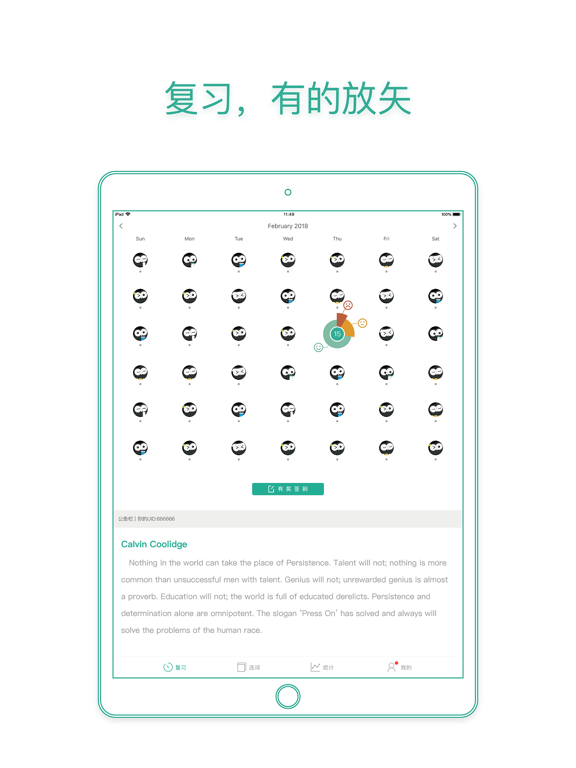
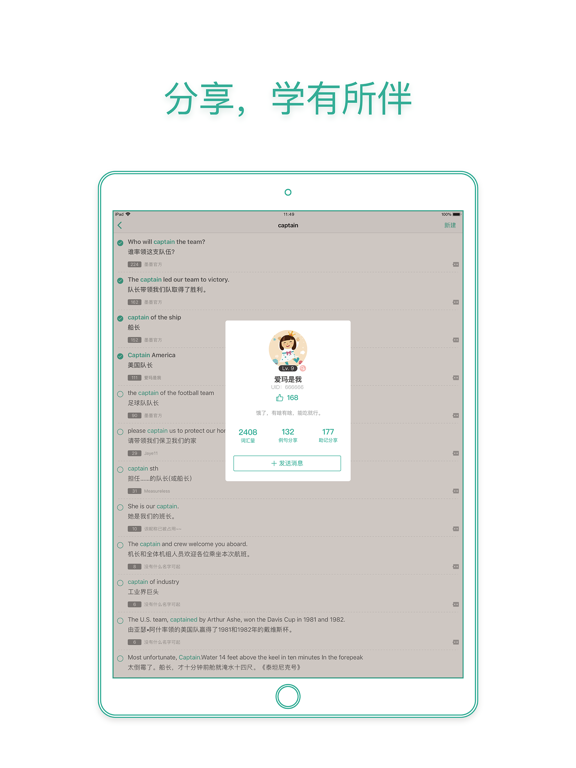
Sampled from 5 of 墨墨背单词 | 四六级考研等英语词汇记忆's App Store screenshots — background, accent and theme, measured by LaunchShots (not something Apple publishes).
#FCFCFC bg
#DDDDDD
#44BCA4 accent
#111111 text
Screenshots


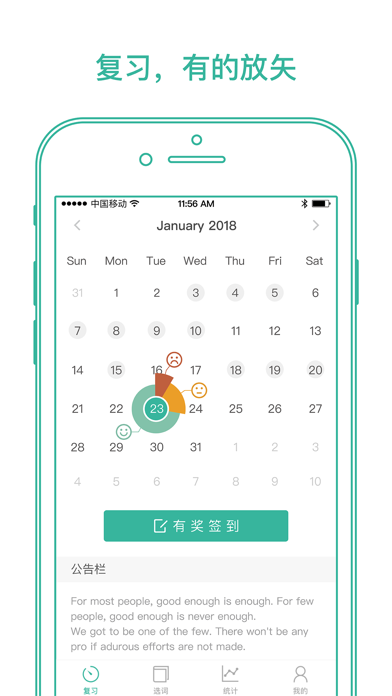

iPad screenshots


Icon palette
About this app
墨墨背单词,高效抗遗忘,完美规划海量词汇记忆。 • 全应用商店累计超过 3 亿下载总量 • 最受考研用户欢迎的背单词App • 教育类好评率最高的产品之一 • 墨墨独家发布了具有可解释性的记忆模型,并发布于全球数据科学领域顶级会议 ACM SIGKDD 《A Stochastic Shortest Path Alogorithm for Optimizing Spaced Repetition Scheduling》 • 墨墨首次将记忆预测与调度优化相结合,提供完整的间隔重复规划系统框架,并发布于国际数据挖掘顶级期刊 IEEE TKDE 《Optimizing Spaced Repetition Schedule by Capturing the Dynamics of Memory》 「这里有:科学高效的抗遗忘算法、精彩美妙的单词内容、简洁的操作,实实在在帮你高效规划海量词汇记忆。」 【精准高效的抗遗忘策略】 墨墨背单词基于 1200 多亿条用户记忆行为数据,结合你的每次记忆反馈,识别你的记忆持久度,分析你的遗忘曲线,精准定位你对每个单词的遗忘临界点,动态调整复习规划,帮你高效规划海量词汇记忆。 【完美配合知名词汇书籍】 墨墨背单词尊重权威的实体词汇书籍,全面兼容知名的实体书籍的同步…
App details
What you can learn from 墨墨背单词 | 四六级考研等英语词汇记忆
Every shipping app on the App Store has gone through the same decisions you're working through right now: which screenshot goes first, what caption sits over it, which device frame to show, what color the background should be. The 10 screenshots above are 墨墨背单词 | 四六级考研等英语词汇记忆's answers to those questions — they're public, they're real, and they made it through Apple's review.
What the numbers say: 墨墨背单词 | 四六级考研等英语词汇记忆 runs a light set with one background colour (#FCFCFC) carried across every screenshot — the listing reads as a single poster when the shots sit side by side in search results. The accent colour we picked up, #44BCA4, is the one to reuse for badges, arrows and highlighted words if you borrow this look. Hit Use this style to open the editor with these exact colours and drop your own screenshot in.
Notice the first screenshot in particular. It's the one users see in search results and on the product page, and it's where most apps spend their best caption and tightest design. Look at the proportion of background to phone, where the text sits, what one thing the image is trying to communicate.
Want to see how other Education apps approach the same problem? Browse more Education apps in the showcase.
Take what works into your own screenshots
Open LaunchShots and design your App Store & Google Play screenshots — pick a device frame, drop captions, ship in minutes. Free, in your browser.
Open the screenshot editor →Apps with a similar look
Closest background + accent colours among the listings we've analysed — useful when you want to see the same palette handled by a different team.