Screenshot style breakdown
Sampled from 6 of Join's App Store screenshots — background, accent and theme, measured by LaunchShots (not something Apple publishes).
#D42C2C bg
#DA4949
#EC949C accent
#FFFFFF text
Screenshots

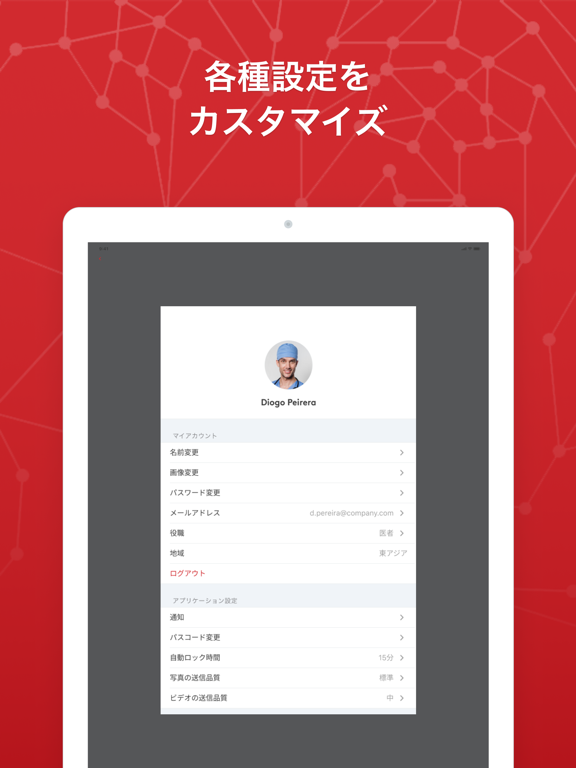
iPad screenshots

Icon palette
About this app
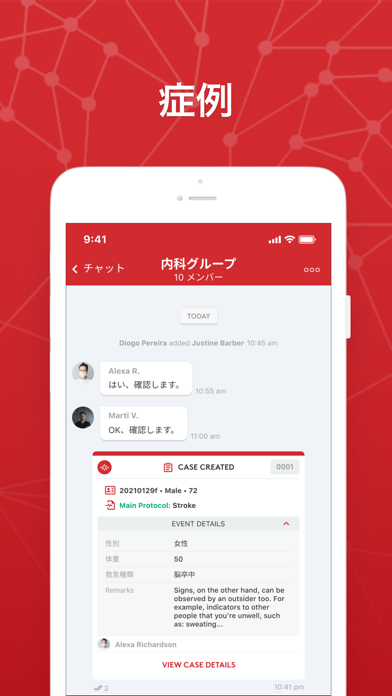
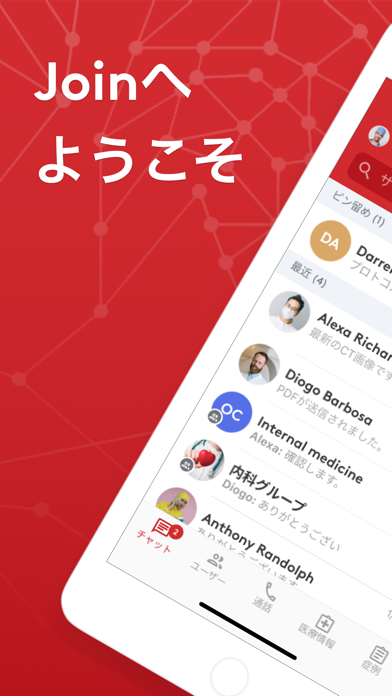
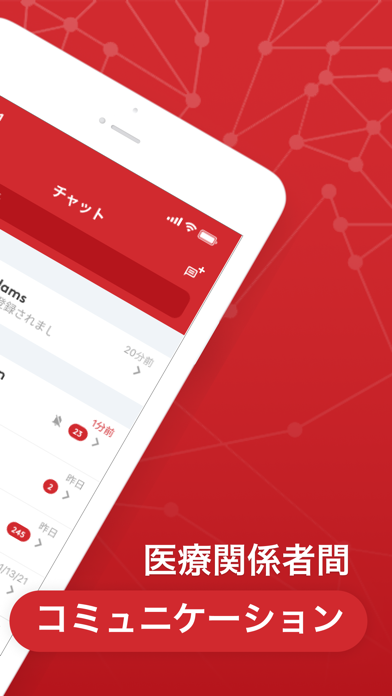
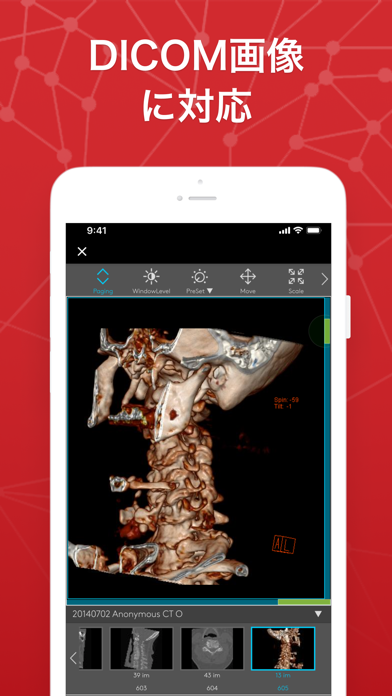
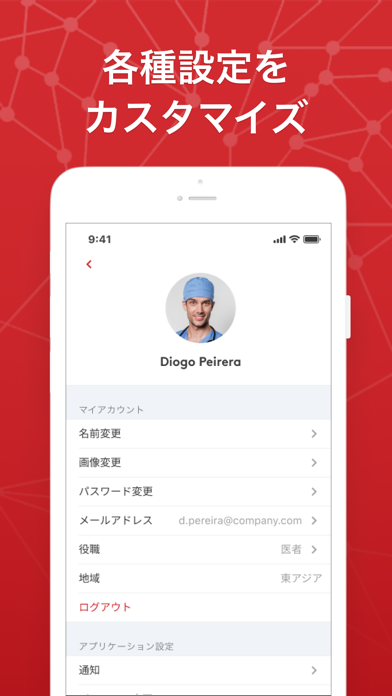
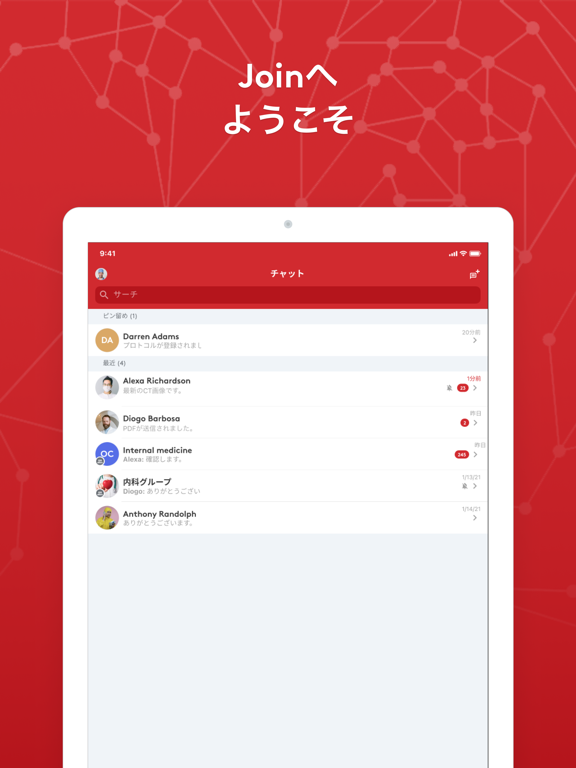
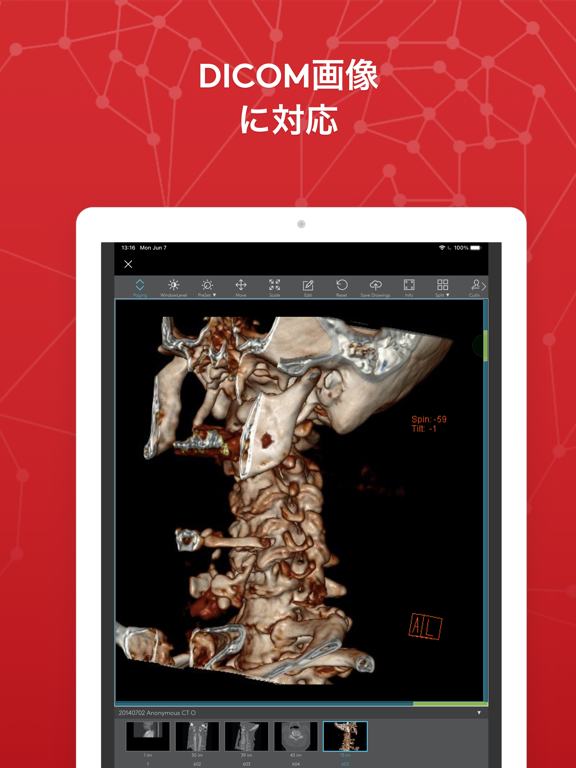
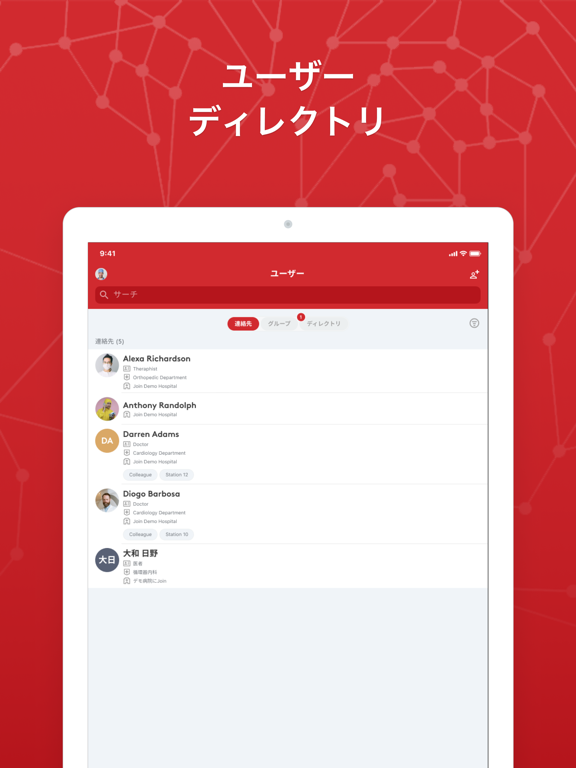
Joinは医療関係者のコミュニケーションをスムーズにするためのアプリです。 高度なセキュリティで安心して病院内外での情報共有が可能です。 標準搭載されたDICOMビューワーにより、MRI・CTなどの医用画像を閲覧・共有できます。 PACSや電子カルテ(※)などの院内システムと簡単に連携ができ、電子健康記録(※)、診断画像、検査データおよび処方箋(※)を表示・共有できます。 院内の多職種連携や施設間連携において、症例相談・患者紹介が容易になり、緊急時には救急搬送プロセスの効率化に繋がります。 (※)オプション機能になります(現時点では特定の電子カルテのみ利用可能) Joinは「医薬品医療機器等法」における医療機器プログラムとして認証されました。日本国内では、医療機器プログラムとして初めて保険診療の適用が認められています。 国内のみならず、FDA(米国)、CE(ヨーロッパ経済圏)、およびANVISA(ブラジル)認証を取得しています。 機能 - PACS(画像保存通信システム)などの院内システム連携 - 1対1 チャット、グループチャット(医療系スタンプ…
App details
What you can learn from Join
Every shipping app on the App Store has gone through the same decisions you're working through right now: which screenshot goes first, what caption sits over it, which device frame to show, what color the background should be. The 11 screenshots above are Join's answers to those questions — they're public, they're real, and they made it through Apple's review.
What the numbers say: Join runs a mixed light-and-dark set where the background shifts from screenshot to screenshot (first shot #D42C2C) — each image has to stand on its own, so the captions carry more of the story. The accent colour we picked up, #EC949C, is the one to reuse for badges, arrows and highlighted words if you borrow this look. Hit Use this style to open the editor with these exact colours and drop your own screenshot in.
Notice the first screenshot in particular. It's the one users see in search results and on the product page, and it's where most apps spend their best caption and tightest design. Look at the proportion of background to phone, where the text sits, what one thing the image is trying to communicate.
Want to see how other Medical apps approach the same problem? Browse more Medical apps in the showcase.
Take what works into your own screenshots
Open LaunchShots and design your App Store & Google Play screenshots — pick a device frame, drop captions, ship in minutes. Free, in your browser.
Open the screenshot editor →Apps with a similar look
Closest background + accent colours among the listings we've analysed — useful when you want to see the same palette handled by a different team.