Chart position — tracked daily by LaunchShots
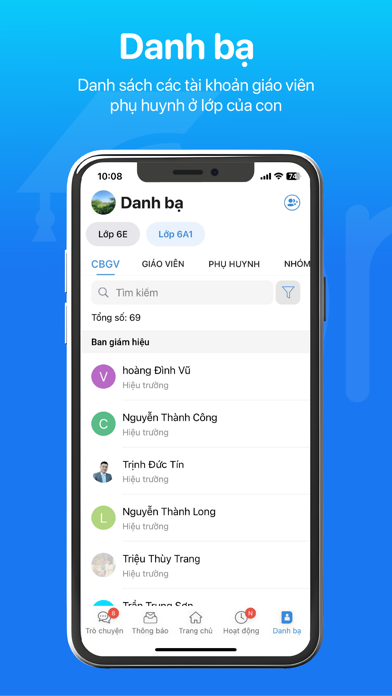
Screenshot style breakdown
Sampled from 6 of eNetViet's App Store screenshots — background, accent and theme, measured by LaunchShots (not something Apple publishes).
#1C74F4 bg
#3B87F5
#9CCCFC accent
#FFFFFF text
Screenshots



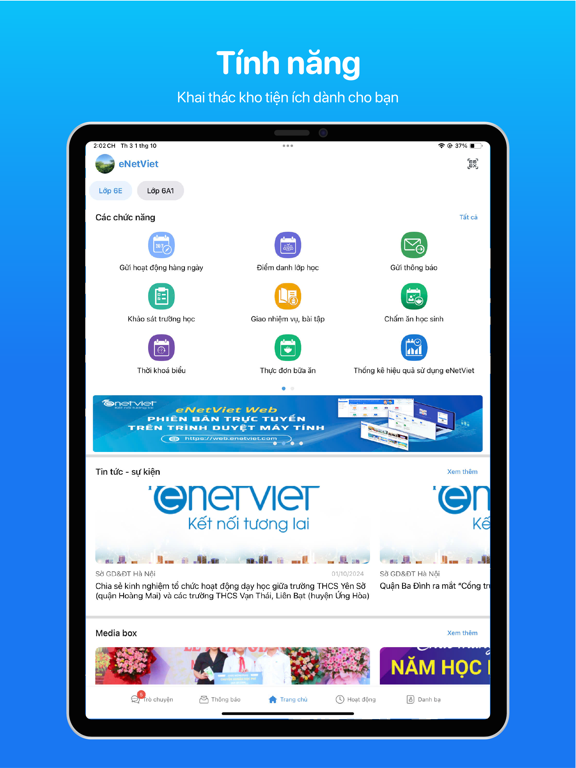
iPad screenshots


Icon palette
About this app
eNetViet là ứng dụng trực tuyến kết nối Gia đình và Nhà trường, hỗ trợ công tác truyền thông, điều hành của Sở GD&ĐT, Phòng GD&ĐT, Ban giám hiệu nhà trường và công tác chuyên môn của Cán bộ giáo viên trong các trường học eNetViet là phiên bản mobile của phần mềm Quản lý trường học - đáp ứng cho các đối tượng: Cán bộ quản lý, Giáo viên, Phụ huynh mở các cấp học: từ Mầm non đến Phổ thông. Để sử dụng được sản phẩm này, giáo viên, phụ huynh của nhà trường phải đang sử dụng phần mềm quản lý trường học của Công ty cung cấp. Khi đó Nhà trường sẽ cấp cho mỗi giáo viên, phụ huynh một tài khoản để theo dõi thông tin của con mình. Ứng dụng eNetViet cung cấp các thông tin: 1. Dành cho Cán bộ quản lý: - Tra cứu Danh bạ trực tuyến. - Gửi / Nhận thông báo, thông tin điều hành. - Gửi / Nhận, Tra cứu theo thời gian thực các báo cáo, số liệu thống kê phục vụ công tác quản lý. - Điểm danh trực tuyến tại…
App details
What you can learn from eNetViet
Every shipping app on the App Store has gone through the same decisions you're working through right now: which screenshot goes first, what caption sits over it, which device frame to show, what color the background should be. The 12 screenshots above are eNetViet's answers to those questions — they're public, they're real, and they made it through Apple's review.
What the numbers say: eNetViet runs a dark set with one background colour (#1C74F4) carried across every screenshot — the listing reads as a single poster when the shots sit side by side in search results. The accent colour we picked up, #9CCCFC, is the one to reuse for badges, arrows and highlighted words if you borrow this look. Hit Use this style to open the editor with these exact colours and drop your own screenshot in.
Notice the first screenshot in particular. It's the one users see in search results and on the product page, and it's where most apps spend their best caption and tightest design. Look at the proportion of background to phone, where the text sits, what one thing the image is trying to communicate.
Want to see how other Education apps approach the same problem? Browse more Education apps in the showcase.
Take what works into your own screenshots
Open LaunchShots and design your App Store & Google Play screenshots — pick a device frame, drop captions, ship in minutes. Free, in your browser.
Open the screenshot editor →Apps with a similar look
Closest background + accent colours among the listings we've analysed — useful when you want to see the same palette handled by a different team.