Screenshots
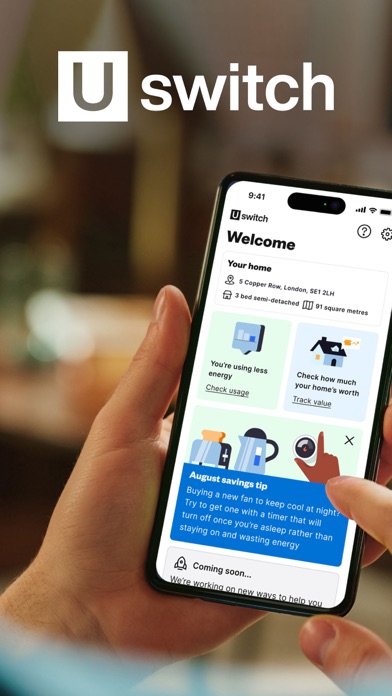
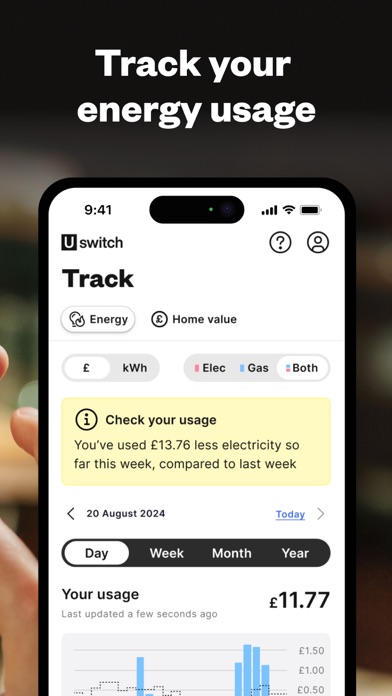

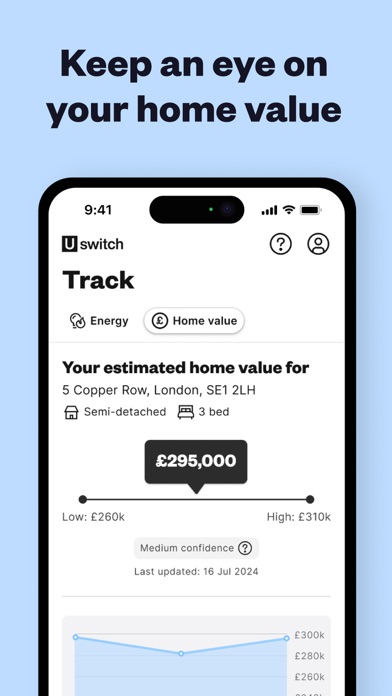
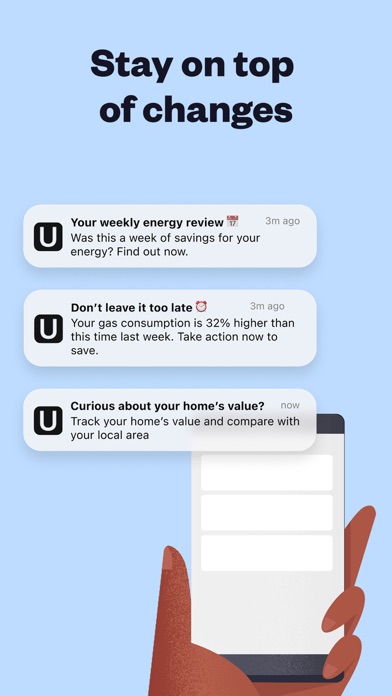
iPad screenshots




Icon palette
About this app
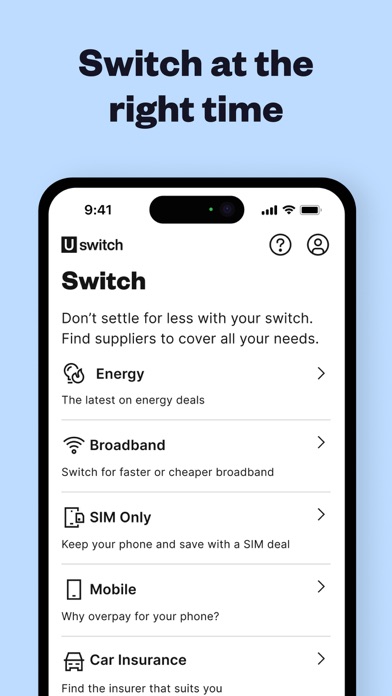
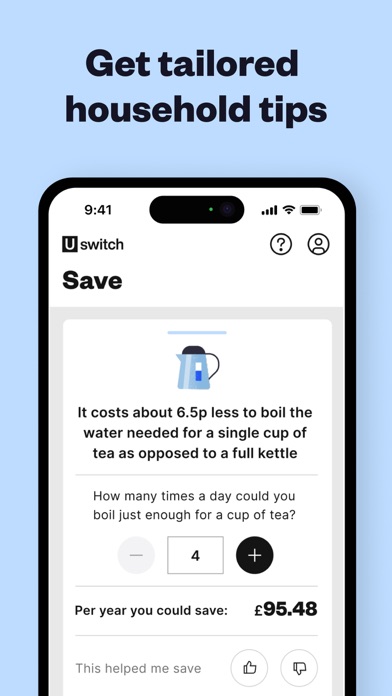
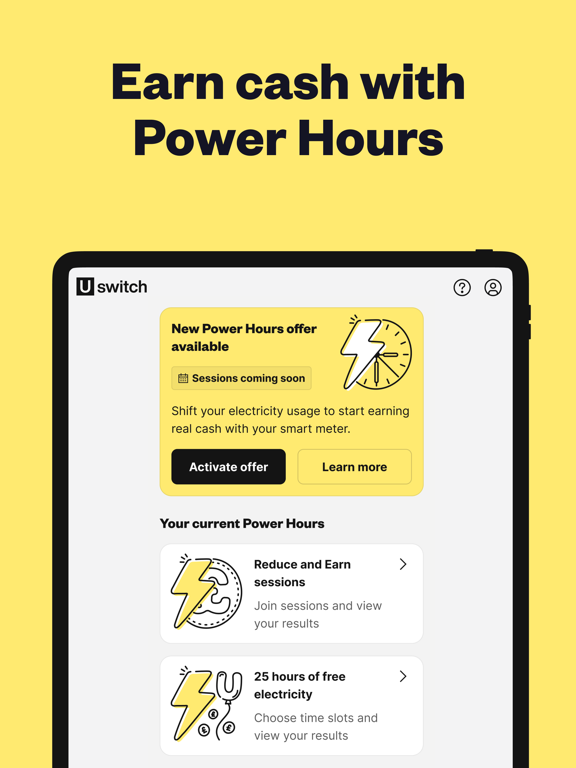
Make yourself at home with the Uswitch app. Now you can track, save, earn real cash and make smarter choices for your home and bills – all in one place. KEY FEATURES Track your energy usage Earn cash with Power Hours Stay on top of changes with alerts Switch to a better deal, on the go Get tailored household tips TRACK Watch your daily energy usage with fast updates straight from your smart meter Get alerted about any unusual energy activity around your home See your mobile data usage and make sure you’re not overpaying for your service EARN Amp up your earnings with Power Hours, our rewarding scheme with seasonal offers like free electricity when you connect your smart meter Earn cash and help balance the energy grid by taking part in Reduce and Earn sessions to earn for lowering your energy usage at peak times Take home 100% of your earnings, unlike other similar schem…
App details
What you can learn from Uswitch
Every shipping app on the App Store has gone through the same decisions you're working through right now: which screenshot goes first, what caption sits over it, which device frame to show, what color the background should be. The 14 screenshots above are Uswitch's answers to those questions — they're public, they're real, and they made it through Apple's review.
Notice the first screenshot in particular. It's the one users see in search results and on the product page, and it's where most apps spend their best caption and tightest design. Look at the proportion of background to phone, where the text sits, what one thing the image is trying to communicate.
Want to see how other Utilities apps approach the same problem? Browse more Utilities apps in the showcase.
Take what works into your own screenshots
Open LaunchShots and design your App Store & Google Play screenshots — pick a device frame, drop captions, ship in minutes. Free, in your browser.
Open the screenshot editor →