Screenshots
iPad screenshots


Icon palette
About this app
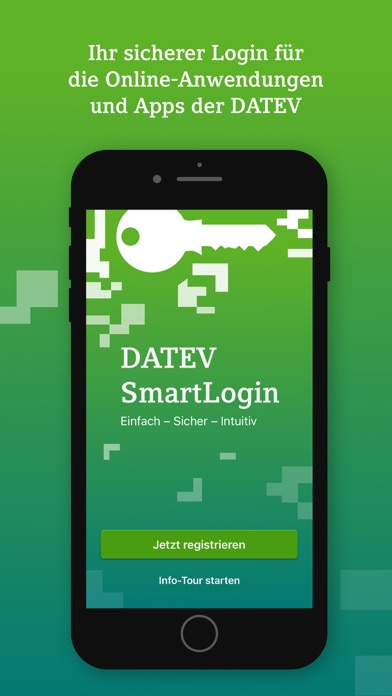
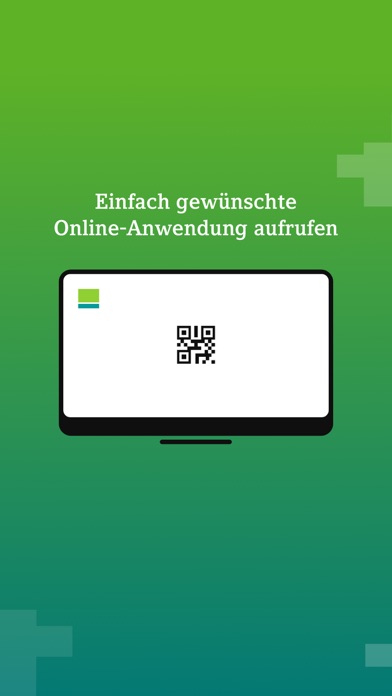
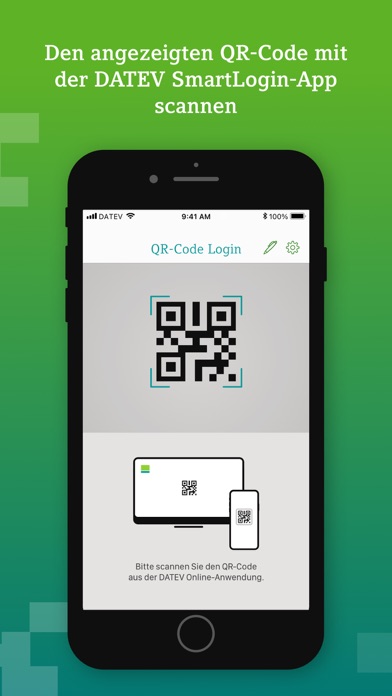
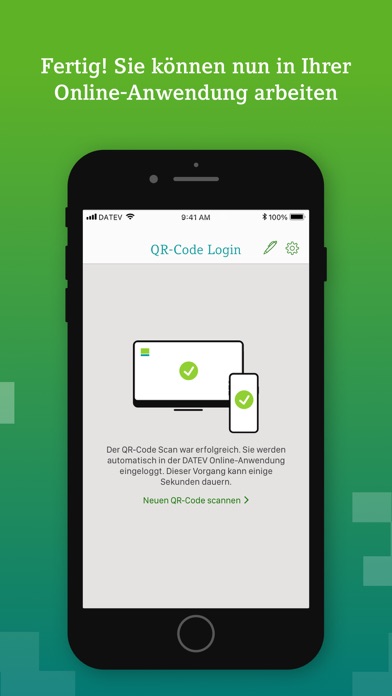
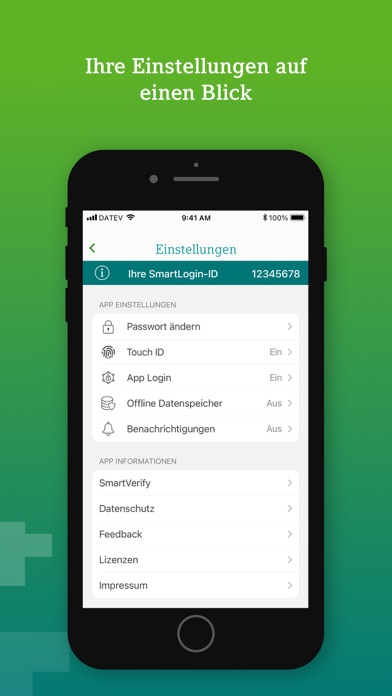
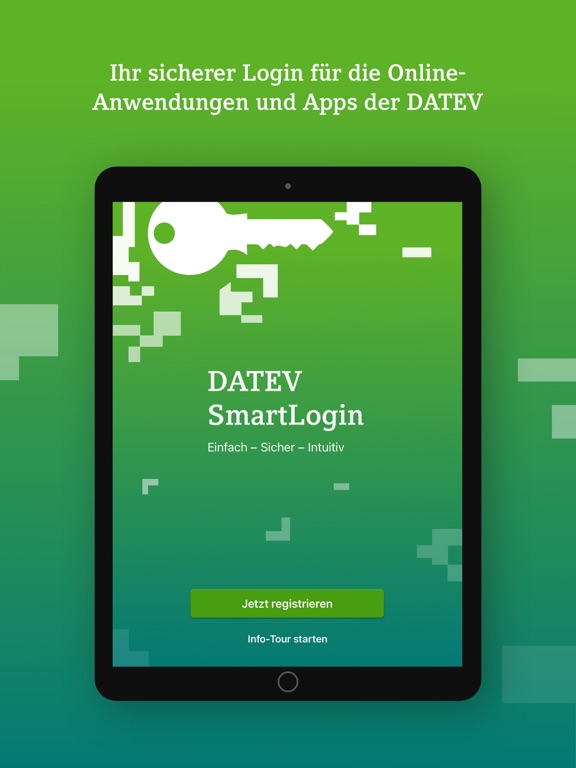
Einfach - Sicher - Intuitiv DATEV SmartLogin ist der Schlüssel zu Ihren vertraulichen Daten in der DATEV Online-Welt. Scannen Sie bei der Anmeldung in den DATEV Online-Anwendungen einfach den QR-Code mit Ihrer SmartLogin App ab und schon sind Sie angemeldet. Durch ein Passwort schützen Sie Ihre SmartLogin-App vor unerlaubter Benutzung durch Dritte schon beim App-Start. DATEV SmartLogin steht allen DATEV-Anwendern als Authentisierungsmedium kostenfrei zur Verfügung. Nähere Informationen dazu finden Sie auf unserer Website: https://www.datev.de/smartlogin Die Verwendung der DATEV SmartLogin-App auf einem jailbroken iOS-Device ist verboten! Wichtiger Hinweis: Um schon den Versuch eines Betrugs ("Phishing") von vornherein auszuschließen, beachten Sie: • Geben Sie Ihr Passwort stets nur in der DATEV SmartLogin-App auf Ihrem Smartphone ein. DATEV wird Sie nie auffordern, Ihr Passwort …
App details
What you can learn from DATEV SmartLogin
Every shipping app on the App Store has gone through the same decisions you're working through right now: which screenshot goes first, what caption sits over it, which device frame to show, what color the background should be. The 10 screenshots above are DATEV SmartLogin's answers to those questions — they're public, they're real, and they made it through Apple's review.
Notice the first screenshot in particular. It's the one users see in search results and on the product page, and it's where most apps spend their best caption and tightest design. Look at the proportion of background to phone, where the text sits, what one thing the image is trying to communicate.
Want to see how other Productivity apps approach the same problem? Browse more Productivity apps in the showcase.
Take what works into your own screenshots
Open LaunchShots and design your App Store & Google Play screenshots — pick a device frame, drop captions, ship in minutes. Free, in your browser.
Open the screenshot editor →