Chart position — tracked daily by LaunchShots
Screenshot style breakdown
Sampled from 4 of Dental Monitoring's App Store screenshots — background, accent and theme, measured by LaunchShots (not something Apple publishes).
#045464 bg
#276B79
#1CBCDC accent
#FFFFFF text
Screenshots
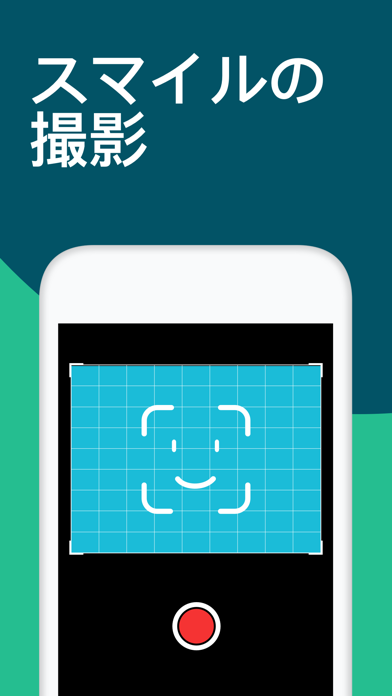
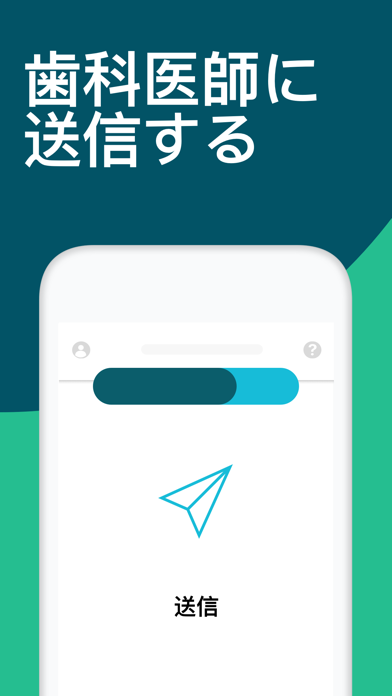
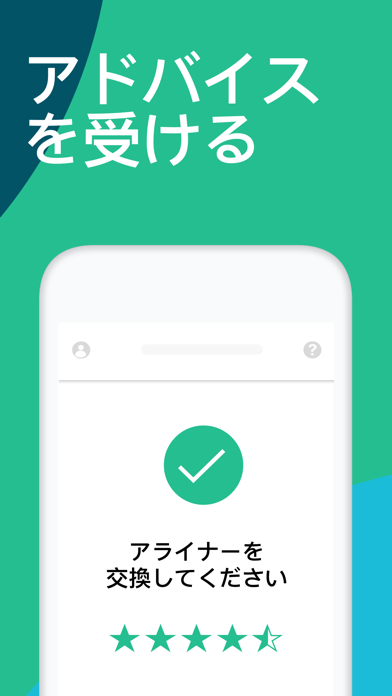
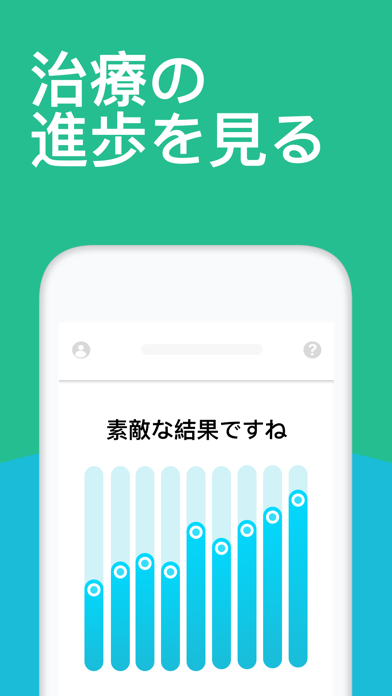
Icon palette
About this app
注意:デンタルモニタリングは矯正歯科医師の監視のもとでご利用いただくアプリです。ご使用するには主治医の矯正歯科医師から受け取る「患者専用のアクセスコード」が必要です。デンタルモニタリング・アプリにはオフラインで視聴いただける「歯の正しい撮影方法の説明ビデオ」が付いています。 デンタルモニタリング・アプリをご利用の際、主治医の矯正歯科医師から提供された専用の開口器が必要です。 デンタルモニタリングは矯正歯科治療や一般の歯科治療における史上初の新技術を駆使した最新の治療サポートシステムです。 デンタルモニタリングの監視システムは、歯の印象の3Dスキャンをベースにして、スマホで患者が定期的に撮影した歯並びの写真から正確な歯の動きや咬合の変化を割り出し、これまでにない効果的な歯科治療を提供します。 患者にとって、デンタルモニタリングはスマホを使った遠隔での初の歯矯正治療の監視システムです。 - 操作は簡単!誰でもすぐに使えるアプリです。 - 治療経過をひと目でチェック!最先端技術を駆使した3Dマッチ…
App details
What you can learn from Dental Monitoring
Every shipping app on the App Store has gone through the same decisions you're working through right now: which screenshot goes first, what caption sits over it, which device frame to show, what color the background should be. The 4 screenshots above are Dental Monitoring's answers to those questions — they're public, they're real, and they made it through Apple's review.
What the numbers say: Dental Monitoring runs a mixed light-and-dark set where the background shifts from screenshot to screenshot (first shot #045464) — each image has to stand on its own, so the captions carry more of the story. The accent colour we picked up, #1CBCDC, is the one to reuse for badges, arrows and highlighted words if you borrow this look. Hit Use this style to open the editor with these exact colours and drop your own screenshot in.
Notice the first screenshot in particular. It's the one users see in search results and on the product page, and it's where most apps spend their best caption and tightest design. Look at the proportion of background to phone, where the text sits, what one thing the image is trying to communicate.
Want to see how other Medical apps approach the same problem? Browse more Medical apps in the showcase.
Take what works into your own screenshots
Open LaunchShots and design your App Store & Google Play screenshots — pick a device frame, drop captions, ship in minutes. Free, in your browser.
Open the screenshot editor →Apps with a similar look
Closest background + accent colours among the listings we've analysed — useful when you want to see the same palette handled by a different team.