Chart position — tracked daily by LaunchShots
Screenshot style breakdown
Sampled from 5 of 赞美诗(新编)'s App Store screenshots — background, accent and theme, measured by LaunchShots (not something Apple publishes).
#D46CA4 bg
#DA80B0
#7C1C8C accent
#FFFFFF text
Screenshots



iPad screenshots

Icon palette
About this app
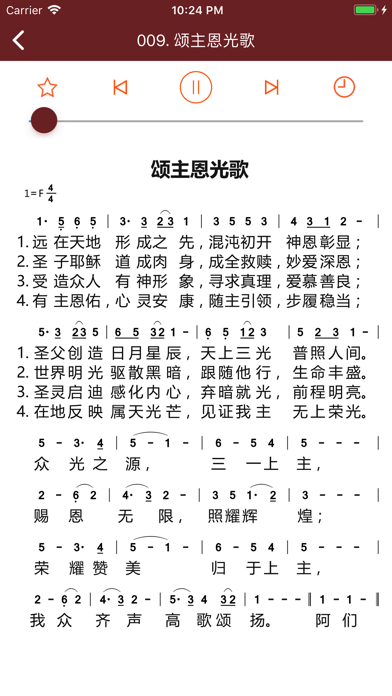
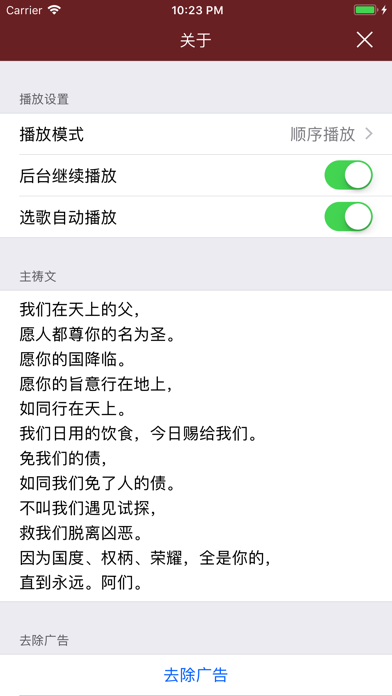
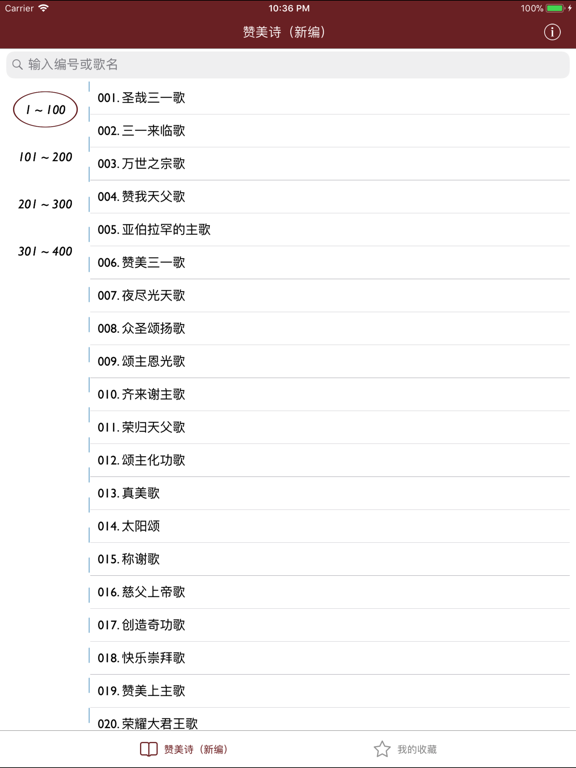
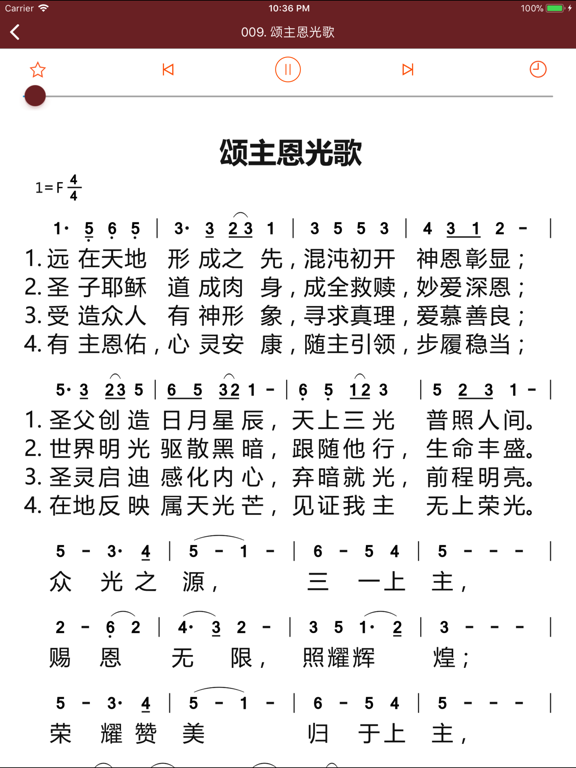
基督徒在日常灵修和聚会礼拜中,《圣经》和《赞美诗》都是不可或缺的。本应用包含《赞美诗(新编)》全部400首(另附短歌42首),歌曲均已集成在内,自带简谱,支持关键字搜索,希望能对弟兄姊妹们有所帮助。 主要特色: - 集成全部442首赞美诗 - 歌谱采用简谱格式,排版完全参照《赞美诗(新编)》实体书 - 支持夜间模式 如有任何问题或建议请在App Store里评论留言,或者发信至作者邮箱flyico@163.com,作者会继续完善的^ ^
App details
What you can learn from 赞美诗(新编)
Every shipping app on the App Store has gone through the same decisions you're working through right now: which screenshot goes first, what caption sits over it, which device frame to show, what color the background should be. The 8 screenshots above are 赞美诗(新编)'s answers to those questions — they're public, they're real, and they made it through Apple's review.
What the numbers say: 赞美诗(新编) runs a mixed light-and-dark set where the background shifts from screenshot to screenshot (first shot #D46CA4) — each image has to stand on its own, so the captions carry more of the story. The accent colour we picked up, #7C1C8C, is the one to reuse for badges, arrows and highlighted words if you borrow this look. Hit Use this style to open the editor with these exact colours and drop your own screenshot in.
Notice the first screenshot in particular. It's the one users see in search results and on the product page, and it's where most apps spend their best caption and tightest design. Look at the proportion of background to phone, where the text sits, what one thing the image is trying to communicate.
Want to see how other Book apps approach the same problem? Browse more Book apps in the showcase.
Take what works into your own screenshots
Open LaunchShots and design your App Store & Google Play screenshots — pick a device frame, drop captions, ship in minutes. Free, in your browser.
Open the screenshot editor →Apps with a similar look
Closest background + accent colours among the listings we've analysed — useful when you want to see the same palette handled by a different team.