Chart position — tracked daily by LaunchShots
Screenshot style breakdown
Sampled from 6 of Kablo Mobil's App Store screenshots — background, accent and theme, measured by LaunchShots (not something Apple publishes).
#FCFCFC bg
#DDDDDD
#3C9CD4 accent
#111111 text
Screenshots

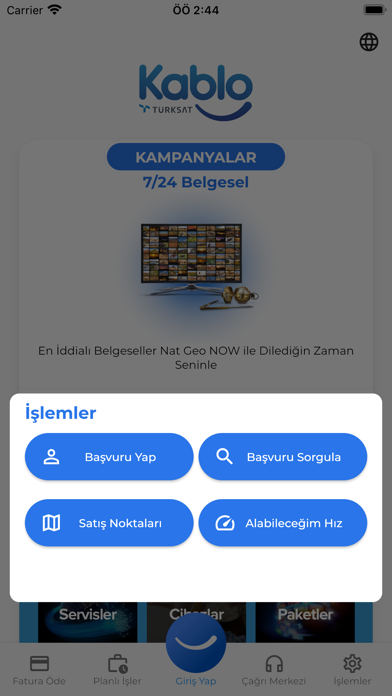


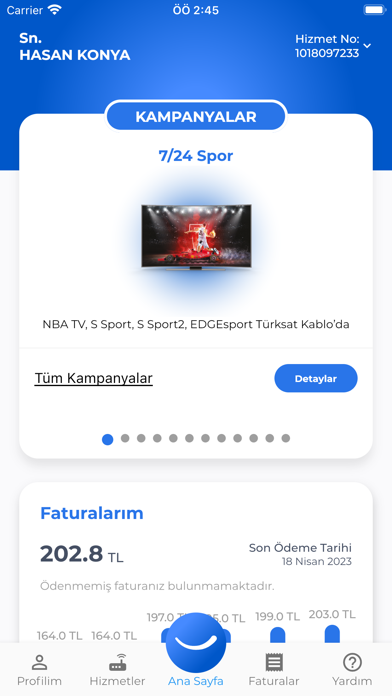

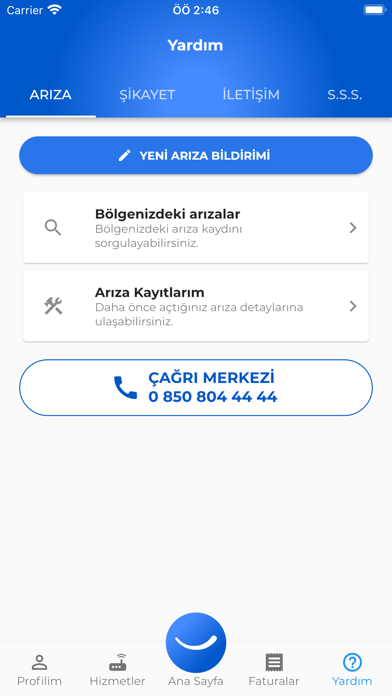
iPad screenshots


Icon palette
About this app
Türksat Kablo Mobil işlem merkezi ile Türksat Kablo Hizmetleri online işlemler web sitesi olan online.turksatkablo.com.tr adresinden kullanabileceğiniz pek çok hizmetten mobil olarak da faydalanabilirsiniz. Uygulamayı kullanabilmek için Türksat Online İşlemler Şifresi sahibi olmalısınız. Türksat Online İşlemler Şifrenizi online.turksatkablo.com.tr adresinden veya 4440126 no’lu çağrı merkezimizden temin edebilirsiniz. SUNDUĞUMUZ HİZMETLER Kullanıcı İşlemleri - Bilgi Güncelleme - Bildirim Tercihleri - Veri İşleme İzni - Şifre Değiştirme Fatura İşlemleri - Anlık Borç - E-Fatura - Fatura Sorgulama - Fatura Ödeme Hizmet İşlemleri - Mevcut Hizmetler - Hizmet Satın Al - Detaylı Fatura Durumu - Kampanya Bilgileri - Kota Takip Yardım - İletişim Bilgileri - Arıza Bildirimi & Bölgesel Arızalar & Arıza Kayıtları - Sık Sorulan Sorular
App details
What you can learn from Kablo Mobil
Every shipping app on the App Store has gone through the same decisions you're working through right now: which screenshot goes first, what caption sits over it, which device frame to show, what color the background should be. The 15 screenshots above are Kablo Mobil's answers to those questions — they're public, they're real, and they made it through Apple's review.
What the numbers say: Kablo Mobil runs a mixed light-and-dark set where the background shifts from screenshot to screenshot (first shot #FCFCFC) — each image has to stand on its own, so the captions carry more of the story. The accent colour we picked up, #3C9CD4, is the one to reuse for badges, arrows and highlighted words if you borrow this look. Hit Use this style to open the editor with these exact colours and drop your own screenshot in.
Notice the first screenshot in particular. It's the one users see in search results and on the product page, and it's where most apps spend their best caption and tightest design. Look at the proportion of background to phone, where the text sits, what one thing the image is trying to communicate.
Want to see how other Utilities apps approach the same problem? Browse more Utilities apps in the showcase.
Take what works into your own screenshots
Open LaunchShots and design your App Store & Google Play screenshots — pick a device frame, drop captions, ship in minutes. Free, in your browser.
Open the screenshot editor →Apps with a similar look
Closest background + accent colours among the listings we've analysed — useful when you want to see the same palette handled by a different team.