Chart position — tracked daily by LaunchShots
Screenshot changes — detected by LaunchShots
Screenshot style breakdown
Sampled from 6 of HERE WeGo Karten & Navigation's App Store screenshots — background, accent and theme, measured by LaunchShots (not something Apple publishes).
#4CD4D4 bg
#42BABA
#FC8494 accent
#111111 text
Reading the caption text from the screenshots in your browser…
Screenshots
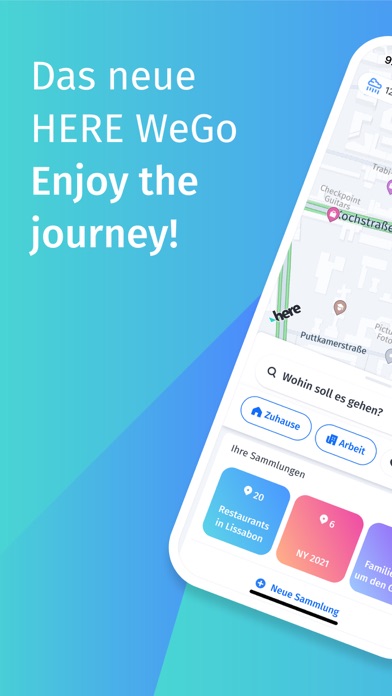

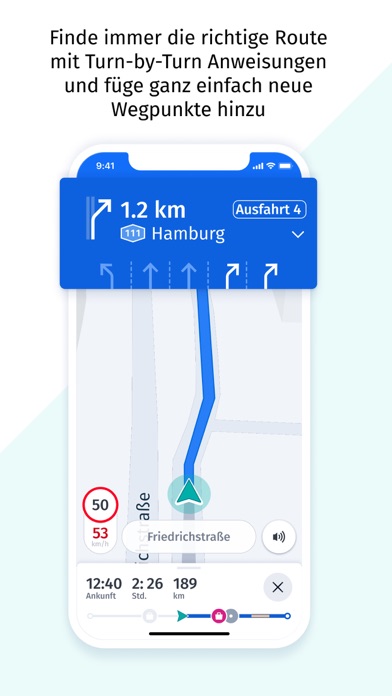

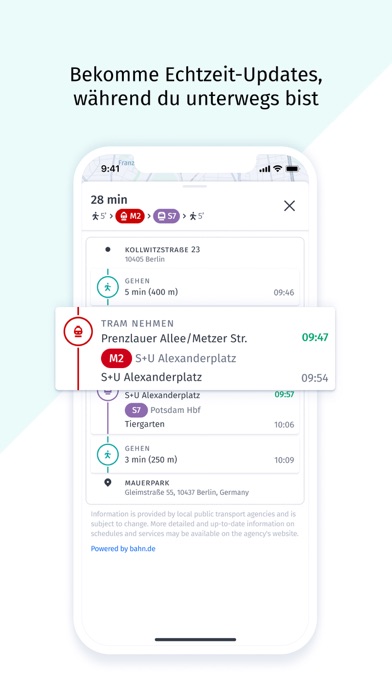


iPad screenshots

Icon palette
About this app
Willkommen beim neuen HERE WeGo! HERE WeGo ist eine kostenfreie Navigations-App für die Fortbewegung in vertrauten Umgebungen und auf Reisen. Die App zeichnet sich durch ein frisches Design sowie eine leicht verständliche und benutzerfreundliche Navigation aus. Genießen Sie eine stressfreie Reise und kommen Sie ganz bequem am Ziel an – ganz gleich, mit welchem Fortbewegungsmittel. Zu Fuß führen Sie leicht verständliche Navigationsanweisungen für Fußgänger an Ihr Ziel. Nutzen Sie in mehr als 1.900 Städten weltweit die öffentlichen Verkehrsmittel. Oder nehmen Sie das Auto und profitieren Sie von genauen Navigationsanweisungen und Turn-by-Turn-Navigation mit Sprachführung. Sie können sogar einen Parkplatz am Ziel suchen, um direkt dorthin navigiert zu werden. Sie suchen einige Orte regelmäßig auf? Speichern Sie die Orte in einer Sammlung, um den Überblick zu behalten und ganz einfach da…
App details
What you can learn from HERE WeGo Karten & Navigation
Every shipping app on the App Store has gone through the same decisions you're working through right now: which screenshot goes first, what caption sits over it, which device frame to show, what color the background should be. The 10 screenshots above are HERE WeGo Karten & Navigation's answers to those questions — they're public, they're real, and they made it through Apple's review.
What the numbers say: HERE WeGo Karten & Navigation runs a mixed light-and-dark set where the background shifts from screenshot to screenshot (first shot #4CD4D4) — each image has to stand on its own, so the captions carry more of the story. The accent colour we picked up, #FC8494, is the one to reuse for badges, arrows and highlighted words if you borrow this look. Hit Use this style to open the editor with these exact colours and drop your own screenshot in.
Notice the first screenshot in particular. It's the one users see in search results and on the product page, and it's where most apps spend their best caption and tightest design. Look at the proportion of background to phone, where the text sits, what one thing the image is trying to communicate.
Want to see how other Navigation apps approach the same problem? Browse more Navigation apps in the showcase.
Take what works into your own screenshots
Open LaunchShots and design your App Store & Google Play screenshots — pick a device frame, drop captions, ship in minutes. Free, in your browser.
Open the screenshot editor →Apps with a similar look
Closest background + accent colours among the listings we've analysed — useful when you want to see the same palette handled by a different team.