Screenshot style breakdown
Sampled from 6 of Focus To-Do: ポモドーロ技術 & タスク管理's App Store screenshots — background, accent and theme, measured by LaunchShots (not something Apple publishes).
#FCFCFC bg
#DDDDDD
#444C7C accent
#111111 text
Screenshots

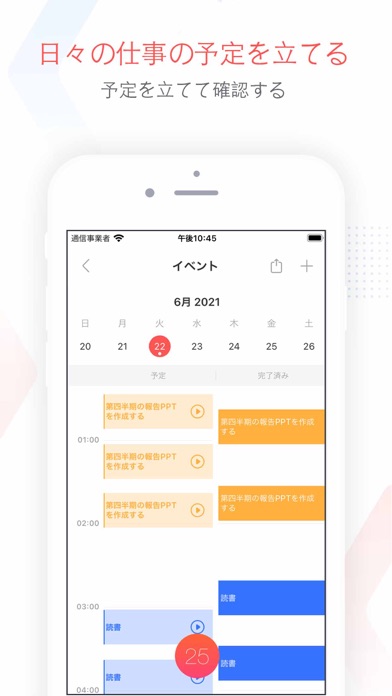
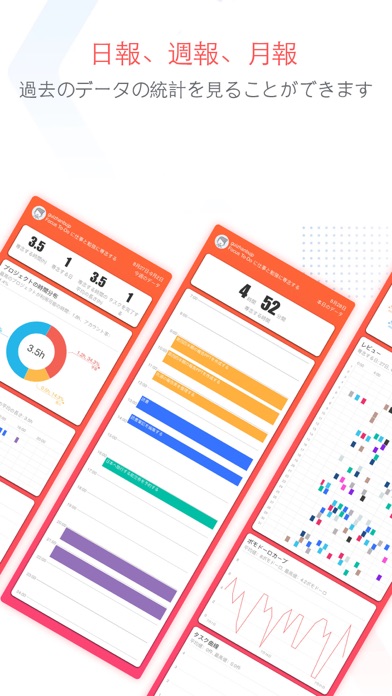
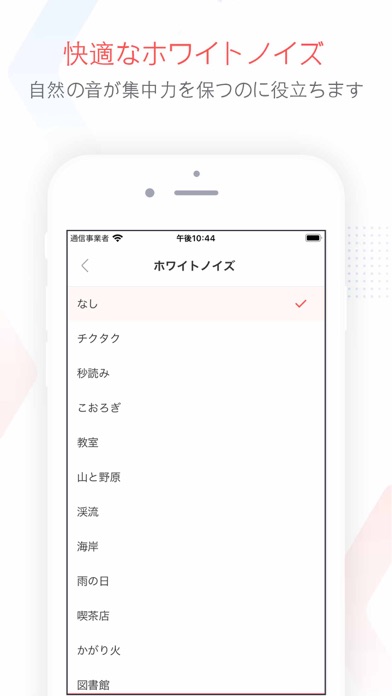
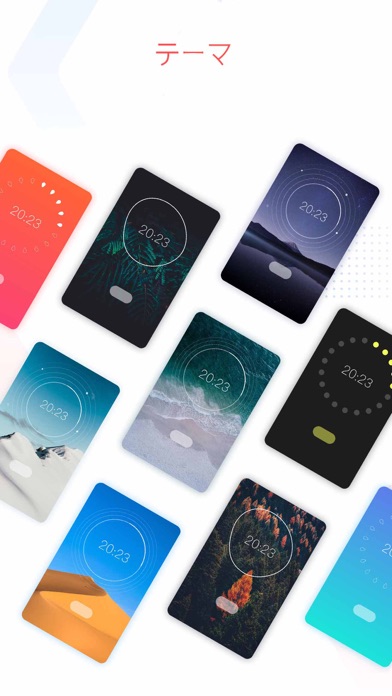
iPad screenshots



Icon palette
About this app
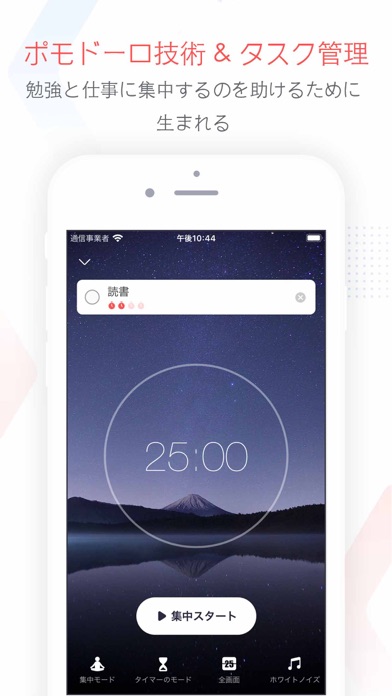
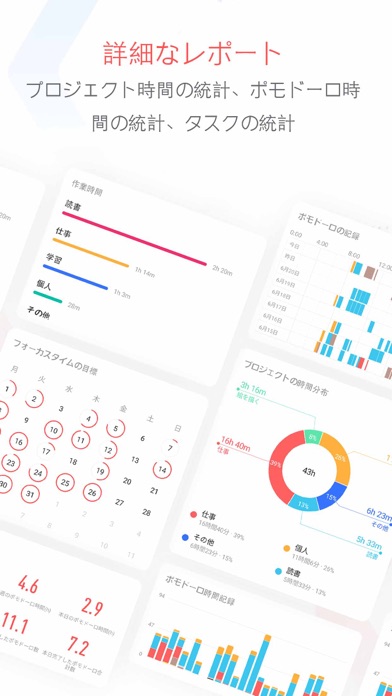
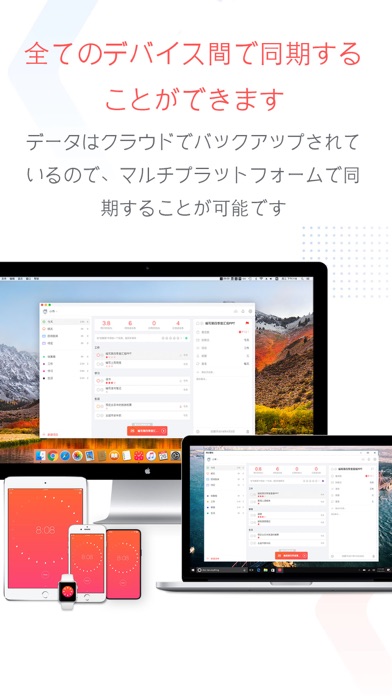
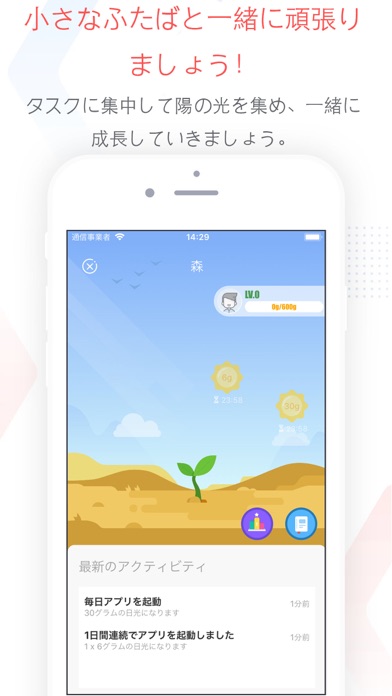
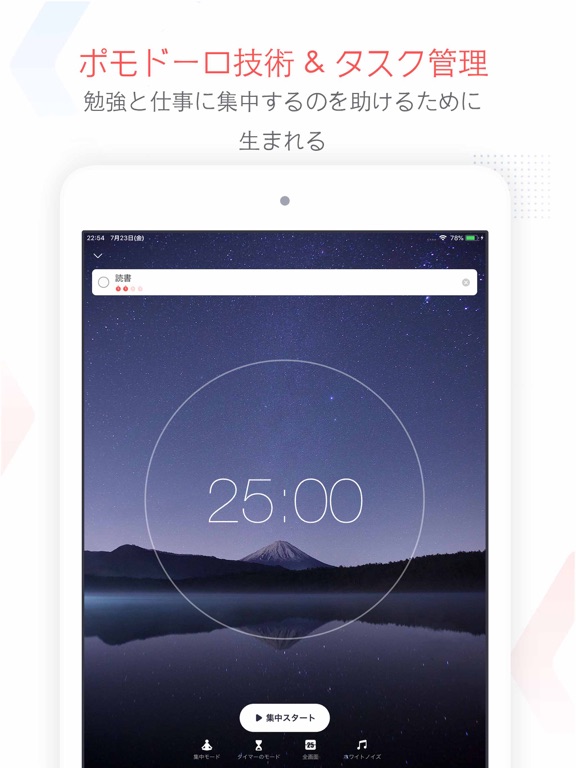
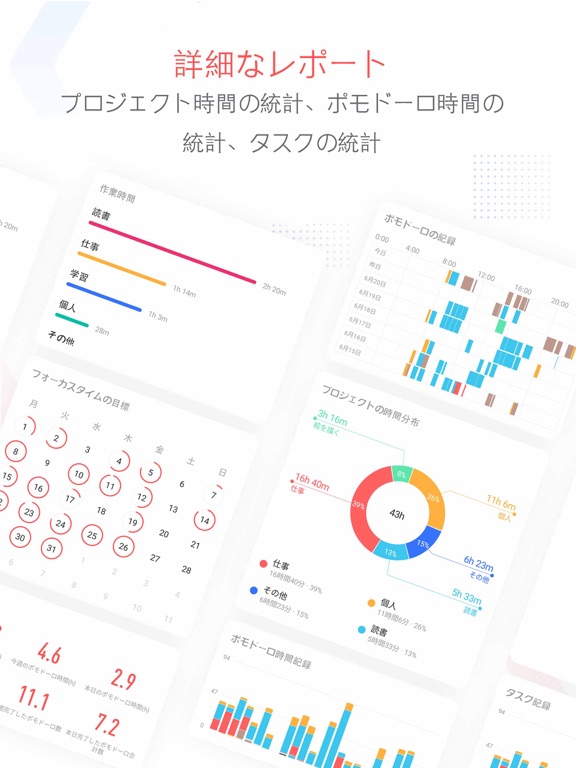
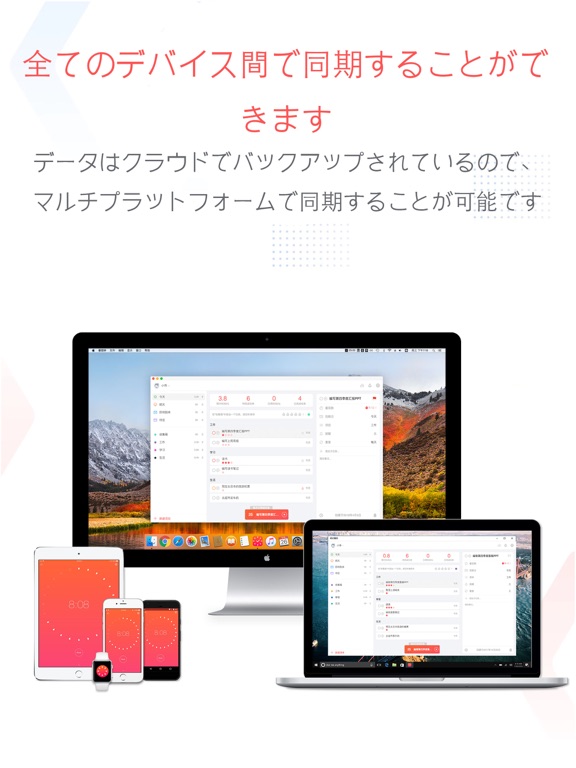
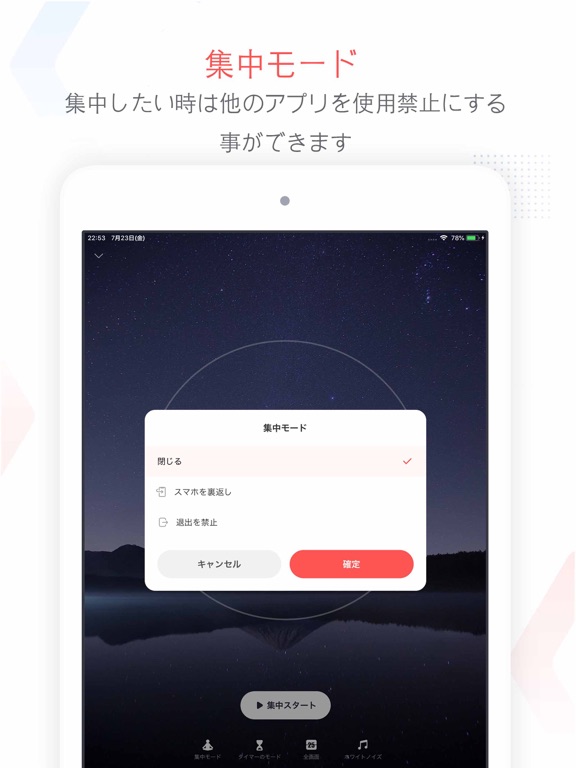
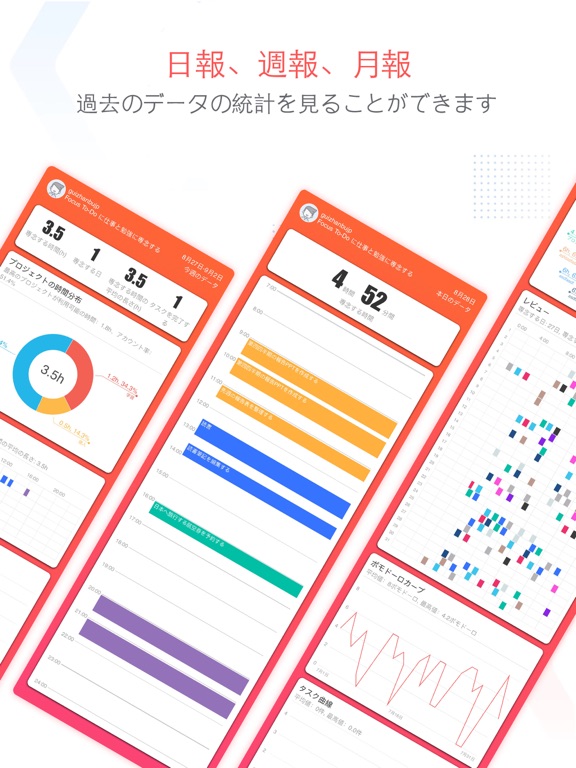
Focus To-Doは、ポモドーロタイマーとタスク管理を組み合わせたアプリです。ポモドーロタイマーは集中力持続に関する科学的根拠に基づいており、集中力を効率よく維持してタスクを行うことができます。 Focus To-Doは、ポモドーロテクニックとTo Do Listを1つに統合したアプリです。To Do Listへのタスクの設定と整理を行うことができ、フォーカスタイマーを用いて仕事や勉強に集中することができます。 また、重要なタスクや用事などにリマインダーを設定して通知することや、タスクに費やした時間記録を統計的にトラッキングすることが可能です。 タスク、リマインダー、リスト、カレンダーイベント、食料品リスト、チェックリストなどが管理できる究極のアプリです。 Focus To-Doは、スマートフォンやコンピューターなど、複数のデバイス間で同期を行うことができる為、どこからでもTo Do Listにアクセスできます。 使い方: 1.完了したいタスクを設定します。 2.ポモドーロタイマーを25分間設定し、集中して作業を開始します。 3.タイ…
App details
What you can learn from Focus To-Do: ポモドーロ技術 & タスク管理
Every shipping app on the App Store has gone through the same decisions you're working through right now: which screenshot goes first, what caption sits over it, which device frame to show, what color the background should be. The 20 screenshots above are Focus To-Do: ポモドーロ技術 & タスク管理's answers to those questions — they're public, they're real, and they made it through Apple's review.
What the numbers say: Focus To-Do: ポモドーロ技術 & タスク管理 runs a light set with one background colour (#FCFCFC) carried across every screenshot — the listing reads as a single poster when the shots sit side by side in search results. The accent colour we picked up, #444C7C, is the one to reuse for badges, arrows and highlighted words if you borrow this look. Hit Use this style to open the editor with these exact colours and drop your own screenshot in.
Notice the first screenshot in particular. It's the one users see in search results and on the product page, and it's where most apps spend their best caption and tightest design. Look at the proportion of background to phone, where the text sits, what one thing the image is trying to communicate.
Want to see how other Productivity apps approach the same problem? Browse more Productivity apps in the showcase.
Take what works into your own screenshots
Open LaunchShots and design your App Store & Google Play screenshots — pick a device frame, drop captions, ship in minutes. Free, in your browser.
Open the screenshot editor →Apps with a similar look
Closest background + accent colours among the listings we've analysed — useful when you want to see the same palette handled by a different team.