Screenshot style breakdown
Sampled from 5 of 金考典's App Store screenshots — background, accent and theme, measured by LaunchShots (not something Apple publishes).
#FCFCFC bg
#DDDDDD
#3C94F4 accent
#111111 text
Screenshots



iPad screenshots



Icon palette
About this app
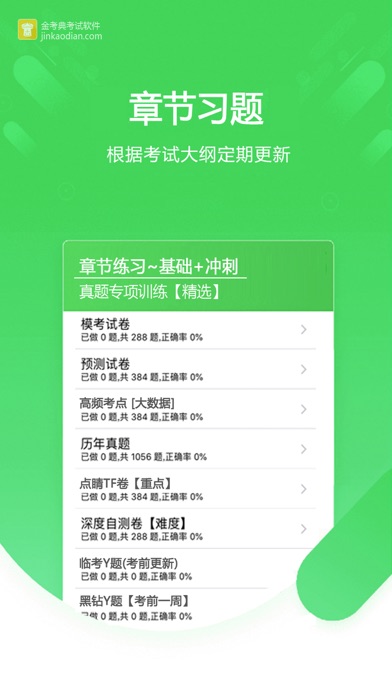
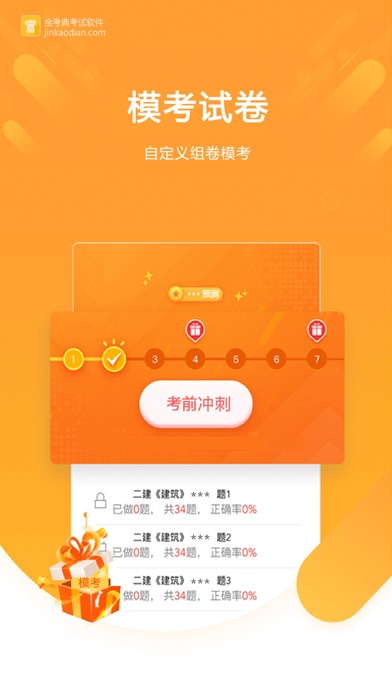
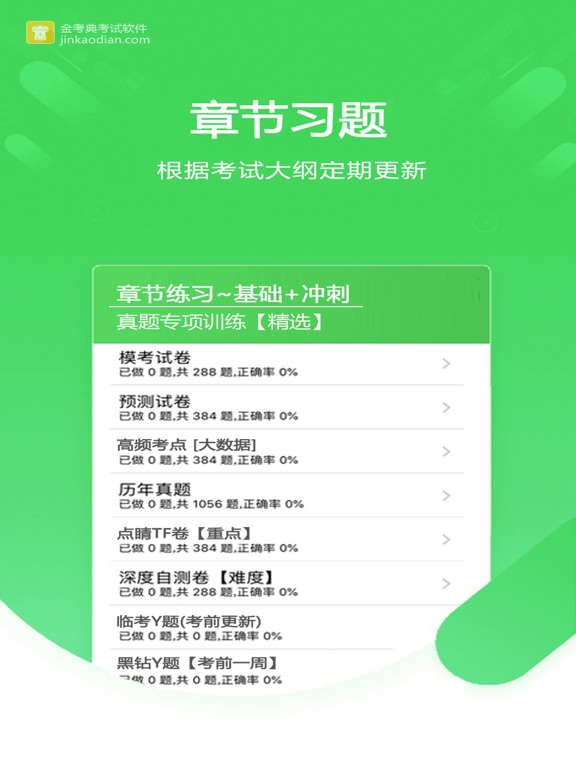
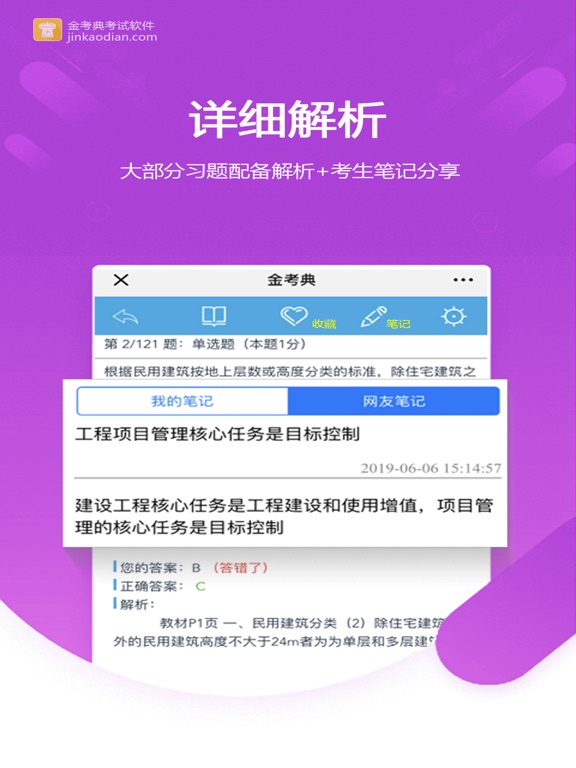
《金考典》提供适合考试新变动的题库,实时更新,帮您应对变化的考试! 功能齐全的做题系统,按照新的考试大纲编辑,有配套的章节习题(部分科目含真题章节),历年真题,预测模拟题,考前Y题,非常适合备考执业考试的小伙伴们。 包含:建筑工程,财务会计,医学卫生,财务会计,从业资格,公务员,学历类考试 【应用功能包括】 1、收藏夹:可以收藏自己的喜欢题目; 2、错题集:里面容纳了你的知识盲点; 3、互动笔记:记录自己的学习体会,也可看别的考生的笔记; 4、记忆管理:根据艾宾浩斯记忆法定制做题结构,加深你对知识点的记忆; 5、同步记录:不同手机电脑可以同步做题记录; 6、组卷模考:对您的做题、未做题、难题等练习数据分析,提供组卷模考; 执考路漫漫,且行且珍惜。 在这里,你不是一个人在战斗。
App details
What you can learn from 金考典
Every shipping app on the App Store has gone through the same decisions you're working through right now: which screenshot goes first, what caption sits over it, which device frame to show, what color the background should be. The 10 screenshots above are 金考典's answers to those questions — they're public, they're real, and they made it through Apple's review.
What the numbers say: 金考典 runs a light set where the background shifts from screenshot to screenshot (first shot #FCFCFC) — each image has to stand on its own, so the captions carry more of the story. The accent colour we picked up, #3C94F4, is the one to reuse for badges, arrows and highlighted words if you borrow this look. Hit Use this style to open the editor with these exact colours and drop your own screenshot in.
Notice the first screenshot in particular. It's the one users see in search results and on the product page, and it's where most apps spend their best caption and tightest design. Look at the proportion of background to phone, where the text sits, what one thing the image is trying to communicate.
Want to see how other Education apps approach the same problem? Browse more Education apps in the showcase.
Take what works into your own screenshots
Open LaunchShots and design your App Store & Google Play screenshots — pick a device frame, drop captions, ship in minutes. Free, in your browser.
Open the screenshot editor →Apps with a similar look
Closest background + accent colours among the listings we've analysed — useful when you want to see the same palette handled by a different team.