Chart position — tracked daily by LaunchShots
Screenshot style breakdown
Sampled from 6 of EPARKデジタル診察券 医院の検索予約や診察券・医療費管理's App Store screenshots — background, accent and theme, measured by LaunchShots (not something Apple publishes).
#04AC94 bg
#27B7A2
#7CD4CC accent
#FFFFFF text
Reading the caption text from the screenshots in your browser…
Screenshots
iPad screenshots
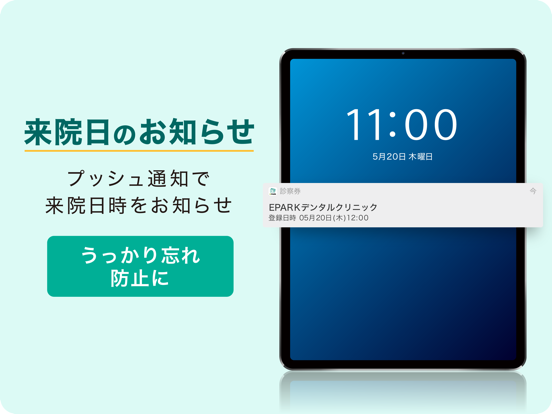
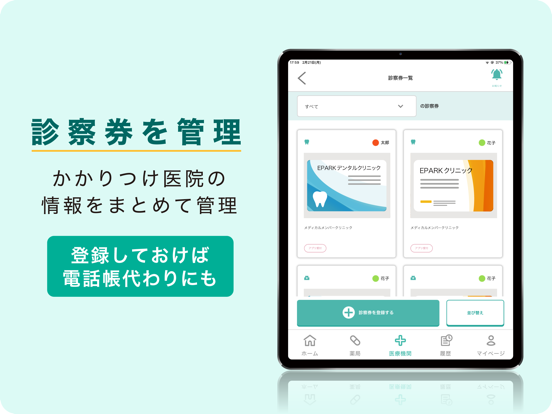

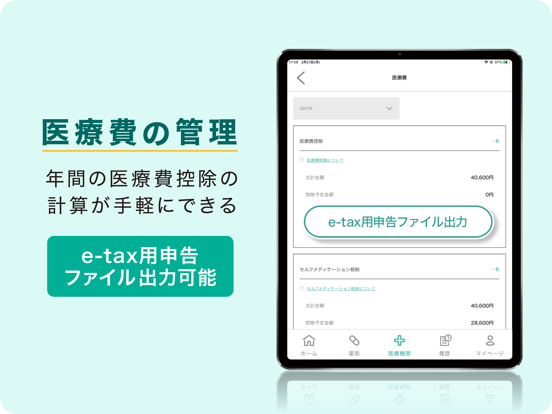
Icon palette
About this app
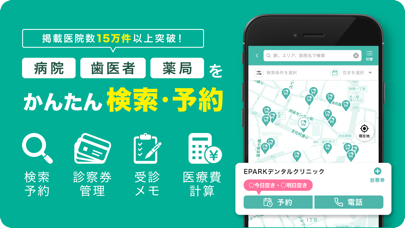
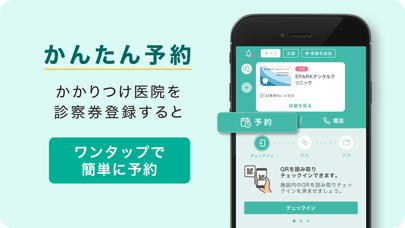
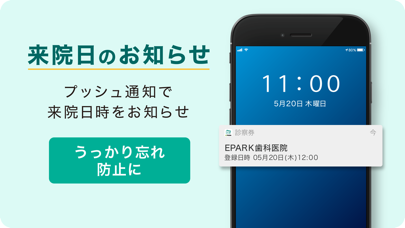
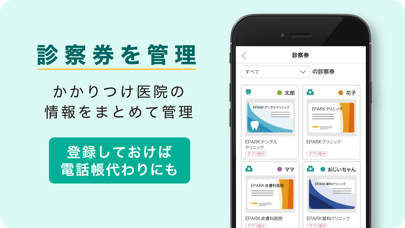
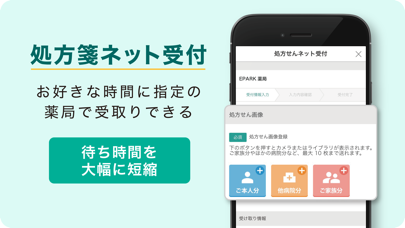
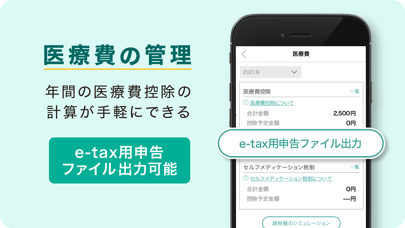
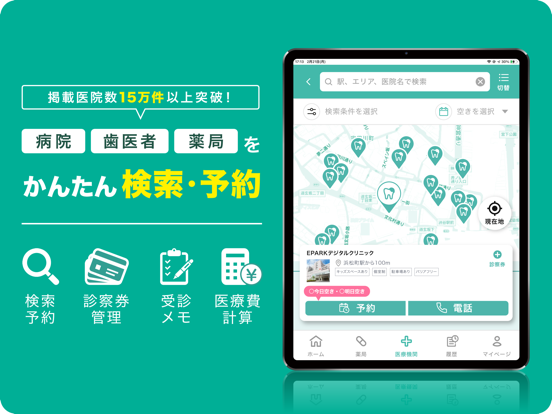
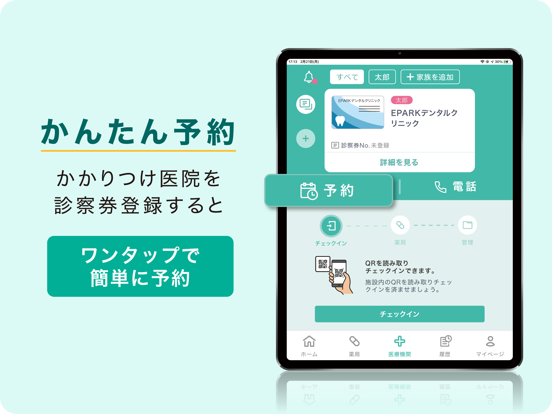
\累計200万ダウンロード突破/ 歯医者・病院の検索&医院の予約が可能。 通院日のお知らせや受診情報のメモ、さらに診察券も家族分まとめてアプリで管理。 処方せんを撮影して指定の薬局で薬の受け取り予約もできます。 ■こんな人におススメ ・何枚もある診察券をデジタルで管理したい ・病院・歯医者・薬局での院内感染が不安 ・病院・歯医者・薬局の予約を1つのアプリで管理したい ・通院・受付履歴を管理したい ・医療費の計算・管理をアプリでしたい ・赤ちゃんや子どもを診察できるか、キッズスペースがあるか気になるママ・パパ ・夜間・休日の救急医療機関を探したい ・家族の通院スケジュールを管理したい ・通院日にお知らせして欲しい ■アプリの特長 ・登録した診察券から簡単にアプリで予約受付できます ・お子さんなど家族分も一括で管理できます ・次回の予約日程や治療内容も一元管理できます ・ご自宅近くのかかりつけ薬局へ処方せん画像を送信して待たずに受付できます ・アプリで診察券受付ができます ※ご利用になれない施設もございます ■主な…
App details
What you can learn from EPARKデジタル診察券 医院の検索予約や診察券・医療費管理
Every shipping app on the App Store has gone through the same decisions you're working through right now: which screenshot goes first, what caption sits over it, which device frame to show, what color the background should be. The 12 screenshots above are EPARKデジタル診察券 医院の検索予約や診察券・医療費管理's answers to those questions — they're public, they're real, and they made it through Apple's review.
What the numbers say: EPARKデジタル診察券 医院の検索予約や診察券・医療費管理 runs a mixed light-and-dark set where the background shifts from screenshot to screenshot (first shot #04AC94) — each image has to stand on its own, so the captions carry more of the story. The accent colour we picked up, #7CD4CC, is the one to reuse for badges, arrows and highlighted words if you borrow this look. Hit Use this style to open the editor with these exact colours and drop your own screenshot in.
Notice the first screenshot in particular. It's the one users see in search results and on the product page, and it's where most apps spend their best caption and tightest design. Look at the proportion of background to phone, where the text sits, what one thing the image is trying to communicate.
Want to see how other Medical apps approach the same problem? Browse more Medical apps in the showcase.
Take what works into your own screenshots
Open LaunchShots and design your App Store & Google Play screenshots — pick a device frame, drop captions, ship in minutes. Free, in your browser.
Open the screenshot editor →Apps with a similar look
Closest background + accent colours among the listings we've analysed — useful when you want to see the same palette handled by a different team.