Chart position — tracked daily by LaunchShots
Screenshot style breakdown
Sampled from 5 of アイチケット - 予約で待たずに病院へ's App Store screenshots — background, accent and theme, measured by LaunchShots (not something Apple publishes).
#5CC4BC bg
#50ACA5
#FC7C0C accent
#111111 text
Reading the caption text from the screenshots in your browser…
Screenshots
Icon palette
About this app
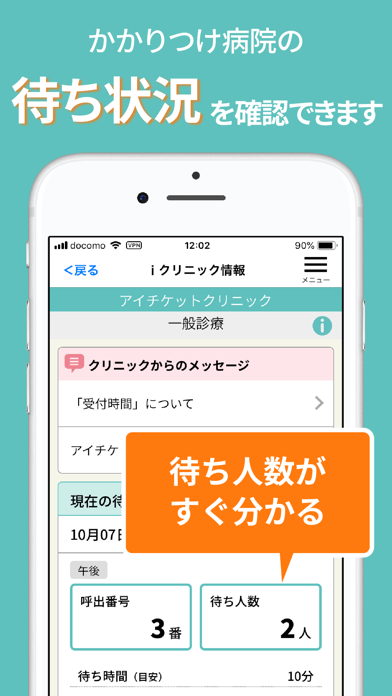
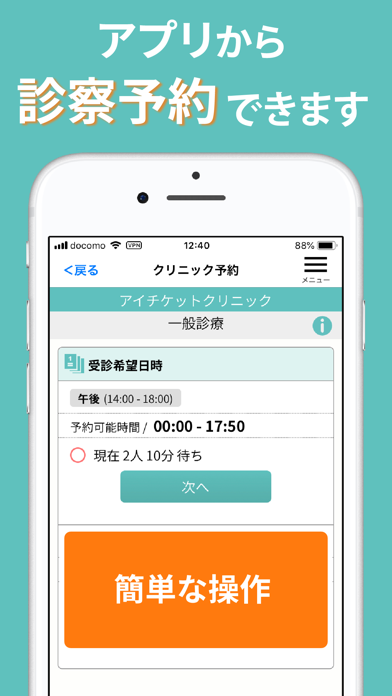
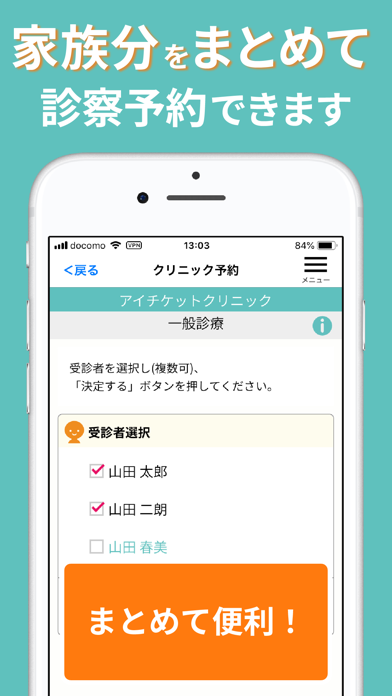
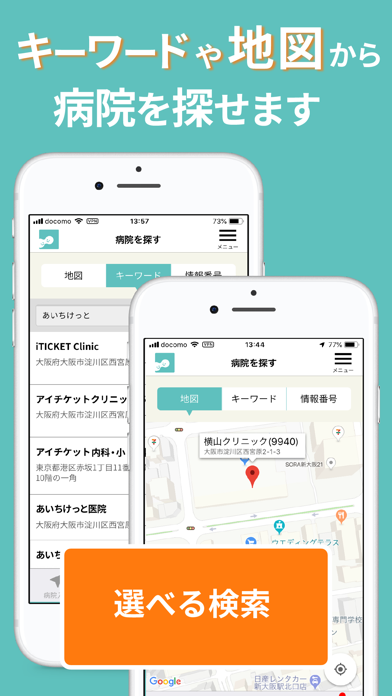
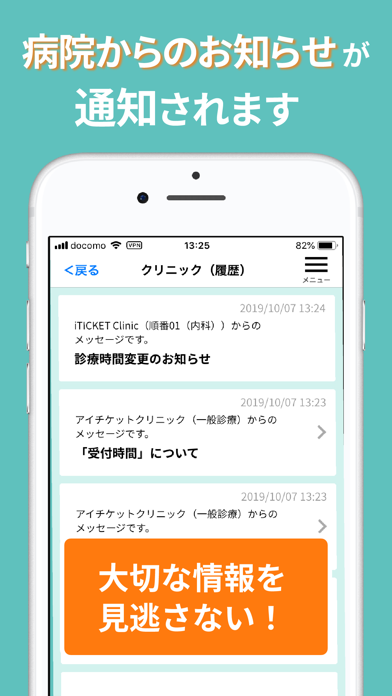
▼待合室よ、さようなら。 ▼日本最大級の診療予約アイチケットの公式アプリ ▽病院の待ち時間が有効に使えて便利! ▽家族やきょうだいも一度にスピーディ予約! 病院の混雑状況をすばやくチェックでき、予約も最短3クリックで。 受診当日の呼び出しや前日のリマインダーがプッシュで届きます。 大切なクリニックからのお知らせもプッシュ通知で見逃しません。 アイチケットはクリニックの混雑状況やお知らせを、簡単にわかりやすくお知らせするシステムです。 患者のみなさまは、クリニックに来院しなくても混雑状況をチェックすることができます。 また、どこからでもアプリを使って順番を取ったりや予約をする機能もあり 待合室でほとんど待つことなく、受診することができます。 ※これらの機能を採用していないクリニックもありますのでご注意ください。 ※アプリをご利用いただくためには電話番号による認証が必要となります。発信者番号が通知される設定となっていることをお確かめの上、ご利用頂きますようお願い申し上げます。
App details
What you can learn from アイチケット - 予約で待たずに病院へ
Every shipping app on the App Store has gone through the same decisions you're working through right now: which screenshot goes first, what caption sits over it, which device frame to show, what color the background should be. The 5 screenshots above are アイチケット - 予約で待たずに病院へ's answers to those questions — they're public, they're real, and they made it through Apple's review.
What the numbers say: アイチケット - 予約で待たずに病院へ runs a light set with one background colour (#5CC4BC) carried across every screenshot — the listing reads as a single poster when the shots sit side by side in search results. The accent colour we picked up, #FC7C0C, is the one to reuse for badges, arrows and highlighted words if you borrow this look. Hit Use this style to open the editor with these exact colours and drop your own screenshot in.
Notice the first screenshot in particular. It's the one users see in search results and on the product page, and it's where most apps spend their best caption and tightest design. Look at the proportion of background to phone, where the text sits, what one thing the image is trying to communicate.
Want to see how other Medical apps approach the same problem? Browse more Medical apps in the showcase.
Take what works into your own screenshots
Open LaunchShots and design your App Store & Google Play screenshots — pick a device frame, drop captions, ship in minutes. Free, in your browser.
Open the screenshot editor →Apps with a similar look
Closest background + accent colours among the listings we've analysed — useful when you want to see the same palette handled by a different team.