Chart position — tracked daily by LaunchShots
Screenshot style breakdown
Sampled from 5 of 白檜辞書's App Store screenshots — background, accent and theme, measured by LaunchShots (not something Apple publishes).
#ECECEC bg
#CFCFCF
#64942C accent
#111111 text
Screenshots
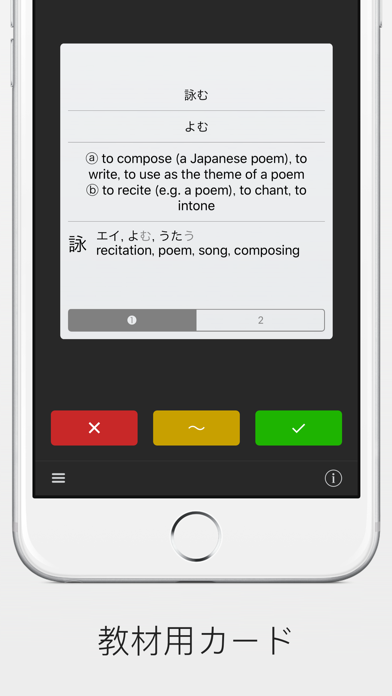
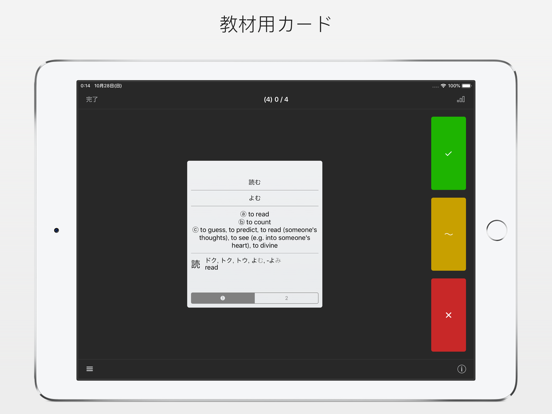
iPad screenshots
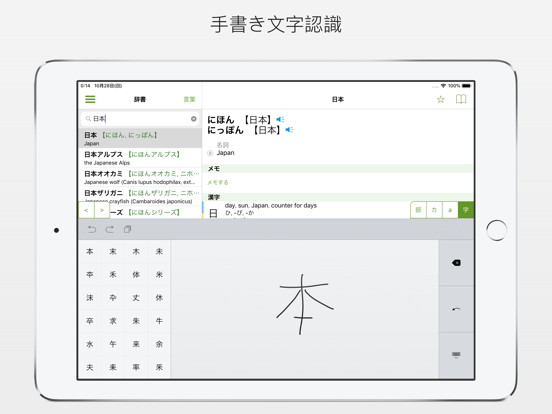
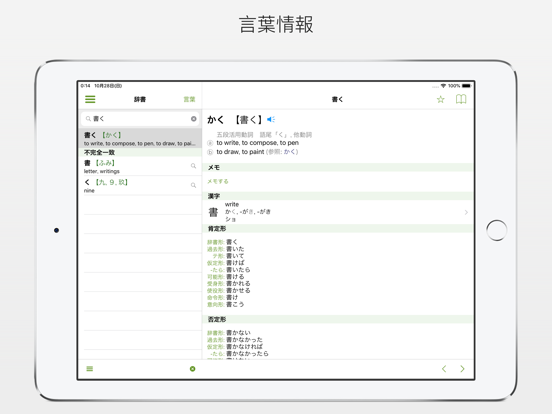
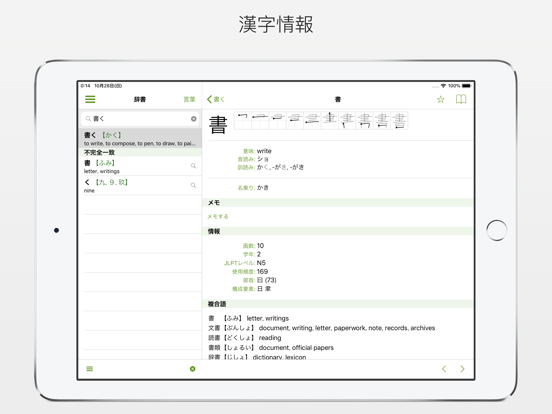

Icon palette
About this app
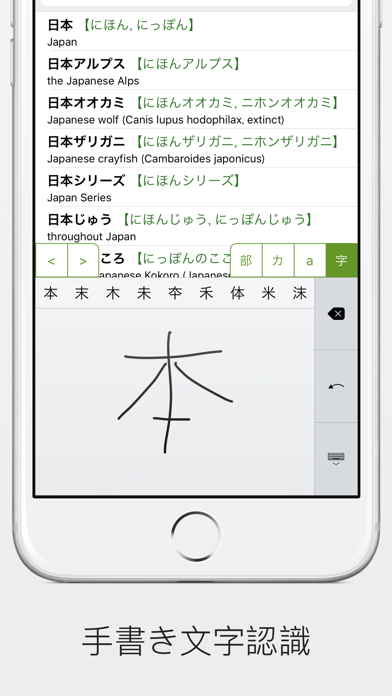
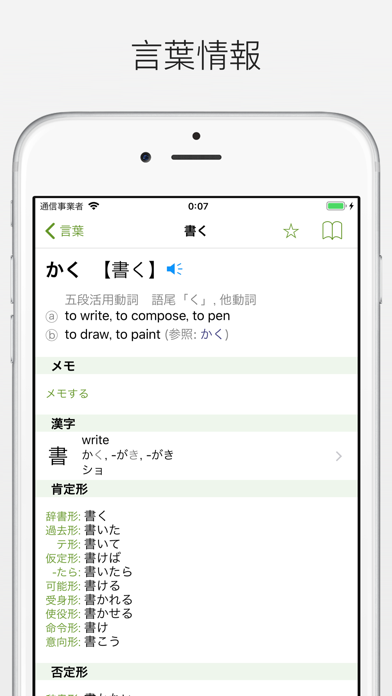
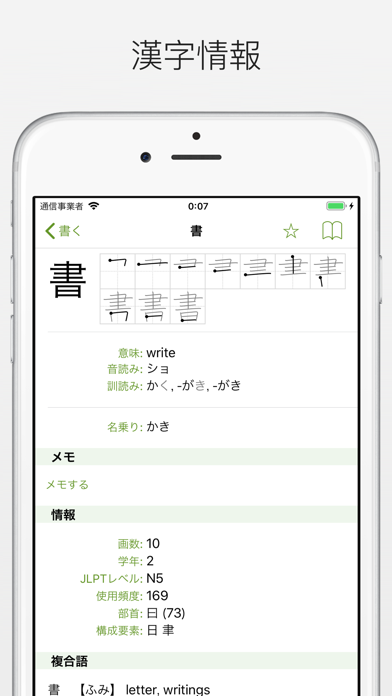
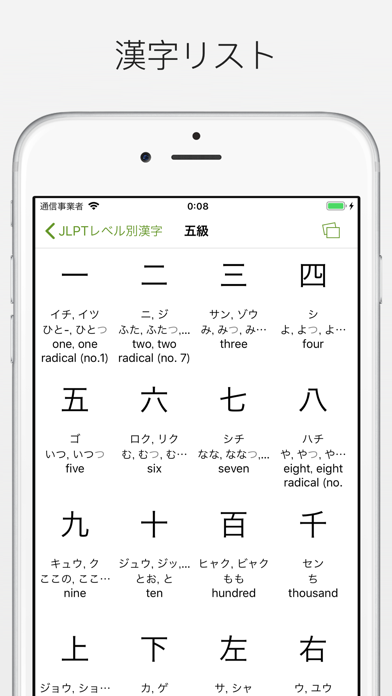
白檜辞書はシンプルながら効果的な和英・英和辞書のアプリです。 ● 170,000以上の収録語数に読み方と英訳付き ● 6,500以上の漢字と書き順 ● 730,000以上の日本の名前、場所の名前、組織の名前 ● 147.000以上の英語の翻訳付き例文 ● 瞬時の検索結果 ● 漢字とカナの手描き認識による文字入力。認識アルゴリズムは間違った書き順や小さな誤りを捉えます。 ● 似た文字が複数認識される場合、次々選ぶ後で手描きのやり直しは不要です。単に画面を長押ししてプレビューを表示します。 ● 部首よる検索 (例えば、「日」や「月」による検索は「明」を表示します。) ● ワイルドカード検索 -「*」は複数の文字を置き換え、「?」は1つ文字を置き換えることができ、英語と日本語の両方で利用できます。 ● 漢字、カナ、ローマ字による検索 -「じしょ」、「じsho」、「jisho」による検索結果は同じものになります。 ● JLPTレベルと学年(1〜6年)で分けた漢字リスト ● テーマ、文法機能、JLPTレベルなどで分けた複数の単語リスト アプリ内課金では、以下の機…
App details
What you can learn from 白檜辞書
Every shipping app on the App Store has gone through the same decisions you're working through right now: which screenshot goes first, what caption sits over it, which device frame to show, what color the background should be. The 10 screenshots above are 白檜辞書's answers to those questions — they're public, they're real, and they made it through Apple's review.
What the numbers say: 白檜辞書 runs a light set with one background colour (#ECECEC) carried across every screenshot — the listing reads as a single poster when the shots sit side by side in search results. The accent colour we picked up, #64942C, is the one to reuse for badges, arrows and highlighted words if you borrow this look. Hit Use this style to open the editor with these exact colours and drop your own screenshot in.
Notice the first screenshot in particular. It's the one users see in search results and on the product page, and it's where most apps spend their best caption and tightest design. Look at the proportion of background to phone, where the text sits, what one thing the image is trying to communicate.
Want to see how other Reference apps approach the same problem? Browse more Reference apps in the showcase.
Take what works into your own screenshots
Open LaunchShots and design your App Store & Google Play screenshots — pick a device frame, drop captions, ship in minutes. Free, in your browser.
Open the screenshot editor →Apps with a similar look
Closest background + accent colours among the listings we've analysed — useful when you want to see the same palette handled by a different team.