Chart position — tracked daily by LaunchShots
Screenshot style breakdown
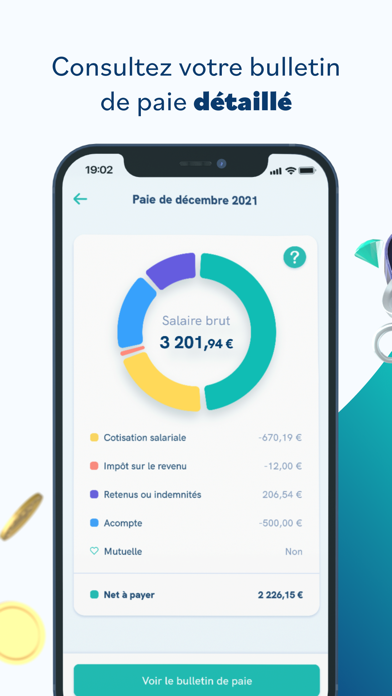
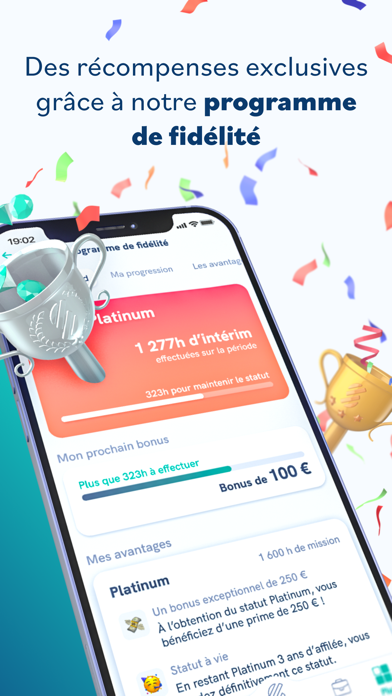
Sampled from 6 of Staffmatch: Travail en intérim's App Store screenshots — background, accent and theme, measured by LaunchShots (not something Apple publishes).
#F4FCFC bg
#D6DDDD
#1494A4 accent
#111111 text
Reading the caption text from the screenshots in your browser…
Screenshots
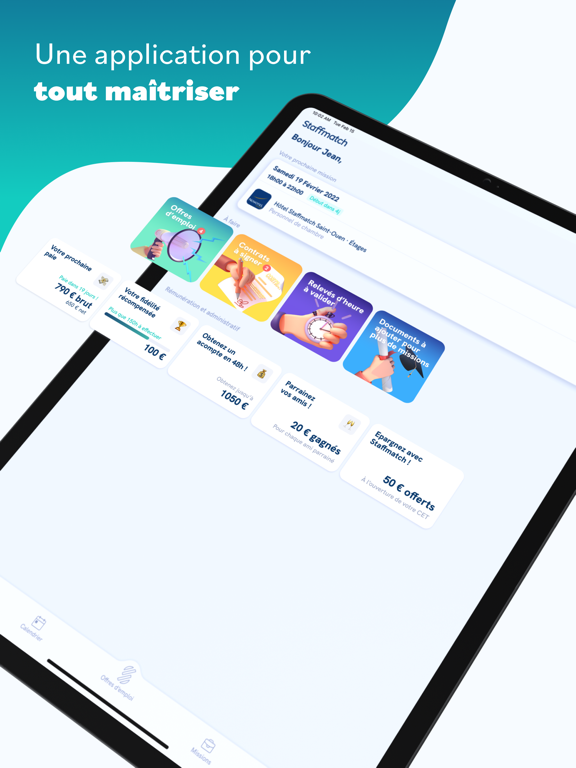
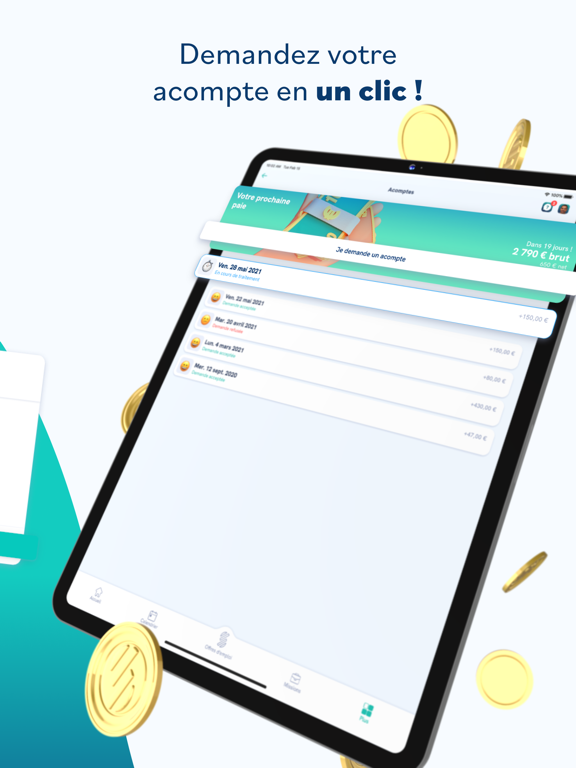
iPad screenshots


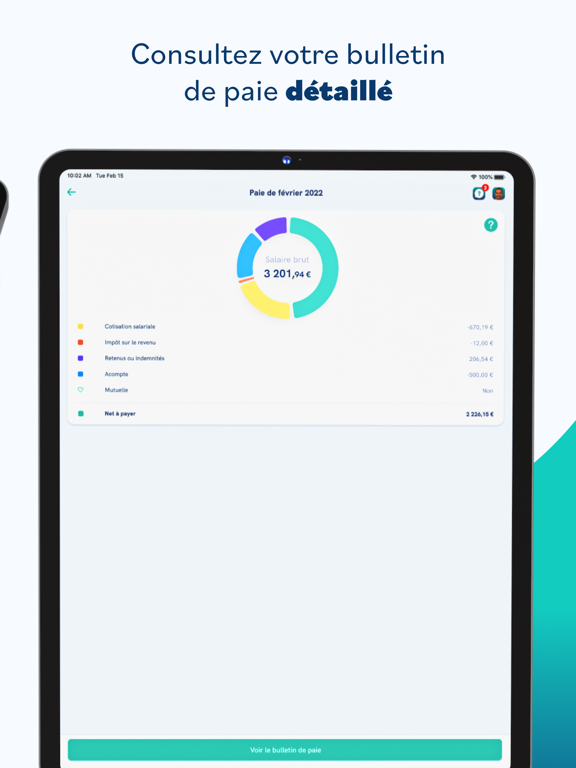
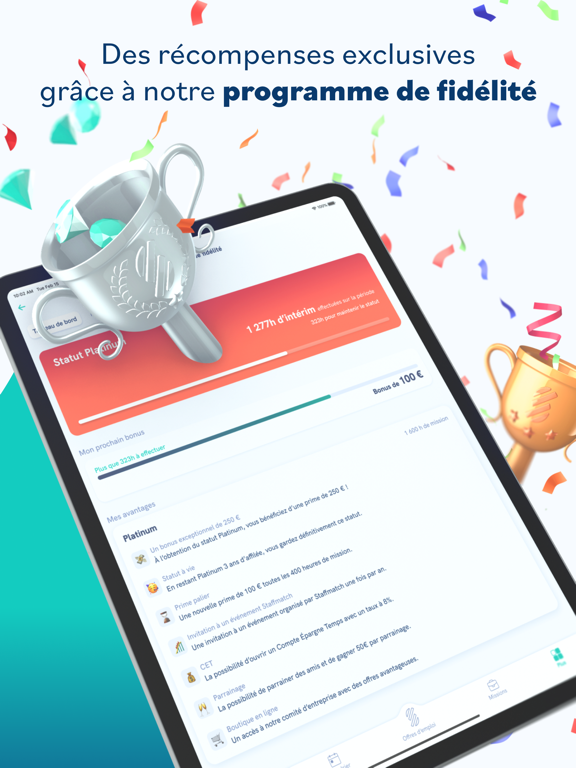
Icon palette
About this app
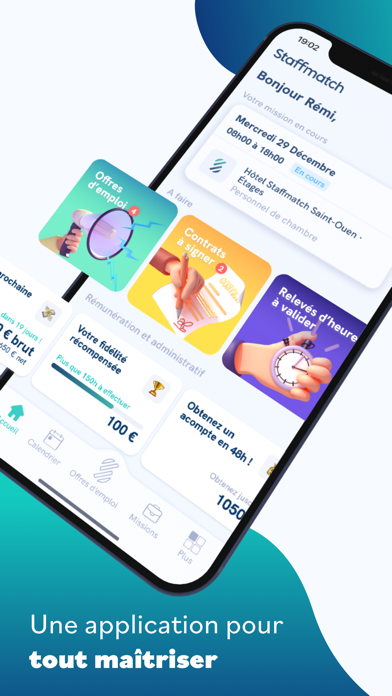
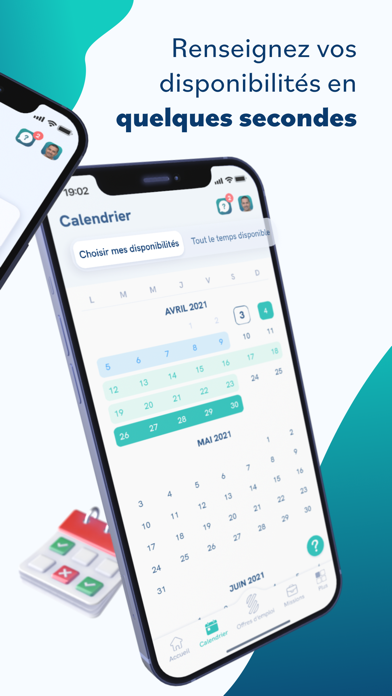
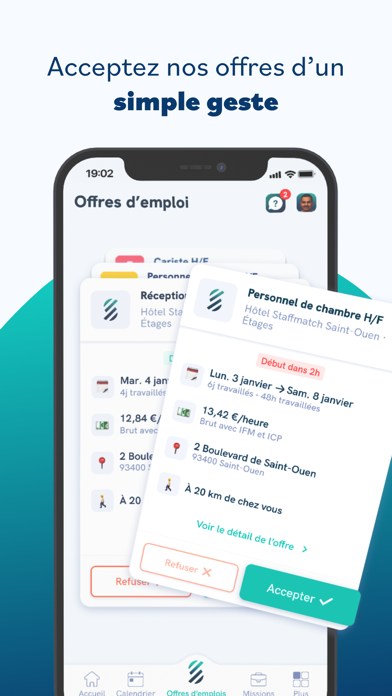
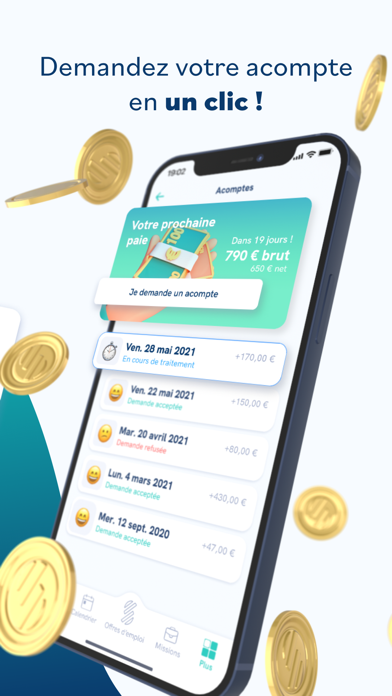
Découvrez l’application Staffmatch, l’entreprise qui révolutionne enfin l’intérim ! Vous êtes à la recherche d’un emploi ? Travaillez en quelques clics grâce à notre application : inscrivez vous, renseignez vos disponibilités et commencez dès maintenant à recevoir des propositions de mission attractives dans de nombreux secteurs : - Hôtellerie & Restauration - Bâtiment & Travaux publics (BTP) - Transport & Logistique - Sport & Loisirs - Services aux entreprises - Événementiel - Agriculture - GMS (Grandes et Moyenne surfaces) - Vente & Retail - Médical - Automobile - Industrie - Restauration rapide & collective - Services collectifs (eau, propreté, énergie, recyclage…) Et bien plus encore ! Staffmatch c'est aussi des offres d'emploi en CDD et CDI partout en France ! Que vous soyez étudiant, professionnel ou simplement en quête de revenus complémentaires, ne perdez plus de temps sur le…
App details
What you can learn from Staffmatch: Travail en intérim
Every shipping app on the App Store has gone through the same decisions you're working through right now: which screenshot goes first, what caption sits over it, which device frame to show, what color the background should be. The 12 screenshots above are Staffmatch: Travail en intérim's answers to those questions — they're public, they're real, and they made it through Apple's review.
What the numbers say: Staffmatch: Travail en intérim runs a light set with one background colour (#F4FCFC) carried across every screenshot — the listing reads as a single poster when the shots sit side by side in search results. The accent colour we picked up, #1494A4, is the one to reuse for badges, arrows and highlighted words if you borrow this look. Hit Use this style to open the editor with these exact colours and drop your own screenshot in.
Notice the first screenshot in particular. It's the one users see in search results and on the product page, and it's where most apps spend their best caption and tightest design. Look at the proportion of background to phone, where the text sits, what one thing the image is trying to communicate.
Want to see how other Business apps approach the same problem? Browse more Business apps in the showcase.
Take what works into your own screenshots
Open LaunchShots and design your App Store & Google Play screenshots — pick a device frame, drop captions, ship in minutes. Free, in your browser.
Open the screenshot editor →Apps with a similar look
Closest background + accent colours among the listings we've analysed — useful when you want to see the same palette handled by a different team.