Claude Code Weekly Limit vs 5-Hour Lockout: Complete Usage & Reset Guide
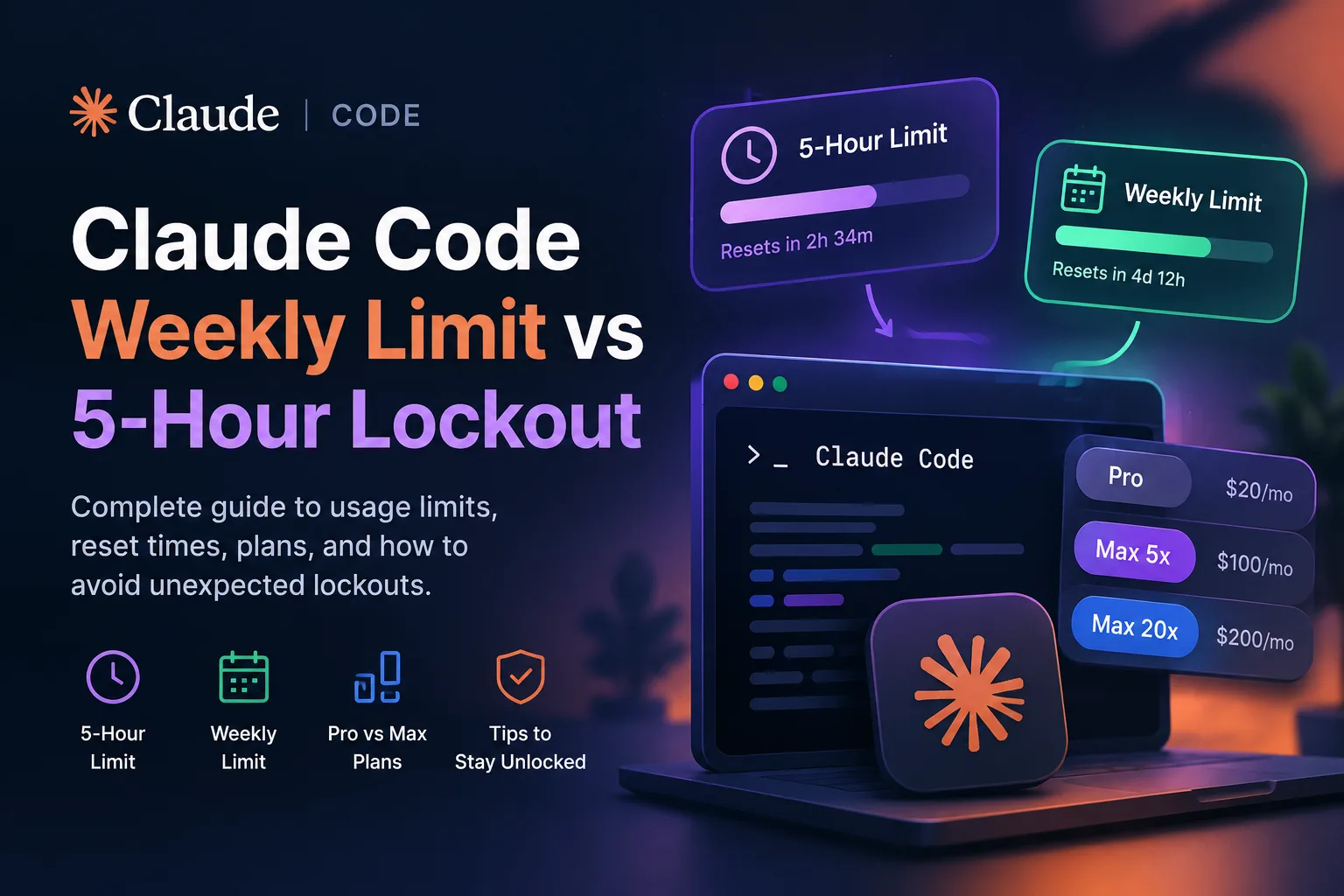
If you use Claude Code regularly for software development, one of the most frustrating experiences is reaching a usage limit in the middle of an important task. You may be debugging a production issue, refactoring a large codebase, or asking Claude to implement a complicated feature when suddenly your session stops.
The reason can be confusing because Claude has more than one type of usage limit.
Your account can be affected by a five-hour session limit, a weekly usage limit, and, depending on your plan and settings, additional usage controls. These limits are not the same, and understanding how they work can help you avoid unexpected interruptions.
This guide explains the difference between the Claude Code 5-hour limit and weekly limit, how resets work, what counts toward your usage, and what you can do when you reach your limit.
For the most authoritative information, you can also check the official Claude Help Center and your usage information directly through Claude.ai.
Claude Code Has More Than One Usage Limit
The simplest way to understand Claude's usage system is to think of it as multiple usage budgets operating at different time scales.
The five-hour limit controls how much you can use Claude during a particular session window. The weekly limit is a longer-term allowance that prevents extremely heavy usage over an entire week.
These limits can affect both Claude and Claude Code because paid Claude plans use shared usage across the different Claude experiences.
Anthropic explains that usage can be affected by several factors, including:
- The length of your messages
- The length of the current conversation
- Files and attachments
- The Claude model you're using
- Tool usage
- Effort level
- Multi-step tasks
- Artifact creation
- Other resource-intensive operations
This means that simply counting messages isn't always an accurate way to estimate how much Claude Code you have left. Two developers can send the same number of prompts and consume noticeably different amounts of usage.
That is why old estimates such as "Pro gives exactly X messages every five hours" should be treated cautiously.
What Is the Claude Code 5-Hour Limit?
The five-hour usage limit is the most noticeable restriction for developers because it can interrupt an active coding session.
When you approach your limit, Claude can display a warning. If you actually reach the limit, you'll receive a message indicating when your five-hour usage period resets. Anthropic's current documentation describes this as a session-based usage limit rather than a simple fixed number of messages.
This distinction is important.
A common misconception is that every Claude user gets a fixed number of identical messages every five hours. In reality, usage depends on factors such as the size and complexity of your conversations and which models and features you're using.
For Claude Code users, a long task involving a large repository can therefore consume considerably more usage than a short question about a single file.
Why developers hit the five-hour limit
You are more likely to approach the five-hour limit when you:
- Work continuously with Claude Code for several hours
- Ask Claude to modify many files
- Use large repositories
- Run long multi-step coding tasks
- Work with large files
- Repeatedly ask Claude to revise or regenerate code
- Use resource-intensive models or features
The important point is that the five-hour limit is a usage budget, not simply a message counter.
Does the Claude Code Timer Reset Every Five Hours?
Yes, but there is an important distinction.
Anthropic describes the included plan usage as a five-hour session-based limit. However, your weekly limit works differently.
The weekly limit is assigned a specific reset time for your account. It does not simply start a new seven-day countdown every time you use Claude.
For example, your account might have a weekly reset scheduled for a particular day and time. That reset remains associated with your account regardless of when you start a Claude Code session or when you subscribed to the plan.
This is one of the biggest differences between the two systems.
Claude Code Weekly Limit Explained
The weekly limit is the longer-term usage boundary.
While the five-hour limit determines how much you can use Claude during a session window, the weekly limit determines how much usage you can consume over the broader weekly period.
Anthropic states that Pro and Max plans have weekly usage limits that apply across models. The exact allowance can vary by plan and usage characteristics. You can see your upcoming weekly reset information from Settings → Usage.
This means that reaching the five-hour limit does not necessarily mean you've exhausted your weekly allocation.
Likewise, having plenty of capacity left in your current five-hour window does not guarantee that you haven't approached your weekly limit.
These are two separate boundaries.
5-Hour Limit vs Weekly Limit
Here's the easiest way to understand the difference:
Feature5-Hour LimitWeekly LimitTime periodFive-hour session windowWeekly usage periodPurposeControls intensive short-term usageControls longer-term usageResetFive-hour session resetFixed weekly reset assigned to accountAffects Claude CodeYesYesShared with ClaudeYes, for paid plansYesVisible in Usage settingsYesYesDepends on usageYesYes
The key takeaway is simple:
The five-hour limit controls your short-term usage. The weekly limit controls your longer-term usage.
Does Claude Code Share Usage With Claude.ai?
Yes.
This is particularly important if you use both Claude for general conversations and Claude Code for development.
Anthropic's documentation states that usage across Claude products can count toward the same usage allowance. That means your activity isn't necessarily isolated between the web application and Claude Code.
For example, imagine you spend several hours using Claude.ai for research and then open Claude Code for a large programming task.
Your Claude Code usage isn't necessarily starting from a completely separate pool.
The same general usage allocation can be shared.
This is also relevant for developers using Claude through supported IDE integrations. Anthropic specifically states that Claude Code usage through supported IDEs counts toward the same usage limits shared with Claude.
What Happens When You Reach the Claude Code Limit?
When you approach your usage limit, Claude can provide a warning.
According to Anthropic, users may see a message such as:
"Approaching 5-hour limit."
If the limit is reached, the interface can display the time when the five-hour usage period becomes available again.
This is much better than simply receiving an unexplained error because you can determine when you will be able to continue.
However, for developers working against deadlines, knowing that you're almost out of capacity is still extremely valuable.
You can then decide whether to:
- Finish the current task before the limit
- Switch to a lighter workflow
- Start a fresh conversation
- Reduce unnecessary context
- Move some work to another tool
- Wait for the reset
- Use available usage credits
What Are Claude Usage Credits?
One important change for Claude users is the availability of usage credits.
Paid Claude users on Pro, Max 5x, and Max 20x can enable usage credits. When enabled, usage credits can allow you to continue using Claude after reaching your included plan usage, with the additional usage billed separately according to Anthropic's pricing.
This changes the old idea that hitting a limit necessarily means you have to stop working completely.
If usage credits are enabled and available, Claude can continue operating beyond your included allowance.
However, this is not free additional usage. Usage beyond your included plan is charged separately.
For developers who want strict control over spending, this is something worth understanding before enabling the feature.
Claude Pro vs Max 5x vs Max 20x
Anthropic currently offers different individual subscription levels, including Pro, Max 5x and Max 20x.
The important distinction is the amount of usage capacity available.
According to Anthropic's current documentation:
- Pro: $20/month in the US
- Max 5x: $100/month
- Max 20x: $200/month
Max 5x provides five times the Pro plan's per-session usage allowance, while Max 20x provides twenty times the Pro plan's per-session usage allowance.
These figures should not be interpreted as a guaranteed number of Claude Code messages.
Your actual usage depends on what you're doing.
A developer working with short prompts and small files can consume usage very differently from someone asking Claude to analyze a huge repository and make multi-file changes.
How to Check Your Claude Usage
One of the easiest ways to avoid unexpected lockouts is to monitor your usage before starting a large development task.
Anthropic provides usage information through:
Settings → Usage
The Usage section can show your current session consumption and information about your weekly limits and upcoming resets.
This is particularly useful if you're about to start a long Claude Code session.
Instead of discovering that you're nearly out of capacity halfway through a deployment or refactoring task, you can check your available usage beforehand.
How to Reduce Claude Code Usage
You don't necessarily need to upgrade your subscription simply because you occasionally hit the five-hour limit.
There are several ways to make your existing allocation go further.
1. Keep projects organized
Anthropic recommends using Projects to store frequently referenced information rather than repeatedly uploading the same content.
Project content can benefit from caching, reducing unnecessary repeated processing.
2. Avoid unnecessarily long conversations
Very long conversations can consume more resources.
When you're starting an entirely new task, opening a fresh conversation can sometimes be more efficient than continuing a massive thread containing hundreds of previous messages.
3. Give Claude clear instructions
A precise prompt can reduce unnecessary back-and-forth.
Instead of:
Fix this.
Try:
Find the cause of the authentication error, explain the root cause, and modify only the files necessary to fix it. Do not change the database schema.
Clear instructions can make coding sessions more focused.
4. Plan before making large changes
For large repositories, it can be useful to ask Claude to inspect the project and create a plan before making changes.
This gives you an opportunity to correct the approach before Claude performs extensive work.
5. Monitor your usage
The most obvious strategy is also one of the most useful: check Settings → Usage before starting an intensive coding session.
Anthropic specifically recommends monitoring consumption through the Usage settings page.
What About Claude Code API Usage?
There is another important distinction.
Claude Code can be used through a Claude subscription, but developers can also authenticate using an API key.
These are not the same billing system.
Anthropic explains that when Claude Code is authenticated with an API key from the Claude Console or supported cloud providers, usage is billed according to API consumption rather than the included subscription allowance.
This means developers should pay attention to how Claude Code is authenticated.
If you expect to use your Pro or Max subscription but an API key is configured in your environment, you may end up using API billing instead.
Anthropic specifically recommends checking the ANTHROPIC_API_KEY environment variable when troubleshooting unexpected authentication or billing behavior.
How to Avoid a Claude Code Lockout
The best strategy is to treat Claude usage like a limited development resource.
Before starting a major coding session:
- Check Settings → Usage
- Look at your current five-hour usage
- Check your weekly usage
- Note your next reset time
- Avoid unnecessary large uploads
- Keep related work organized in Projects
- Start a new conversation when an old one becomes unnecessarily large
- Consider usage credits only if you're comfortable with additional charges
This approach is especially useful for developers who rely on Claude Code throughout the workday.
Is the Weekly Limit More Important Than the 5-Hour Limit?
It depends on your workflow.
If you use Claude Code intensively for a few hours and then stop, the five-hour limit may be the restriction you notice most often.
If you use Claude continuously throughout the week, the weekly limit becomes much more important.
For example, a developer might reach the five-hour limit on Monday but have plenty of weekly capacity remaining. After the session resets, they can continue working.
Another developer might use Claude heavily every day and eventually approach the weekly allowance. In that situation, simply waiting for another five-hour session reset won't solve the longer-term limitation.
That's why checking both indicators is important.
Claude Code Usage Limits: The Bottom Line
The biggest misconception about Claude Code limits is that there is one simple counter.
There isn't.
Claude's usage system includes session-based limits and weekly limits, and your actual consumption can vary depending on message length, conversation context, model selection, tools, files and the complexity of the work you're asking Claude to perform.
The five-hour limit is designed around short-term usage, while the weekly limit provides a longer-term boundary.
Pro, Max 5x and Max 20x offer different levels of capacity, but none should be interpreted as unlimited Claude Code usage. Max plans provide substantially more capacity, while usage credits can provide another option for users who need to continue after reaching their included allowance.
If Claude Code is an important part of your daily development workflow, the most useful habit is simple: monitor your usage before you need it.
Check your Usage page, understand your reset schedule, keep projects organized and avoid wasting capacity on unnecessarily long or repetitive interactions.
For current account-specific information, the best place to start is Claude.ai and the official Claude Help Center usage documentation.
And if you're looking for a convenient way to monitor Claude Code usage from your Mac menu bar, Usagebar can be positioned as an optional companion tool alongside Anthropic's own usage dashboard.
The important thing is to understand the difference between the two limits: a five-hour reset gives you another short-term usage window, while the weekly reset governs your longer-term capacity. Knowing which limit you've reached can save a lot of confusion when Claude Code suddenly stops accepting new work.
Related posts



Make your App Store screenshots free
LaunchShots is a free, in-browser screenshot maker. No signup, no watermark.
Open the app →
Comments (0)