Screenshots

iPad screenshots


Icon palette
About this app
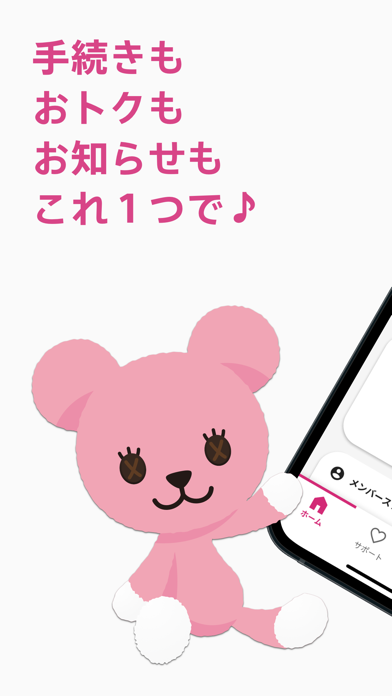
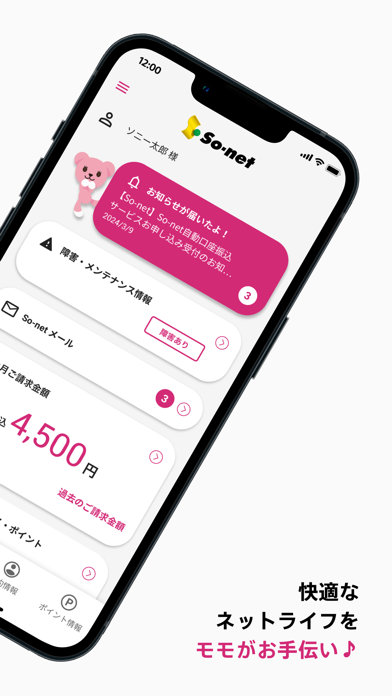
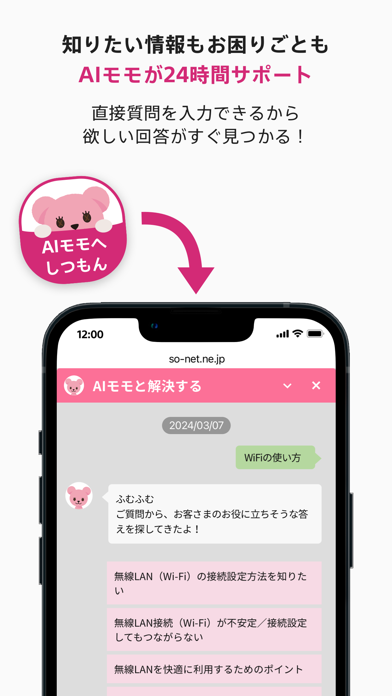
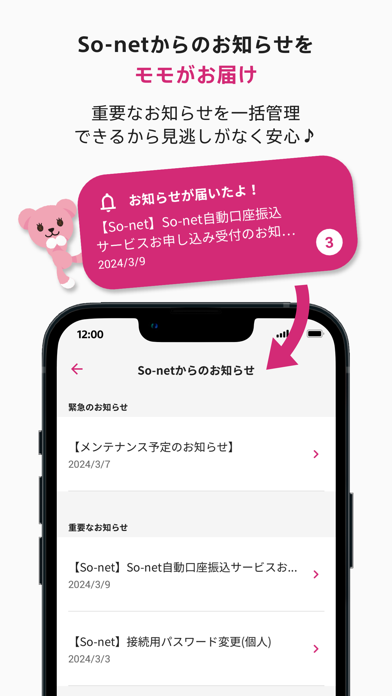
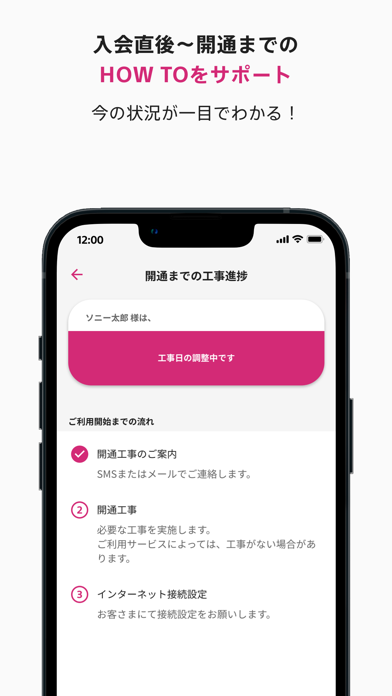
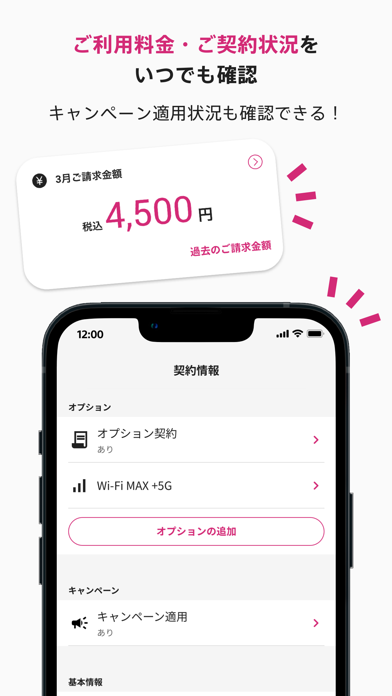
手続きも、おトクも、お知らせも、これ一つで! So-net 会員の必須アイテム、「So-net 会員アプリ」 【So-net会員アプリで出来ること】 ●お困りごとや知りたいことなど、必要な情報にスムーズにアクセス ・ログインは初回のみ。その後はID入力等が不要に ・入会~開通までの手順がわかる ・ご契約内容・請求料金等が確認できる ・お手続きページへすぐアクセスできる ・AIモモがお困りごと解決をサポート ●So-netからのお知らせを一括管理。後からの振り返りも簡単に ・重要なお知らせを一括確認できる ・プッシュ通知で受信をお知らせ ・個別カスタマイズで必要な情報だけ選択できる ・PostPetのモモがお知らせ有無を教えてくれる ●So-netのお客さま向け特典など、So-netの「ちょっと特別」をお届け ・会員限定キャンペーン情報を確認できる ・ソネットポイントの確認や利用ができる もっとくわしいアプリの機能についてはこちら https://www.so-net.ne.jp/support/app/ ※ 本アプリはSo-net会員さま専用です。ご利用には、So-netのユーザーIDとユーザーIDパス…
App details
What you can learn from So-net 会員アプリ
Every shipping app on the App Store has gone through the same decisions you're working through right now: which screenshot goes first, what caption sits over it, which device frame to show, what color the background should be. The 14 screenshots above are So-net 会員アプリ's answers to those questions — they're public, they're real, and they made it through Apple's review.
Notice the first screenshot in particular. It's the one users see in search results and on the product page, and it's where most apps spend their best caption and tightest design. Look at the proportion of background to phone, where the text sits, what one thing the image is trying to communicate.
Want to see how other Utilities apps approach the same problem? Browse more Utilities apps in the showcase.
Take what works into your own screenshots
Open LaunchShots and design your App Store & Google Play screenshots — pick a device frame, drop captions, ship in minutes. Free, in your browser.
Open the screenshot editor →