Chart position — tracked daily by LaunchShots
Screenshot style breakdown
Sampled from 6 of Remixlive - Make Music & Beats's App Store screenshots — background, accent and theme, measured by LaunchShots (not something Apple publishes).
#1C1C24 bg
#3B3B42
#245C64 accent
#FFFFFF text
Screenshots
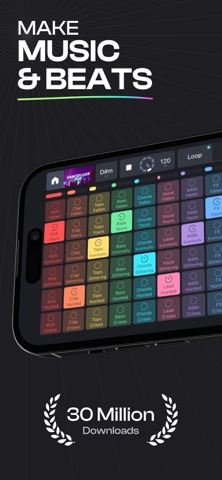

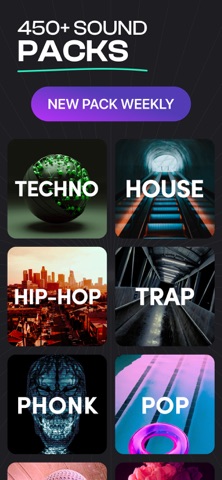


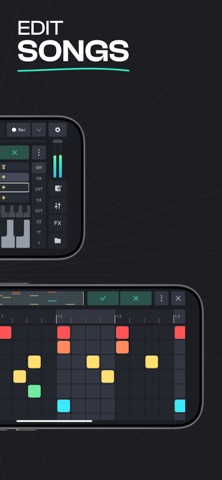

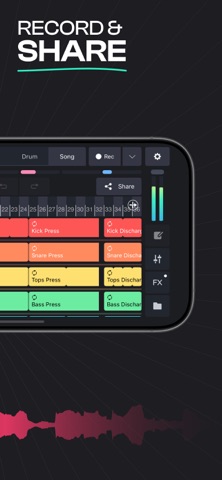

iPad screenshots
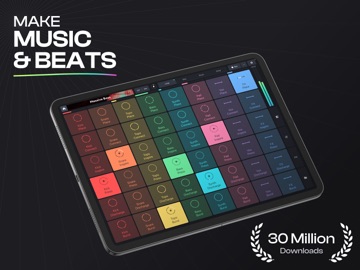
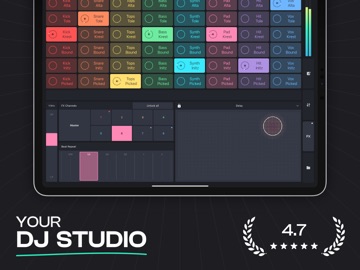


Icon palette
About this app
Remixlive — идеальное приложение для создания битов и живых выступлений для продюсеров и ди-джеев. ИГРАЙТЕ, ДЖЕЙМИРУЙТЕ, СМЕШИВАЙТЕ И РЕМИКСИРУЙТЕ СВОЮ МУЗЫКУ. ВЖИВУЮ! • Воспроизведение до 48 лупов, синхронизированных в тональности и темпе • Изменение ключа и BPM в режиме реального времени • Джемуйте и записывайте живые ударные и инструменты • Формируйте и передискретизируйте свой звук в реальном времени с помощью эффектов профессионального уровня • Создавайте свои собственные секвенции и паттерны • Расположите свои звуки на временной шкале, чтобы закончить свои песни ПРИСОЕДИНИТЕ СВОИ ТРЕКИ С ЭКСКЛЮЗИВНОЙ БИБЛИОТЕКОЙ ОБРАЗЦОВ! • Доступ к более чем 32 000 профессиональных сэмплов в более чем 20 музыкальных жанрах • Идеально создано лучшими звукорежиссерами и артистами мирового уровня. • Безвозмездно, разрешено для личного и коммерческого использования на любой платформе. • Еженедельн…
App details
What you can learn from Remixlive - Make Music & Beats
Every shipping app on the App Store has gone through the same decisions you're working through right now: which screenshot goes first, what caption sits over it, which device frame to show, what color the background should be. The 20 screenshots above are Remixlive - Make Music & Beats's answers to those questions — they're public, they're real, and they made it through Apple's review.
What the numbers say: Remixlive - Make Music & Beats runs a dark set with one background colour (#1C1C24) carried across every screenshot — the listing reads as a single poster when the shots sit side by side in search results. The accent colour we picked up, #245C64, is the one to reuse for badges, arrows and highlighted words if you borrow this look. Hit Use this style to open the editor with these exact colours and drop your own screenshot in.
Notice the first screenshot in particular. It's the one users see in search results and on the product page, and it's where most apps spend their best caption and tightest design. Look at the proportion of background to phone, where the text sits, what one thing the image is trying to communicate.
Want to see how other Music apps approach the same problem? Browse more Music apps in the showcase.
Take what works into your own screenshots
Open LaunchShots and design your App Store & Google Play screenshots — pick a device frame, drop captions, ship in minutes. Free, in your browser.
Open the screenshot editor →Apps with a similar look
Closest background + accent colours among the listings we've analysed — useful when you want to see the same palette handled by a different team.