Chart position — tracked daily by LaunchShots
Screenshot style breakdown
Sampled from 5 of Намаз в дом — namazvdom.com's App Store screenshots — background, accent and theme, measured by LaunchShots (not something Apple publishes).
#ECECF4 bg
#CFCFD6
#944C74 accent
#111111 text
Screenshots


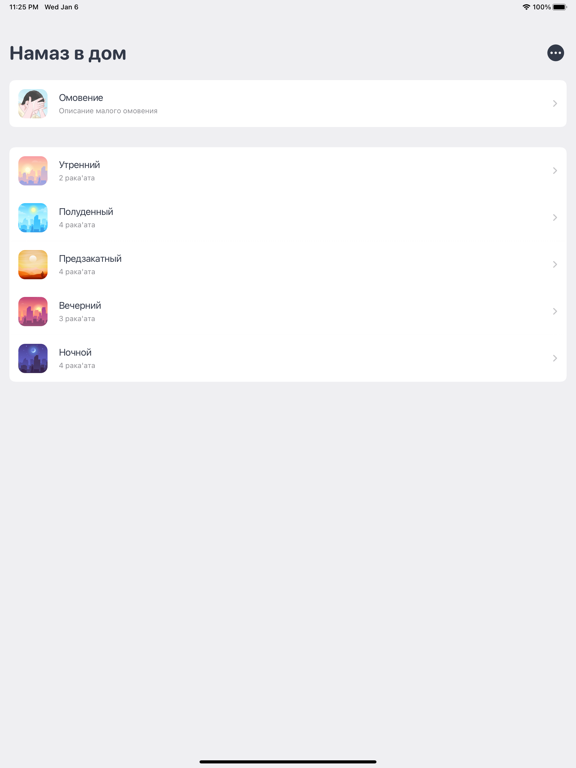
iPad screenshots


Icon palette
About this app
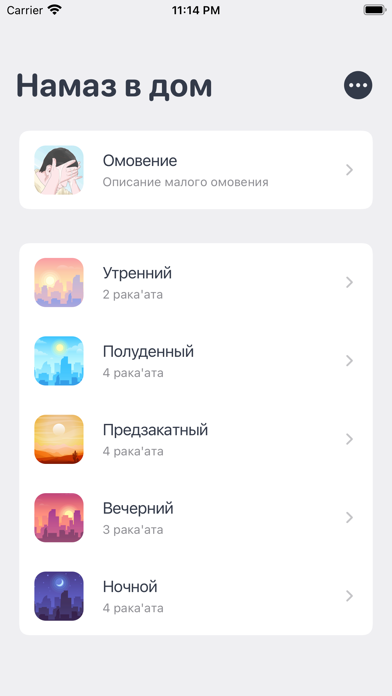
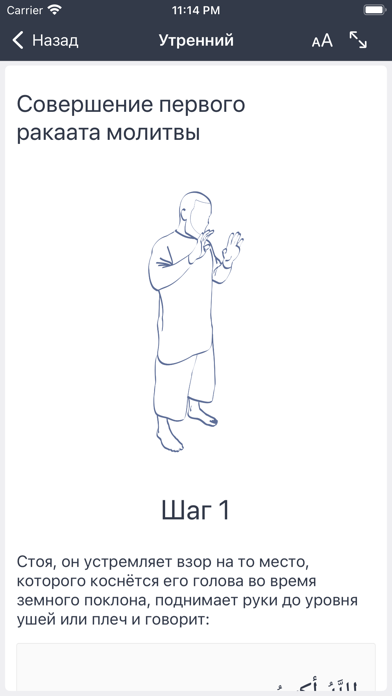
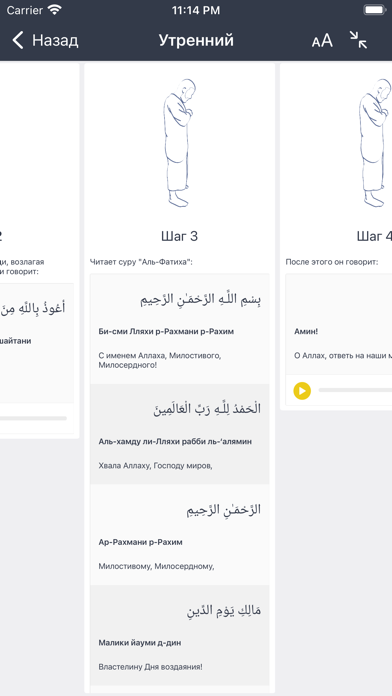
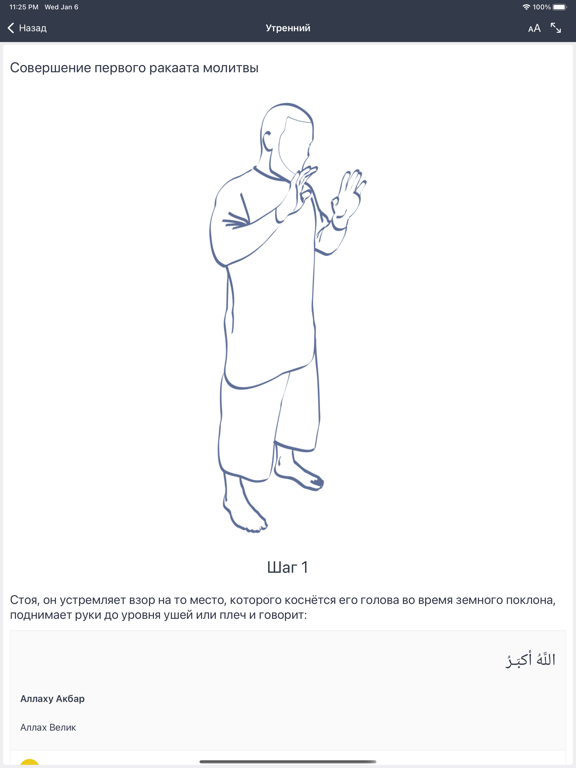
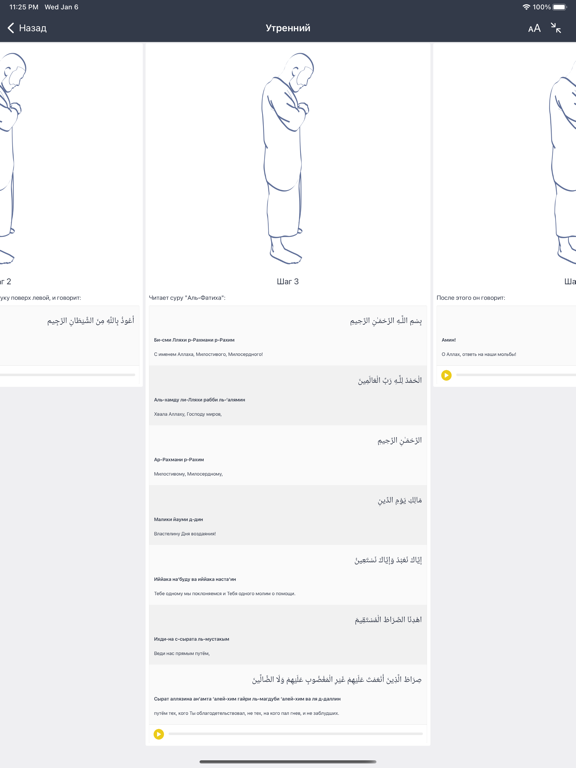
С именем Аллаха Милостивого и Милосердного! Официальное приложение проекта Namazvdom. В нём вы найдете всё необходимое для быстрого и легкого заучивания всех шагов омовения и намаза. Весь процесс подробно изложен и дополнен: • Иллюстрациями • Аудио сопровождением • Удобной навигацией • Транскрипцией • Переводом • Оригинальным арабским текстом Приложение универсальное, а это значит, что оно разработано для телефонов и планшетов, поэтому отлично на них смотрится! Обучение намазу ещё никогда не было таким лёгким и удобным. Начните совершать намаз уже сегодня вместе с Namazvdom! Делитесь приложением и приглашайте на намаз своих родных, близких, друзей и знакомых в WhatsApp, Вконтакте, Facebook, Telegram и тд.
App details
What you can learn from Намаз в дом — namazvdom.com
Every shipping app on the App Store has gone through the same decisions you're working through right now: which screenshot goes first, what caption sits over it, which device frame to show, what color the background should be. The 10 screenshots above are Намаз в дом — namazvdom.com's answers to those questions — they're public, they're real, and they made it through Apple's review.
What the numbers say: Намаз в дом — namazvdom.com runs a light set with one background colour (#ECECF4) carried across every screenshot — the listing reads as a single poster when the shots sit side by side in search results. The accent colour we picked up, #944C74, is the one to reuse for badges, arrows and highlighted words if you borrow this look. Hit Use this style to open the editor with these exact colours and drop your own screenshot in.
Notice the first screenshot in particular. It's the one users see in search results and on the product page, and it's where most apps spend their best caption and tightest design. Look at the proportion of background to phone, where the text sits, what one thing the image is trying to communicate.
Want to see how other Reference apps approach the same problem? Browse more Reference apps in the showcase.
Take what works into your own screenshots
Open LaunchShots and design your App Store & Google Play screenshots — pick a device frame, drop captions, ship in minutes. Free, in your browser.
Open the screenshot editor →Apps with a similar look
Closest background + accent colours among the listings we've analysed — useful when you want to see the same palette handled by a different team.