Chart position — tracked daily by LaunchShots
Screenshot style breakdown
Sampled from 6 of シンクシンク 知育アプリ-子供の思考力・立体図形の教育ゲーム's App Store screenshots — background, accent and theme, measured by LaunchShots (not something Apple publishes).
#FCFCFC bg
#DDDDDD
#EC4484 accent
#111111 text
Screenshots



iPad screenshots



Icon palette
About this app
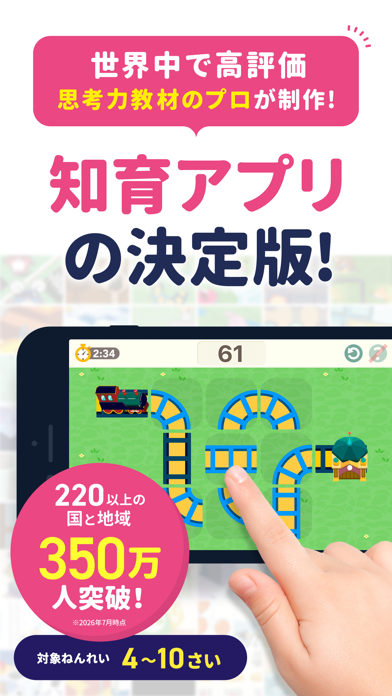
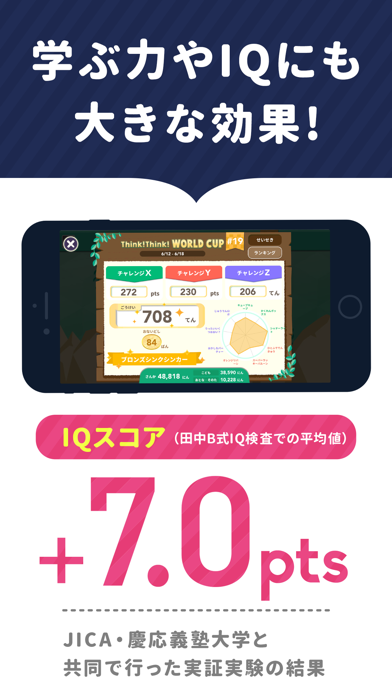
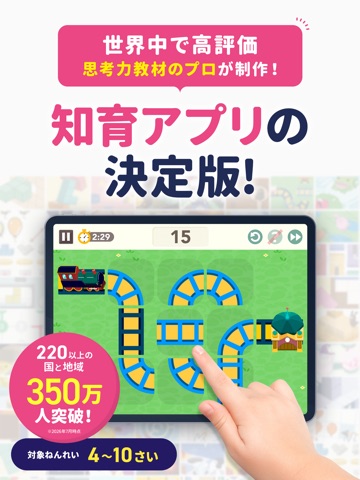
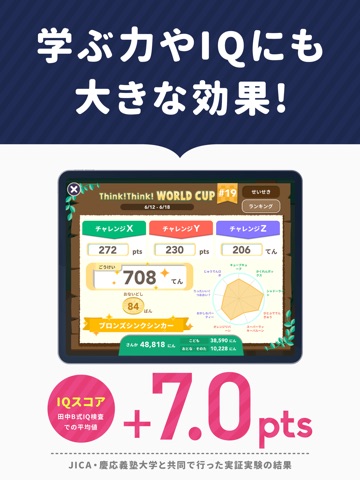
● App Store 教育・子ども向けランキング1位獲得! ● Educational App Store 5ツ星獲得 ● 日本eラーニング大賞 Edtech特別賞受賞 -------------------------------------— ◆シンクシンクってどんなアプリ? 対象年齢:4歳~10歳 -------------------------------------— ・高品質な良問を120種類20,000問以上収録 「算数オリンピック」の問題を手掛ける、東大卒の精鋭チームが制作しており、自然と考える力が伸びていくように設計されています。 ・「もう止めなさい」は不要!安心して子どもに渡せる 1日10分程度の制限機能があるので、楽しみつつもやり過ぎす、子どもの意欲が持続します。タブレットやスマホを長時間使わせたくない保護者の方にも安心です。 ・夢中になって「遊ぶ」感覚で取り組める 毎月行われる「たいかい」や、季節ごとの「ワールドカップ」、自己ベストや当日のランキングなど、様々なイベントやゲームのような仕組みで、遊び感覚で楽しく続けられます。 ・学ぶ力やIQ、自己肯定感の向上にも大きな効果を発揮 JICA・慶應義塾大学と共同で行…
App details
What you can learn from シンクシンク 知育アプリ-子供の思考力・立体図形の教育ゲーム
Every shipping app on the App Store has gone through the same decisions you're working through right now: which screenshot goes first, what caption sits over it, which device frame to show, what color the background should be. The 14 screenshots above are シンクシンク 知育アプリ-子供の思考力・立体図形の教育ゲーム's answers to those questions — they're public, they're real, and they made it through Apple's review.
What the numbers say: シンクシンク 知育アプリ-子供の思考力・立体図形の教育ゲーム runs a mixed light-and-dark set where the background shifts from screenshot to screenshot (first shot #FCFCFC) — each image has to stand on its own, so the captions carry more of the story. The accent colour we picked up, #EC4484, is the one to reuse for badges, arrows and highlighted words if you borrow this look. Hit Use this style to open the editor with these exact colours and drop your own screenshot in.
Notice the first screenshot in particular. It's the one users see in search results and on the product page, and it's where most apps spend their best caption and tightest design. Look at the proportion of background to phone, where the text sits, what one thing the image is trying to communicate.
Want to see how other Education apps approach the same problem? Browse more Education apps in the showcase.
Take what works into your own screenshots
Open LaunchShots and design your App Store & Google Play screenshots — pick a device frame, drop captions, ship in minutes. Free, in your browser.
Open the screenshot editor →Apps with a similar look
Closest background + accent colours among the listings we've analysed — useful when you want to see the same palette handled by a different team.