Chart position — tracked daily by LaunchShots
Screenshot changes — detected by LaunchShots
Screenshot style breakdown
Sampled from 6 of りそな 口座開設アプリ's App Store screenshots — background, accent and theme, measured by LaunchShots (not something Apple publishes).
#04945C bg
#27A272
#FCFC04 accent
#FFFFFF text
Screenshots
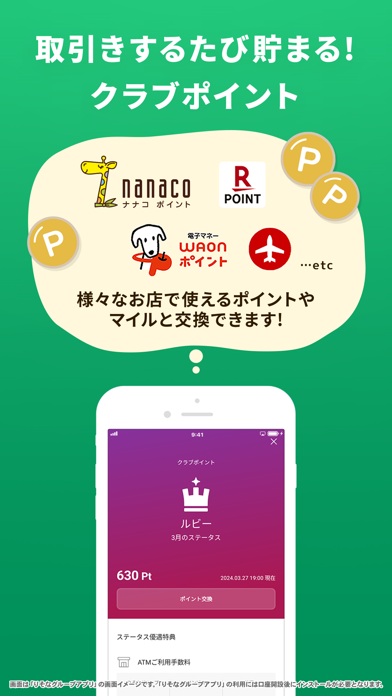
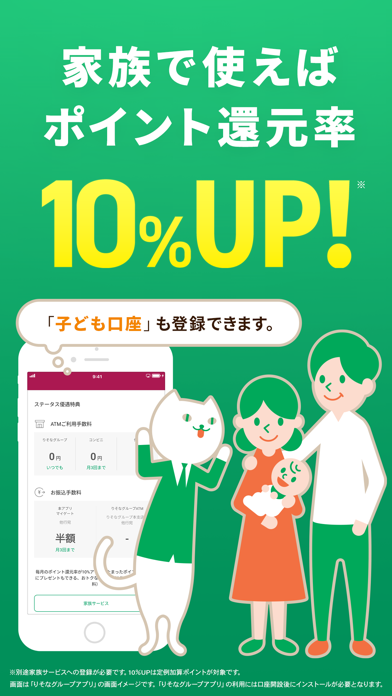
iPad screenshots


Icon palette
About this app
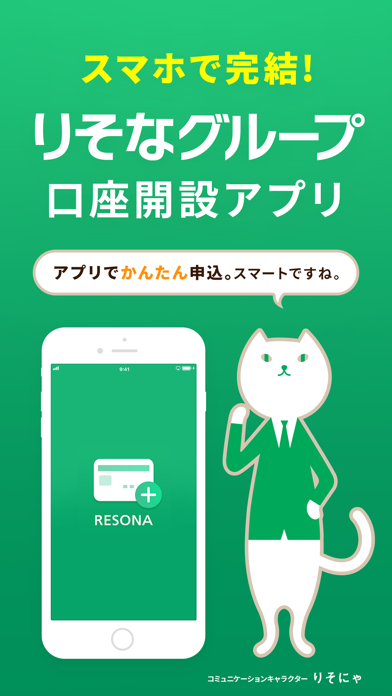
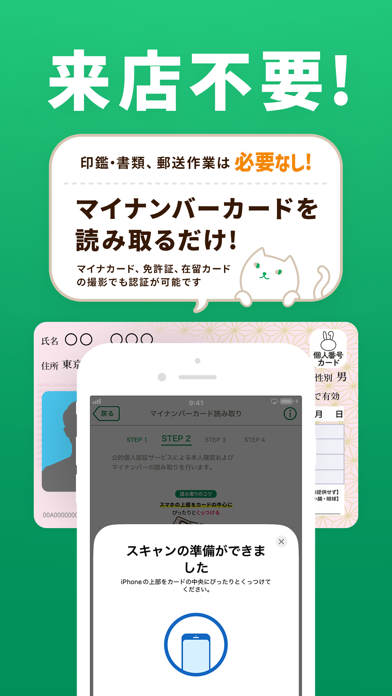
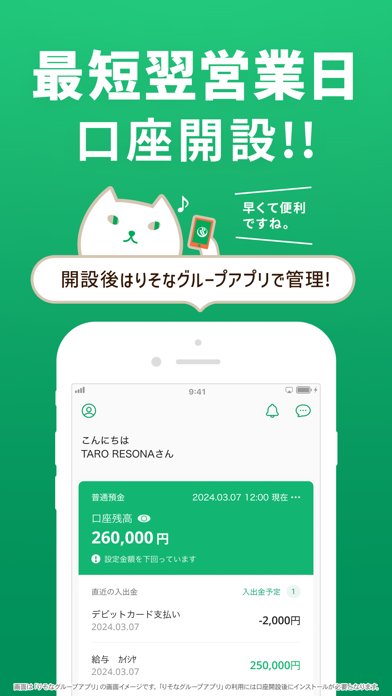
本アプリは、マイナンバーカードをスマホで読み取り必要情報とともに送信していただくことで、簡単・スピーディーにりそなグループ(りそな銀行・埼玉りそな銀行・関西みらい銀行・みなと銀行)の口座開設ができるアプリです。運転免許証・在留カード等の券面および顔写真の撮影によって口座を開設することもできます。 ■ご利用方法 1.アプリをダウンロード。 2.メールアドレス入力後、確認番号をメールアドレス宛自動送信。確認番号入力し、申込へ進む。 3.マイナンバーカード読み取りによる本人確認。(運転免許証・在留カード等の撮影も可能) 4.お客さま情報の入力、送信。 5.キャッシュカード(Visaデビット機能付)のお届け。 ※キャッシュカードのお届けまでの目安は約2~3週間となります。 ■ご利用上のご注意 ・事業を営むためのお取引、屋号・団体名でのお取引目的ではお申込みいただけません。 ・非居住者の方はお申込みいただけません。 ・運転免許証、マイナンバーカード、在留カードをお持ちでない方は、本アプリではお申込みいただけません。 ・15歳未…
App details
What you can learn from りそな 口座開設アプリ
Every shipping app on the App Store has gone through the same decisions you're working through right now: which screenshot goes first, what caption sits over it, which device frame to show, what color the background should be. The 9 screenshots above are りそな 口座開設アプリ's answers to those questions — they're public, they're real, and they made it through Apple's review.
What the numbers say: りそな 口座開設アプリ runs a mixed light-and-dark set where the background shifts from screenshot to screenshot (first shot #04945C) — each image has to stand on its own, so the captions carry more of the story. The accent colour we picked up, #FCFC04, is the one to reuse for badges, arrows and highlighted words if you borrow this look. Hit Use this style to open the editor with these exact colours and drop your own screenshot in.
Notice the first screenshot in particular. It's the one users see in search results and on the product page, and it's where most apps spend their best caption and tightest design. Look at the proportion of background to phone, where the text sits, what one thing the image is trying to communicate.
Want to see how other Finance apps approach the same problem? Browse more Finance apps in the showcase.
Take what works into your own screenshots
Open LaunchShots and design your App Store & Google Play screenshots — pick a device frame, drop captions, ship in minutes. Free, in your browser.
Open the screenshot editor →Apps with a similar look
Closest background + accent colours among the listings we've analysed — useful when you want to see the same palette handled by a different team.