Chart position — tracked daily by LaunchShots
Screenshot style breakdown
Sampled from 6 of スーパー地形's App Store screenshots — background, accent and theme, measured by LaunchShots (not something Apple publishes).
#344C9C bg
#5065A9
#049C9C accent
#FFFFFF text
Screenshots
iPad screenshots
Icon palette
About this app
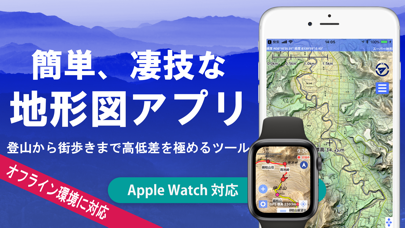
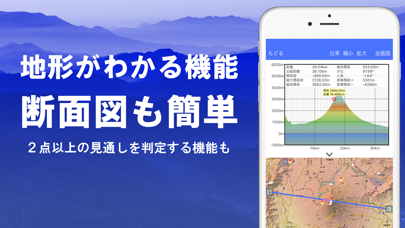
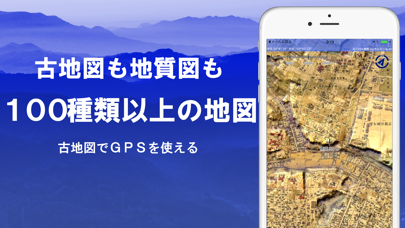
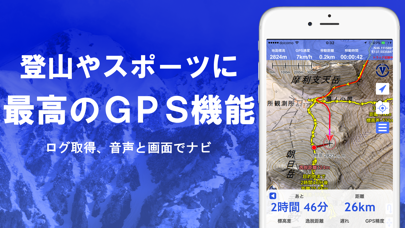
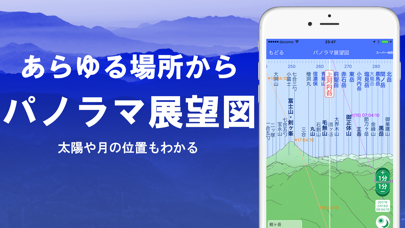
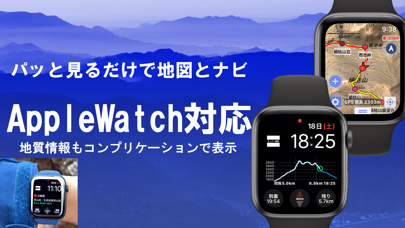
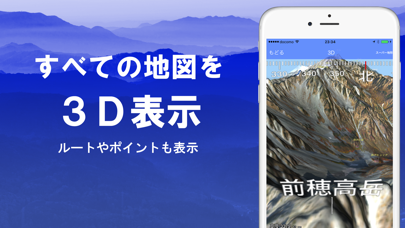
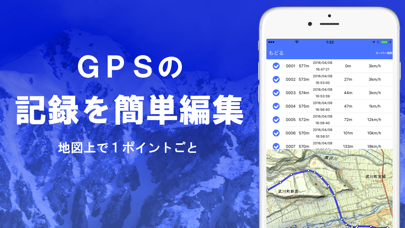
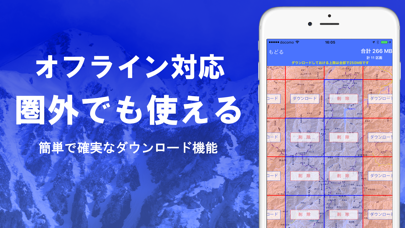
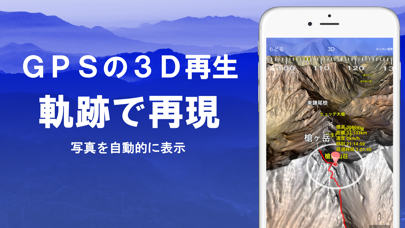
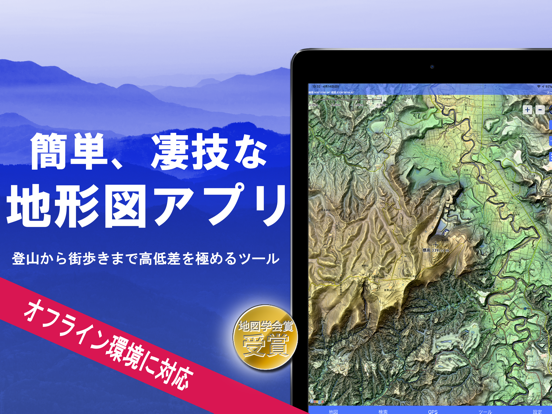
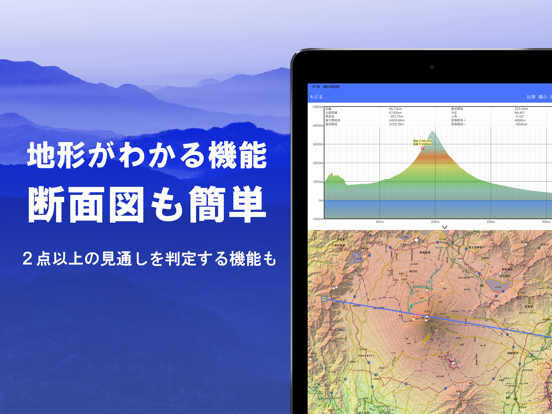
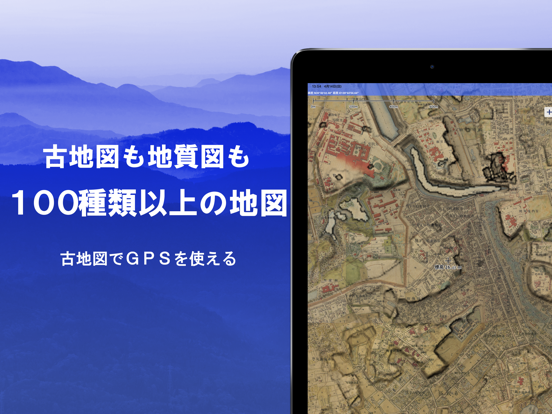
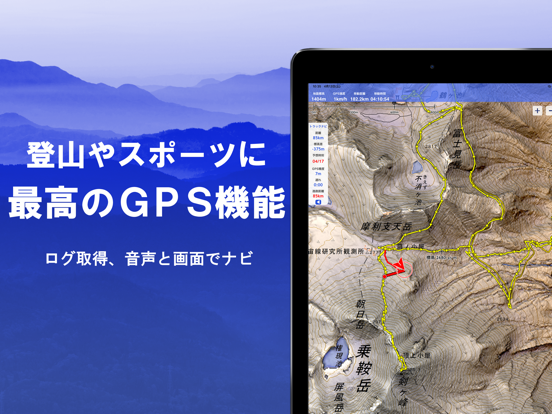
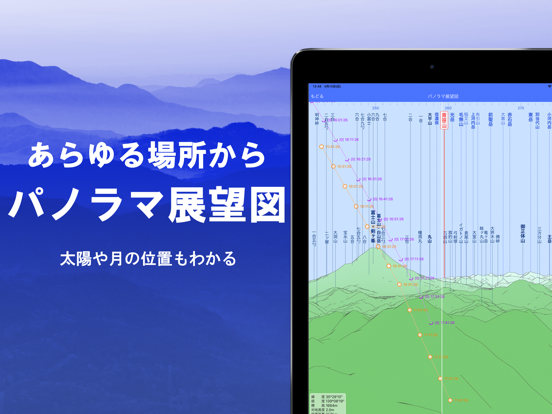
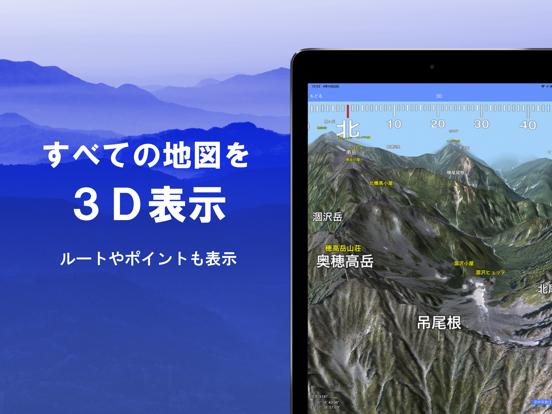
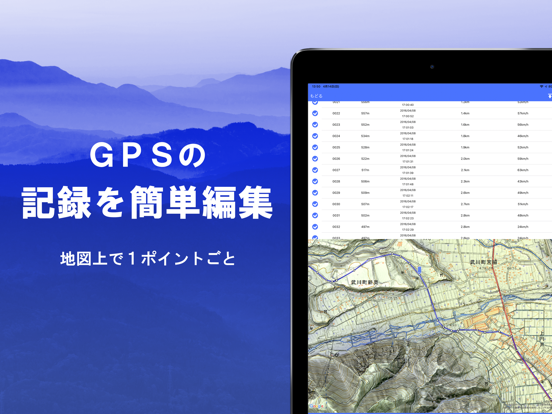
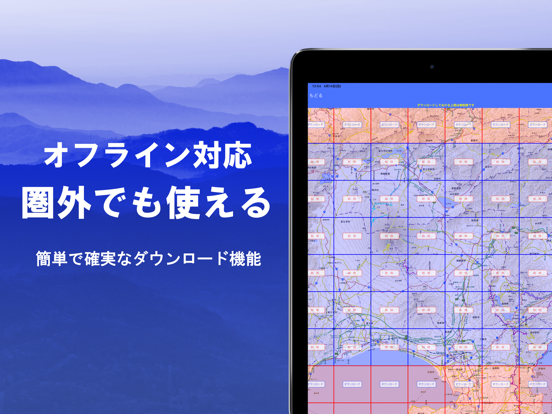
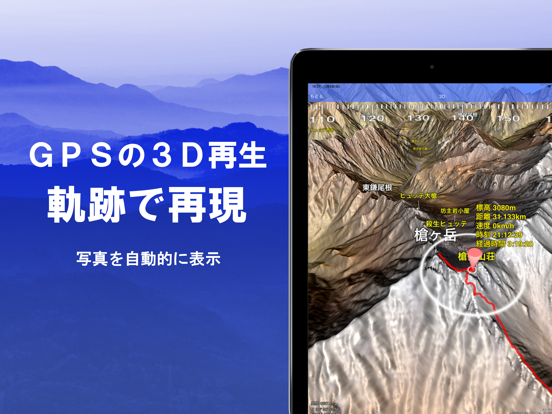
- 電波がない場所でも、GPSや地図が使える! - 登山ナビにも最強。アウトドア・オフライン地図・3D対応。究極のGPS機能を搭載。 - 街歩き、城巡り、狩猟、散歩、ダム巡り、土木、バックカントリー、巡検、地図鑑賞、などに使える。 - データの自動バックアップ機能あり ●TV番組『ブラタモリ』でも使用されている、地形にとことんこだわった地図が使えるアプリです。 ●圏外でも使用できる地図のダウンロード機能、キャッシュ機能があり、本格登山に使えます。 ●GPSナビゲーション(音声付き)、データの記録・編集など、まち歩きや、登山、アウトドアをサポートする機能を搭載。 ●トラック軌跡のまとめ再生機能があります。写真を自動的に表示します。3D再生も可能です。 ●PC用アプリ「カシミール3D」からGPSデータや、カスタムマップを取り込めます。GPSデータは逆も可。 ●古地図をはじめとした100種類以上の地図が使えます。 ●360°パノラマ展望図機能を搭載。山の名前がわかります。太陽や月、GPSポイントの表示も可能。 ●3D機能を搭載。高精細地形データで地形を再…
App details
What you can learn from スーパー地形
Every shipping app on the App Store has gone through the same decisions you're working through right now: which screenshot goes first, what caption sits over it, which device frame to show, what color the background should be. The 19 screenshots above are スーパー地形's answers to those questions — they're public, they're real, and they made it through Apple's review.
What the numbers say: スーパー地形 runs a dark set where the background shifts from screenshot to screenshot (first shot #344C9C) — each image has to stand on its own, so the captions carry more of the story. The accent colour we picked up, #049C9C, is the one to reuse for badges, arrows and highlighted words if you borrow this look. Hit Use this style to open the editor with these exact colours and drop your own screenshot in.
Notice the first screenshot in particular. It's the one users see in search results and on the product page, and it's where most apps spend their best caption and tightest design. Look at the proportion of background to phone, where the text sits, what one thing the image is trying to communicate.
Want to see how other Navigation apps approach the same problem? Browse more Navigation apps in the showcase.
Take what works into your own screenshots
Open LaunchShots and design your App Store & Google Play screenshots — pick a device frame, drop captions, ship in minutes. Free, in your browser.
Open the screenshot editor →Apps with a similar look
Closest background + accent colours among the listings we've analysed — useful when you want to see the same palette handled by a different team.