Chart position — tracked daily by LaunchShots
Screenshot style breakdown
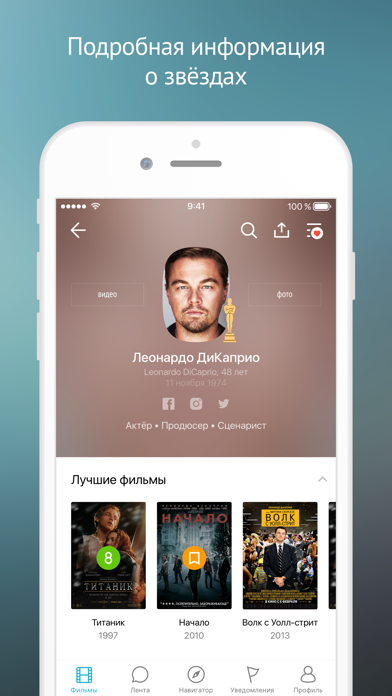
Sampled from 6 of Кинориум: Все фильмы и сериалы's App Store screenshots — background, accent and theme, measured by LaunchShots (not something Apple publishes).
#FCFCFC bg
#DDDDDD
#44747C accent
#111111 text
Screenshots

Icon palette
About this app
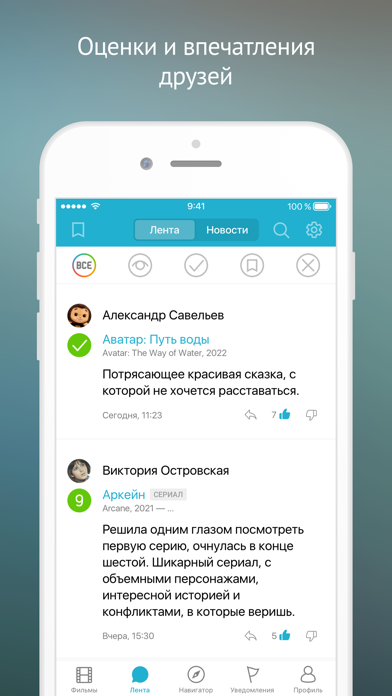
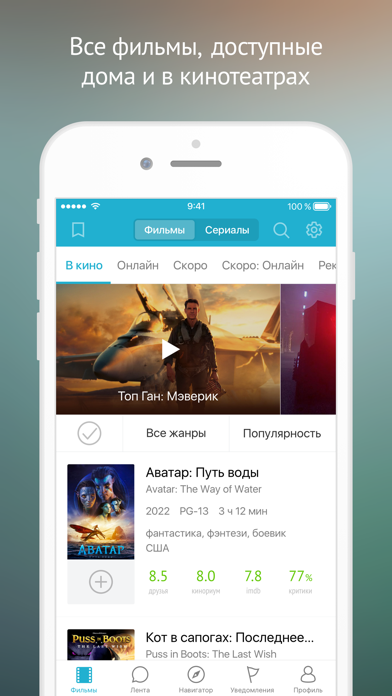
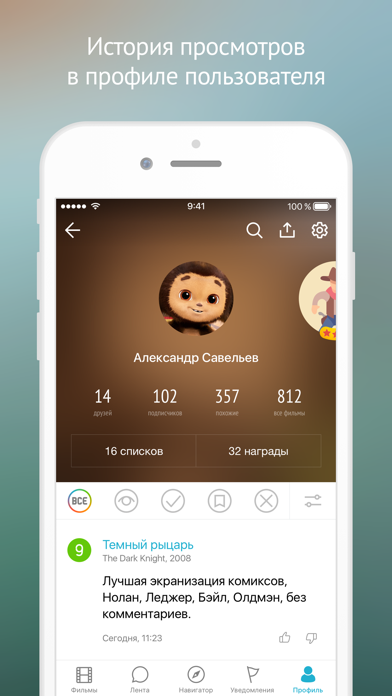
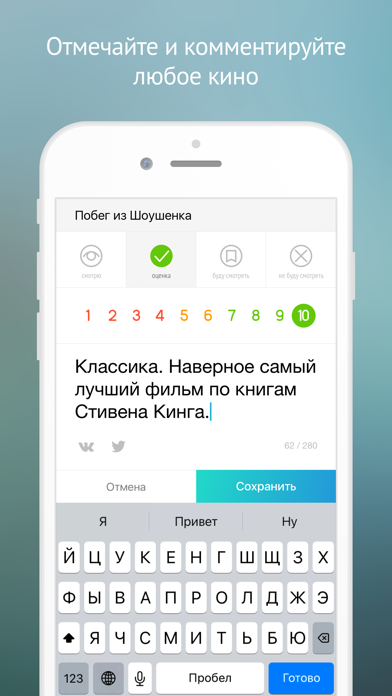
Вы не поверите, но мы сделали невозможное и доказали существование жизни после смерти. Шутка! На самом деле, мы изобрели потрясающее приложение для киноманов – "Кинориум" от сайта kinorium.com. - Информация обо всех фильмах и актёрах. - Мгновенный поиск на нескольких языках (русский, английский, украинский). - Вы легко можете прокомментировать и оценить любой фильм или отложить его в список на будущее. - Фильмы собраны в удобные списки: В кино, Дома, Скоро в прокате. Теперь вы всегда знаете, что посмотреть! - Все сериалы, которые вы смотрите, показаны в разделе "Мои сериалы". Вы больше никогда не забудете, на какой серии остановились! - Полезные уведомления о премьерах в кино, которые вы ждёте, и о новых эпизодах сериалов, которые вы смотрите. - С помощью Ленты друзей вы всегда в курсе того, что смотрят ваши друзья: какие фильмы им понравились, а какие не очень. - Для быстрого старта…
App details
What you can learn from Кинориум: Все фильмы и сериалы
Every shipping app on the App Store has gone through the same decisions you're working through right now: which screenshot goes first, what caption sits over it, which device frame to show, what color the background should be. The 6 screenshots above are Кинориум: Все фильмы и сериалы's answers to those questions — they're public, they're real, and they made it through Apple's review.
What the numbers say: Кинориум: Все фильмы и сериалы runs a light set where the background shifts from screenshot to screenshot (first shot #FCFCFC) — each image has to stand on its own, so the captions carry more of the story. The accent colour we picked up, #44747C, is the one to reuse for badges, arrows and highlighted words if you borrow this look. Hit Use this style to open the editor with these exact colours and drop your own screenshot in.
Notice the first screenshot in particular. It's the one users see in search results and on the product page, and it's where most apps spend their best caption and tightest design. Look at the proportion of background to phone, where the text sits, what one thing the image is trying to communicate.
Want to see how other Entertainment apps approach the same problem? Browse more Entertainment apps in the showcase.
Take what works into your own screenshots
Open LaunchShots and design your App Store & Google Play screenshots — pick a device frame, drop captions, ship in minutes. Free, in your browser.
Open the screenshot editor →Apps with a similar look
Closest background + accent colours among the listings we've analysed — useful when you want to see the same palette handled by a different team.