Screenshot style breakdown
Sampled from 6 of 高校定期テスト得点アップ一問一答アプリ's App Store screenshots — background, accent and theme, measured by LaunchShots (not something Apple publishes).
#FCFCFC bg
#DDDDDD
#FCE404 accent
#111111 text
Reading the caption text from the screenshots in your browser…
Screenshots
Icon palette
About this app
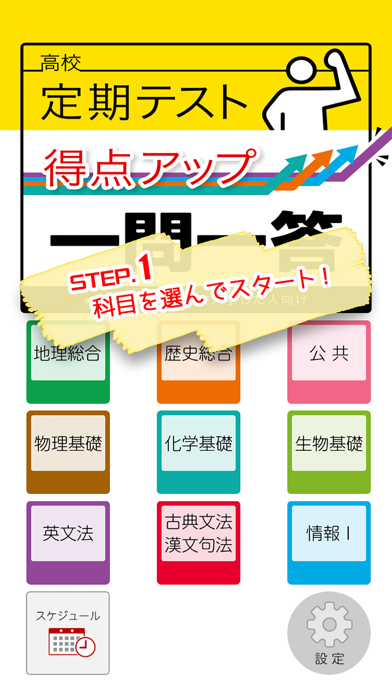
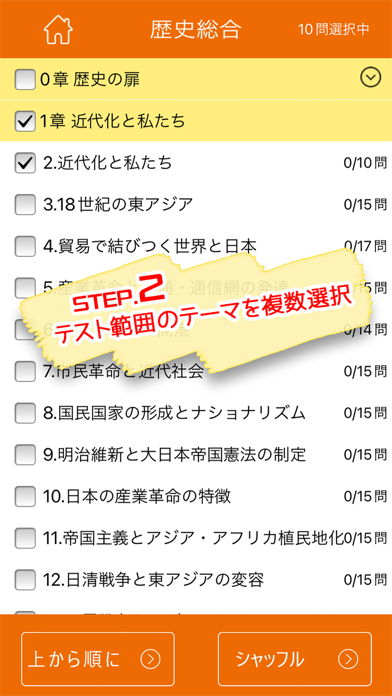
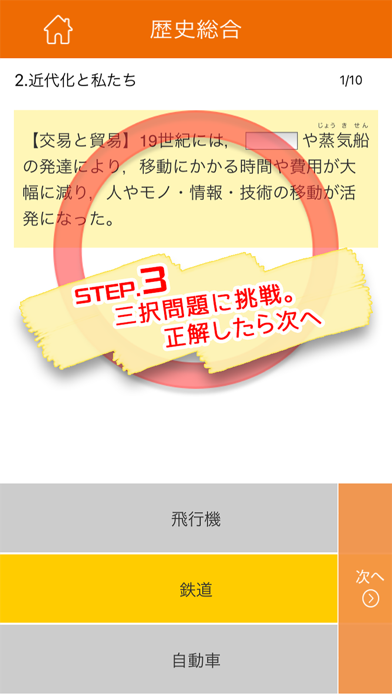
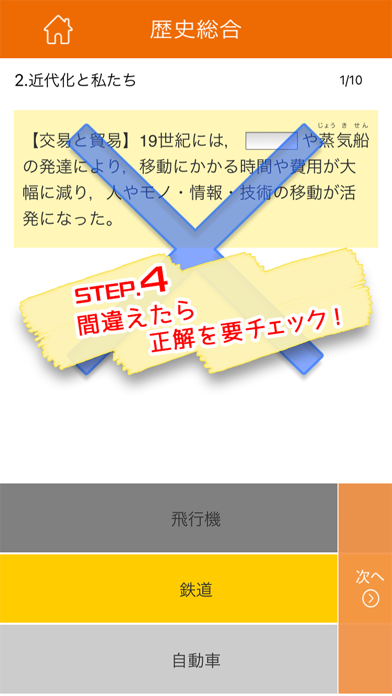
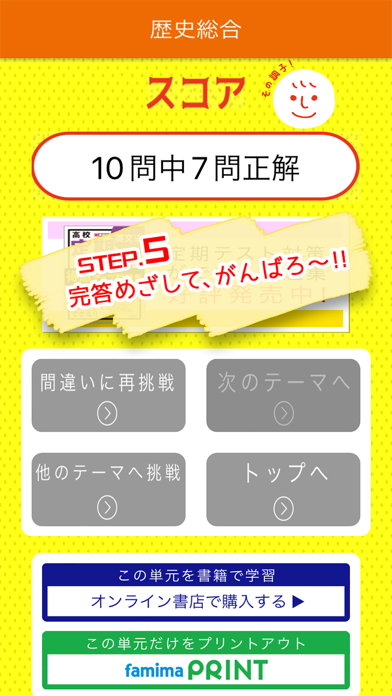
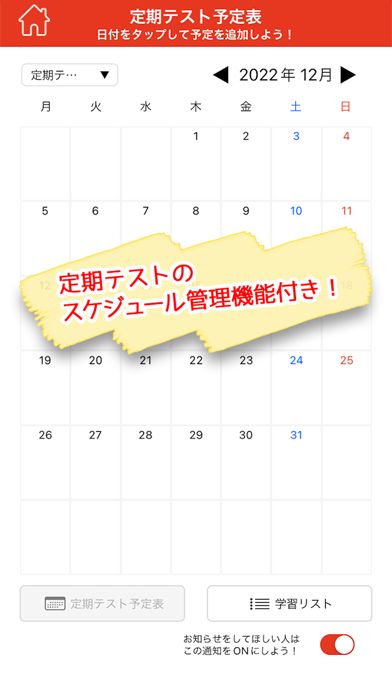
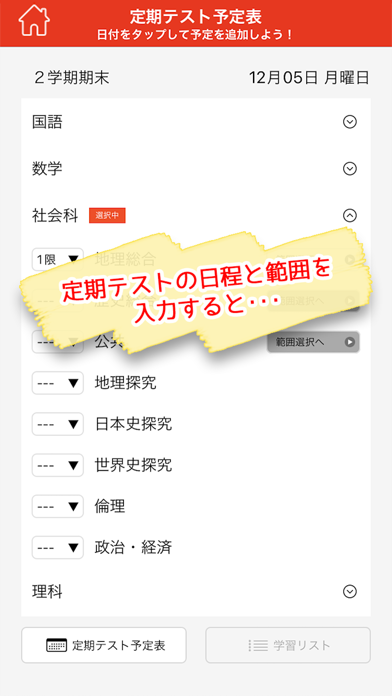
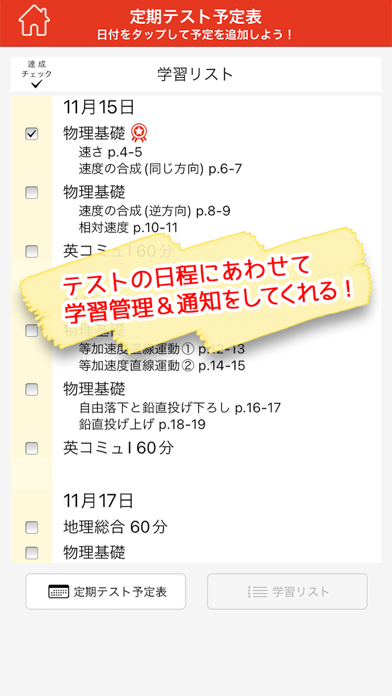
「定期テスト」直前対策用の無料アプリ <一問一答機能> ■収録科目 【2022年4月以降に高校に入学した人向け】 地理総合/歴史総合/公共/物理基礎/化学基礎/生物基礎/英文法/ 古典文法・漢文句法/情報Ⅰ 【上記以前に高校に入学した人向け】 日本史A・B/世界史A・B/地理A・B/現代社会/政治・経済 ■全収録問題数 全科目合計約5,800題!3択解答でサクッと復習!! ■科目ごとの収録問題数 - 地理総合/536題 - 歴史総合/690題 - 公共/588題 - 物理基礎/99題 - 化学基礎/91題 - 生物基礎/186題 - 英文法/160題 - 古典文法・漢文句法/202題 - 情報Ⅰ/200題 - 日本史A・B/727題 - 世界史A・B/858題 - 地理A・B/438題 - 現代社会/495題 - 政治・経済/587題 ■本アプリは「高校定期テスト 得点アップ問題集」シリーズ(旺文社)の収録問題を利用しています。 1.テストでよく狙われるポイントを,3択解答でサクッと復習 - アプリに表示される問題は,書籍に掲載のテーマ順,複数テーマからのシャッフルが選択できます。 - 問題の解答を3択の中から選んでくだ…
App details
What you can learn from 高校定期テスト得点アップ一問一答アプリ
Every shipping app on the App Store has gone through the same decisions you're working through right now: which screenshot goes first, what caption sits over it, which device frame to show, what color the background should be. The 8 screenshots above are 高校定期テスト得点アップ一問一答アプリ's answers to those questions — they're public, they're real, and they made it through Apple's review.
What the numbers say: 高校定期テスト得点アップ一問一答アプリ runs a mixed light-and-dark set where the background shifts from screenshot to screenshot (first shot #FCFCFC) — each image has to stand on its own, so the captions carry more of the story. The accent colour we picked up, #FCE404, is the one to reuse for badges, arrows and highlighted words if you borrow this look. Hit Use this style to open the editor with these exact colours and drop your own screenshot in.
Notice the first screenshot in particular. It's the one users see in search results and on the product page, and it's where most apps spend their best caption and tightest design. Look at the proportion of background to phone, where the text sits, what one thing the image is trying to communicate.
Want to see how other Education apps approach the same problem? Browse more Education apps in the showcase.
Take what works into your own screenshots
Open LaunchShots and design your App Store & Google Play screenshots — pick a device frame, drop captions, ship in minutes. Free, in your browser.
Open the screenshot editor →Apps with a similar look
Closest background + accent colours among the listings we've analysed — useful when you want to see the same palette handled by a different team.