Chart position — tracked daily by LaunchShots
Screenshot style breakdown
Sampled from 5 of 健茂天气's App Store screenshots — background, accent and theme, measured by LaunchShots (not something Apple publishes).
#B4D444 bg
#9EBA3B
#549CC4 accent
#111111 text
Screenshots


iPad screenshots



Icon palette
About this app
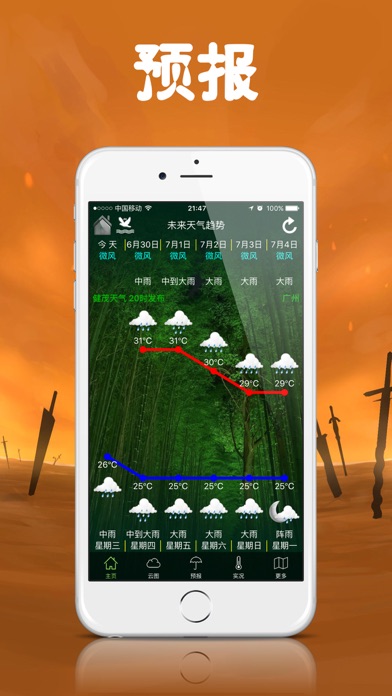
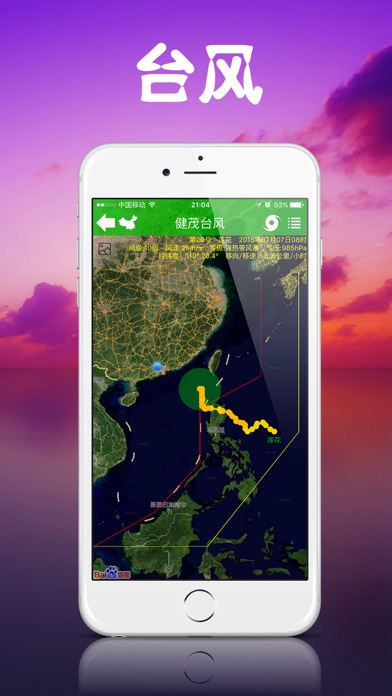
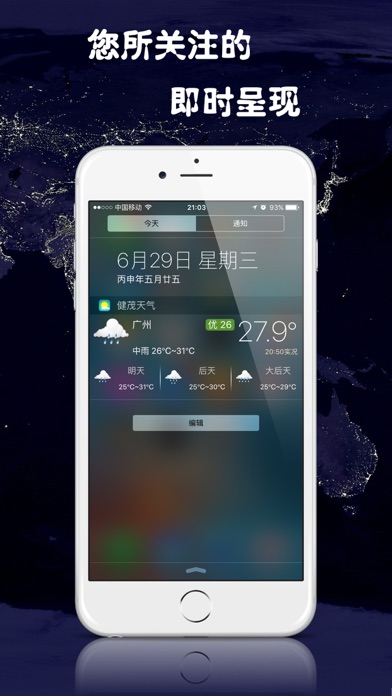
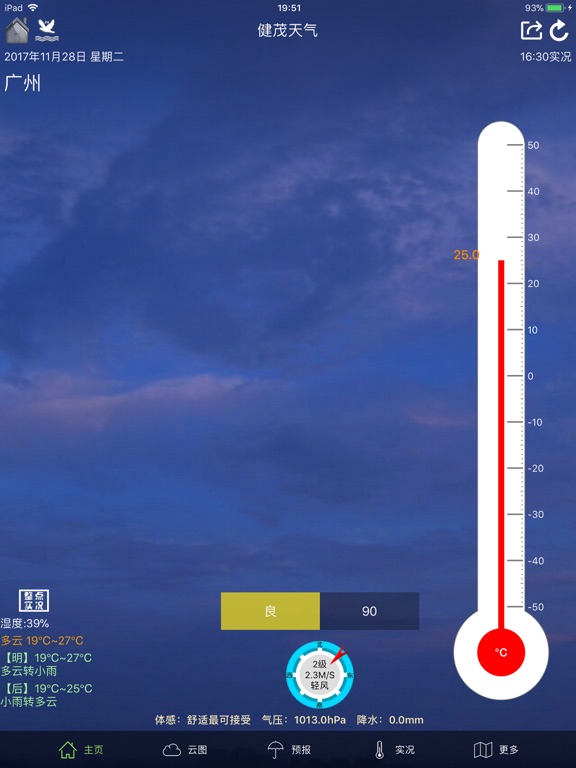
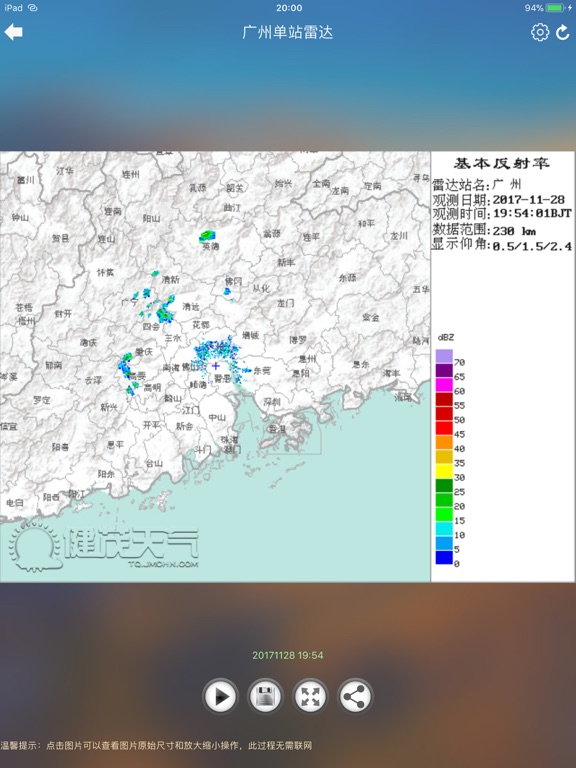
健茂天气是一款以图说天气为主的天气软件,支持两千五百多个县级以上城市天气实况、预报等信息,支持一周内气温趋势图、实况温度计动画显示以及风向风力盘图等,支持台风实时路径以及流场动画。健茂天气还包含了实时气象卫星图,晴天多云一目了然;降雨预测神器雷达图,让您出行无忧;气象预报图,掌握天气未来趋势;气象实况图,全面了解过去天气状况等等。结合图文,天气信息全面、及时、准确、实用!健茂天气,时刻掌握天下气象!
App details
What you can learn from 健茂天气
Every shipping app on the App Store has gone through the same decisions you're working through right now: which screenshot goes first, what caption sits over it, which device frame to show, what color the background should be. The 10 screenshots above are 健茂天气's answers to those questions — they're public, they're real, and they made it through Apple's review.
What the numbers say: 健茂天气 runs a mixed light-and-dark set where the background shifts from screenshot to screenshot (first shot #B4D444) — each image has to stand on its own, so the captions carry more of the story. The accent colour we picked up, #549CC4, is the one to reuse for badges, arrows and highlighted words if you borrow this look. Hit Use this style to open the editor with these exact colours and drop your own screenshot in.
Notice the first screenshot in particular. It's the one users see in search results and on the product page, and it's where most apps spend their best caption and tightest design. Look at the proportion of background to phone, where the text sits, what one thing the image is trying to communicate.
Want to see how other Weather apps approach the same problem? Browse more Weather apps in the showcase.
Take what works into your own screenshots
Open LaunchShots and design your App Store & Google Play screenshots — pick a device frame, drop captions, ship in minutes. Free, in your browser.
Open the screenshot editor →Apps with a similar look
Closest background + accent colours among the listings we've analysed — useful when you want to see the same palette handled by a different team.