Screenshots
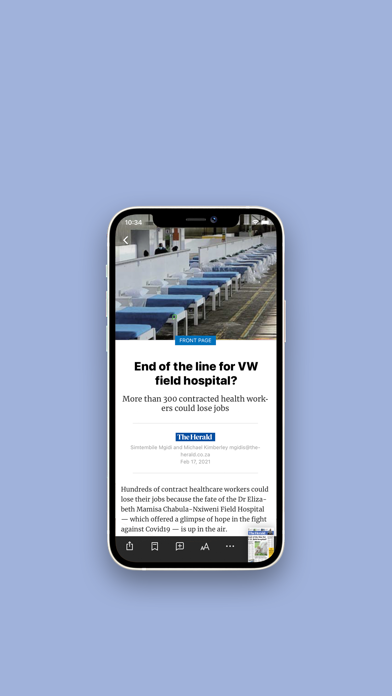
iPad screenshots


Icon palette
About this app
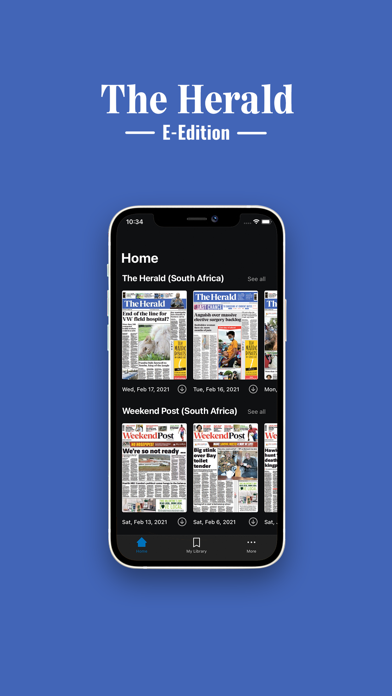
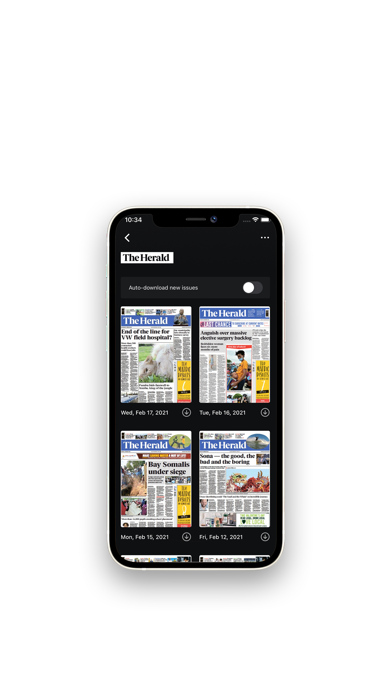
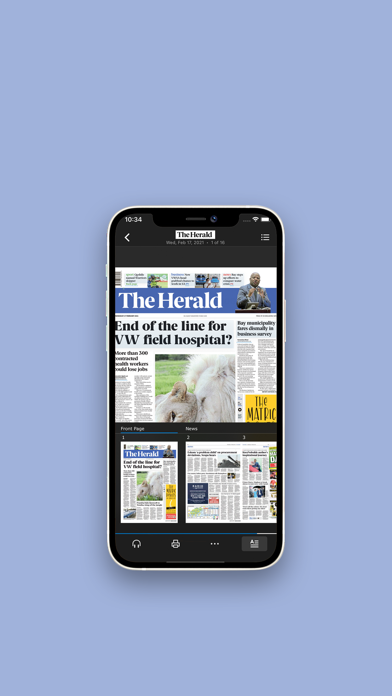
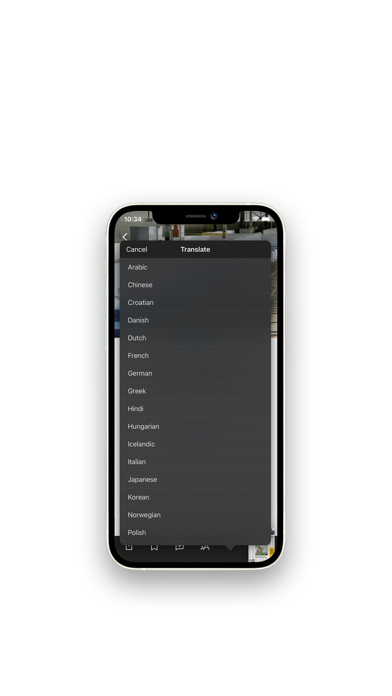
The Herald e-edition beautifully repackages your trusted newspaper for your news on the go. Each mobile-friendly issue showcases our award-winning local, national and international reporting along with thoughtful commentary, opinion and in-depth sports analysis. It’s the newspaper you know and trust in a new, convenient and digital format. App features: • Easily discover content searching by publication name, interest, country, or language preference. • Read publications and stories just as they appear in the newspaper. • Read full stories in an attention-grabbing, horizontal news stream in text view mode. • Personalise your news feed with your news topics. • Download full issues for offline reading. • Listen to stories with on-demand narration. • Bookmark articles for later reading, reference or sharing. • Comment on articles and make your opinions heard. • Vote on articles to show yo…
App details
What you can learn from The Herald E-Edition
Every shipping app on the App Store has gone through the same decisions you're working through right now: which screenshot goes first, what caption sits over it, which device frame to show, what color the background should be. The 10 screenshots above are The Herald E-Edition's answers to those questions — they're public, they're real, and they made it through Apple's review.
Notice the first screenshot in particular. It's the one users see in search results and on the product page, and it's where most apps spend their best caption and tightest design. Look at the proportion of background to phone, where the text sits, what one thing the image is trying to communicate.
Want to see how other News apps approach the same problem? Browse more News apps in the showcase.
Take what works into your own screenshots
Open LaunchShots and design your App Store & Google Play screenshots — pick a device frame, drop captions, ship in minutes. Free, in your browser.
Open the screenshot editor →