Chart position — tracked daily by LaunchShots
Screenshot style breakdown
Sampled from 5 of KtoMaLek's App Store screenshots — background, accent and theme, measured by LaunchShots (not something Apple publishes).
#CCDC6C bg
#B3C15F
#74AC3C accent
#111111 text
Screenshots
Icon palette
About this app
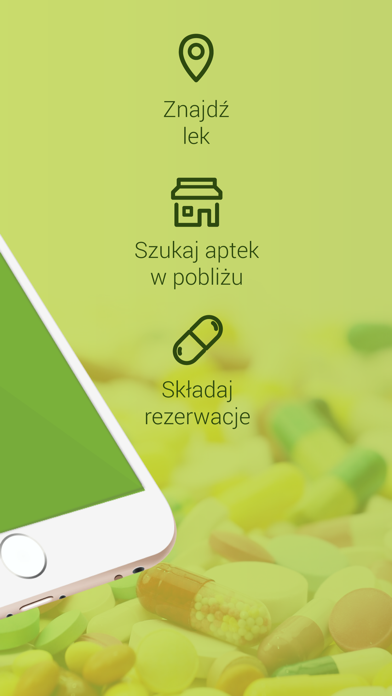
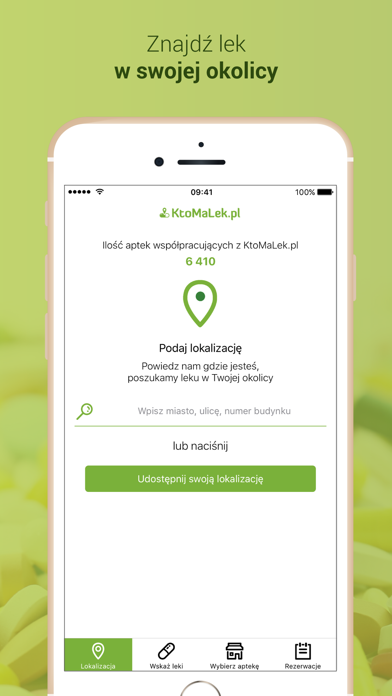
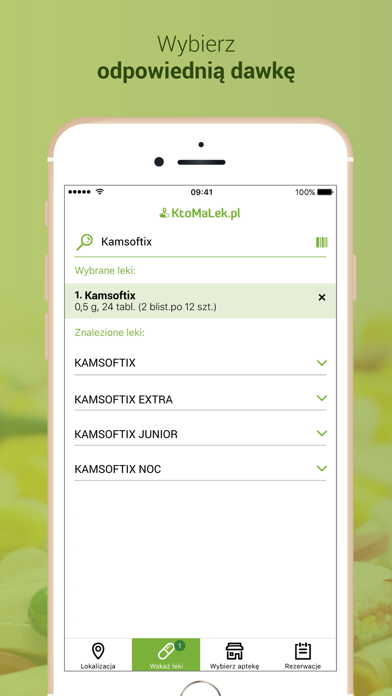
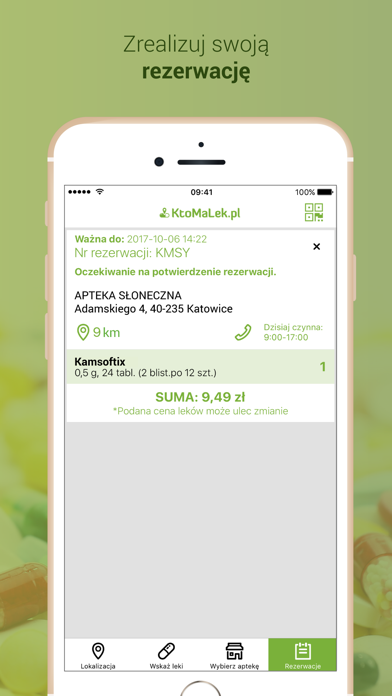
APLIKACJA KTOMALEK WYSZUKAJ LEK I ZAREZERWUJ GO MOBILNIE Aplikacja KtoMaLek umożliwia KAŻDEMU użytkownikowi łatwe wyszukiwanie leków w pobliskich aptekach. Przydaje się zwłaszcza w przypadku wyszukiwania potrzebnych, lecz trudno dostępnych leków. O statusie rezerwacji użytkownik jest informowany na bieżąco, dzięki czemu do apteki przychodzi w chwili, gdy leki są gotowe do odbioru. Z pomocą aplikacji kupisz leki w 4 prostych krokach: * Podaj lokalizację * Wskaż leki * Zarezerwuj leki * Odbierz i zapłać za lek w wybranej aptece Wygoda ma nowy wymiar! Wypróbuj aplikację KtoMaLek - wyślij rezerwację do apteki przez telefon komórkowy lub tablet. Aplikacja KtoMaLek : 1. Nie realizuje żadnych funkcji sprzedażowych, nie pośredniczy w sprzedaży leków. 2. Spełnia wymogi ustawy „Prawo Farmaceutyczne", w tym nie reklamuje aptek. 3. Nie rankinguje aptek, poza ujawnianiem pacjentowi odległo…
App details
What you can learn from KtoMaLek
Every shipping app on the App Store has gone through the same decisions you're working through right now: which screenshot goes first, what caption sits over it, which device frame to show, what color the background should be. The 5 screenshots above are KtoMaLek's answers to those questions — they're public, they're real, and they made it through Apple's review.
What the numbers say: KtoMaLek runs a light set with one background colour (#CCDC6C) carried across every screenshot — the listing reads as a single poster when the shots sit side by side in search results. The accent colour we picked up, #74AC3C, is the one to reuse for badges, arrows and highlighted words if you borrow this look. Hit Use this style to open the editor with these exact colours and drop your own screenshot in.
Notice the first screenshot in particular. It's the one users see in search results and on the product page, and it's where most apps spend their best caption and tightest design. Look at the proportion of background to phone, where the text sits, what one thing the image is trying to communicate.
Want to see how other Medical apps approach the same problem? Browse more Medical apps in the showcase.
Take what works into your own screenshots
Open LaunchShots and design your App Store & Google Play screenshots — pick a device frame, drop captions, ship in minutes. Free, in your browser.
Open the screenshot editor →Apps with a similar look
Closest background + accent colours among the listings we've analysed — useful when you want to see the same palette handled by a different team.