Chart position — tracked daily by LaunchShots
Screenshot changes — detected by LaunchShots
Screenshot style breakdown
Sampled from 6 of EBA's App Store screenshots — background, accent and theme, measured by LaunchShots (not something Apple publishes).
#FCFCFC bg
#DDDDDD
#CCFC4C accent
#111111 text
- #14 EBA Eğitim Bilişim Ağı
- #3Konuları kolayca öğren, başarını adım adım arttır.
- #4Zengin içeriklerle bilgini geliştir, öğrenmeye devam et.
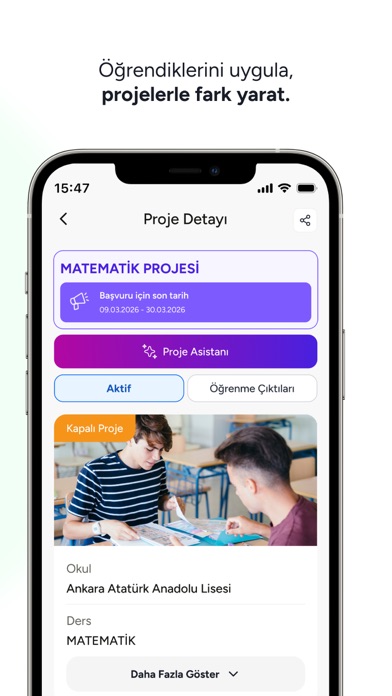
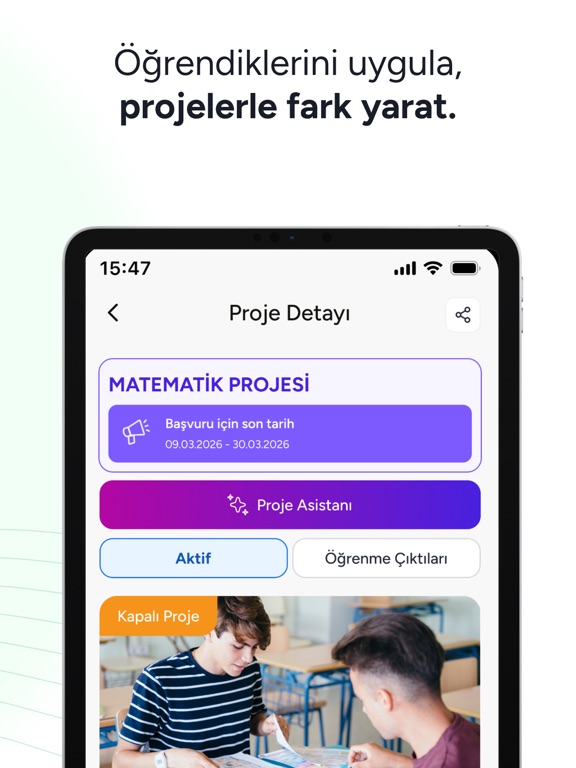
- #5Öğrendiklerini uygula, projelerle fark yarat.
- #6Takildigin yerde sor, anında öğren.
Captions read from the screenshots (OCR, may contain small errors): 5 headlines, 5.8 words on average (longest 7).
Screenshots




iPad screenshots




Icon palette
About this app
Yapay zekâ destekli yeni EBA ile öğren, pekiştir, paylaş; Bir Adım Önde ol. Millî Eğitim Bakanlığının yenilenen dijital eğitim platformu EBA; öğrencileri, öğretmenleri ve velileri güvenli, erişilebilir ve bütüncül bir eğitim ortamında buluşturur. Okul öncesinden liseye kadar farklı eğitim kademelerine özel tasarlanan EBA; müfredata uygun içerikleri, ders ve sınavları, canlı dersleri, dijital kütüphanesi, çalışmaları ve projeleriyle öğrenme sürecini destekler. Yapay zekâ destekli araçları ve öğrenme analitiğiyle kişiselleştirilmiş öğrenme deneyimleri sunar; öğretmenlerin ders planlama, içerik üretme ve öğrenci gelişimini takip etme süreçlerini kolaylaştırır. EBA mobil uygulamasıyla eğitim içeriklerine ulaşabilir, derslerinizi ve çalışmalarınızı takip edebilir, canlı derslere katılabilir ve öğrenmeye dilediğiniz yerden devam edebilirsiniz.
App details
What you can learn from EBA
Every shipping app on the App Store has gone through the same decisions you're working through right now: which screenshot goes first, what caption sits over it, which device frame to show, what color the background should be. The 16 screenshots above are EBA's answers to those questions — they're public, they're real, and they made it through Apple's review.
What the numbers say: EBA runs a light set with one background colour (#FCFCFC) carried across every screenshot — the listing reads as a single poster when the shots sit side by side in search results. The accent colour we picked up, #CCFC4C, is the one to reuse for badges, arrows and highlighted words if you borrow this look. Hit Use this style to open the editor with these exact colours and drop your own screenshot in.
Notice the first screenshot in particular. It's the one users see in search results and on the product page, and it's where most apps spend their best caption and tightest design. Look at the proportion of background to phone, where the text sits, what one thing the image is trying to communicate.
Want to see how other Education apps approach the same problem? Browse more Education apps in the showcase.
Take what works into your own screenshots
Open LaunchShots and design your App Store & Google Play screenshots — pick a device frame, drop captions, ship in minutes. Free, in your browser.
Open the screenshot editor →Apps with a similar look
Closest background + accent colours among the listings we've analysed — useful when you want to see the same palette handled by a different team.