Screenshots


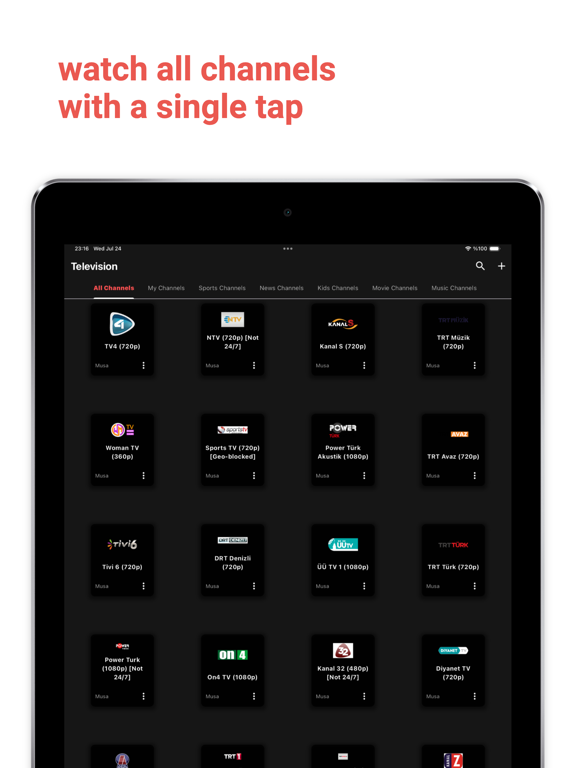
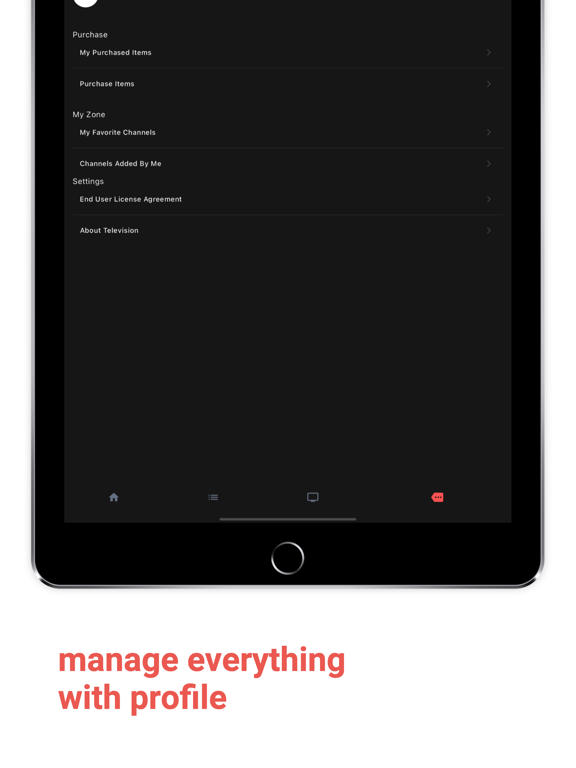
iPad screenshots


Icon palette
About this app
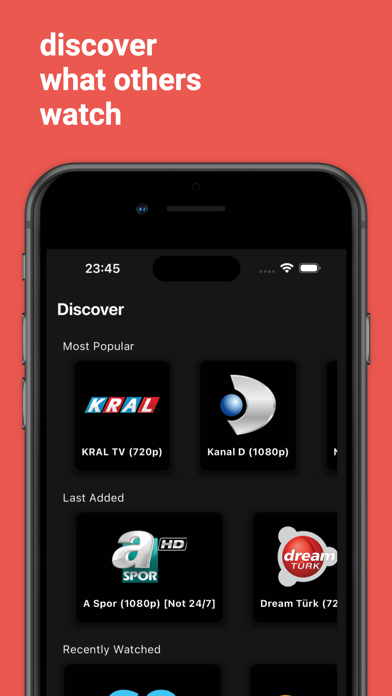
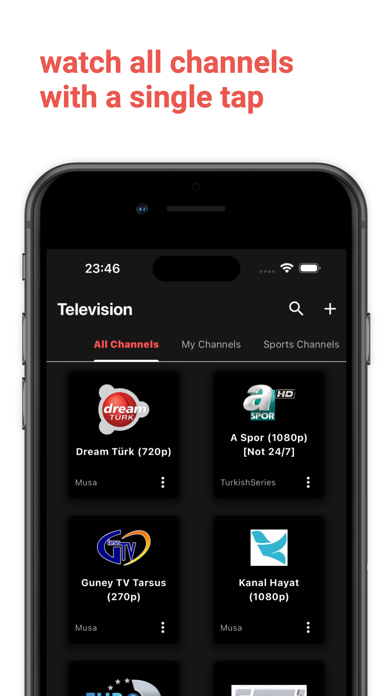
Your Television! Television is the most advanced tv player app, that enables you to watch your and shared channels. You can discover, most popular, last added, recently watched channels. Go among the categories that helps you to find easily. Television is designed to present best user TV experience. You can switch the channel via next and previous buttons. You can share your channels with other or create your special ones. Phone/Apple/Google Login is super easy. PRICE AND TERMS: Televizyon offers the following subscriptions options: Starter - 1 Week - Remove all ads, enjoy limitless experience! * 1 month: ₺5.99 (TRY) (Price of July 2024 - Current price may differ.) Starter - 1 Month - Remove all ads, enjoy limitless experience! * 1 month: ₺19.99 (TRY) (Price of July 2024 - Current price may differ.) Starter - 1 Year - Remove all ads, enjoy limitless experience! * 1 month: ₺18…
App details
What you can learn from Television - AI Live TV, IPTV
Every shipping app on the App Store has gone through the same decisions you're working through right now: which screenshot goes first, what caption sits over it, which device frame to show, what color the background should be. The 8 screenshots above are Television - AI Live TV, IPTV's answers to those questions — they're public, they're real, and they made it through Apple's review.
Notice the first screenshot in particular. It's the one users see in search results and on the product page, and it's where most apps spend their best caption and tightest design. Look at the proportion of background to phone, where the text sits, what one thing the image is trying to communicate.
Want to see how other Entertainment apps approach the same problem? Browse more Entertainment apps in the showcase.
Take what works into your own screenshots
Open LaunchShots and design your App Store & Google Play screenshots — pick a device frame, drop captions, ship in minutes. Free, in your browser.
Open the screenshot editor →