Screenshots



Icon palette
About this app
Pay it in 4, interest free. Afterpay is the smarter way to buy—get what you want now and spread the cost over 6 weeks. We split your total into 4 easy payments. No fees when you pay on time, no interest. Easy to apply. Set up an account in minutes. You must be 18+ and provide some personal information. We’ll verify your identity electronically and run a quick eligibility check. Once you’re approved, just link a valid debit or credit card and you’re good to go. Afterpay anywhere that matters. Pay it in 4 across furniture and homewares, electronics and tech, health and wellness, travel, fashion, entertainment and more. Find it. Afterpay it. Tap to pay in-store. Download the app to get the digital Afterpay Card. Tap-and-go at participating stores in-person near you. Buy gift cards, pay it in 4 instalments. The gift of choice meets the luxury of time. Eligible customers can select fr…
App details
What you can learn from Afterpay. Buy now, pay it in 4
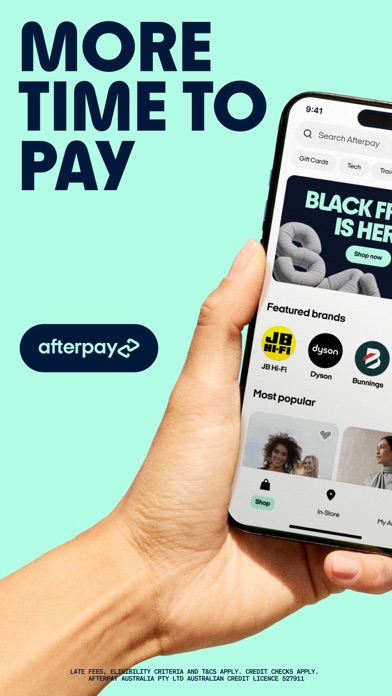
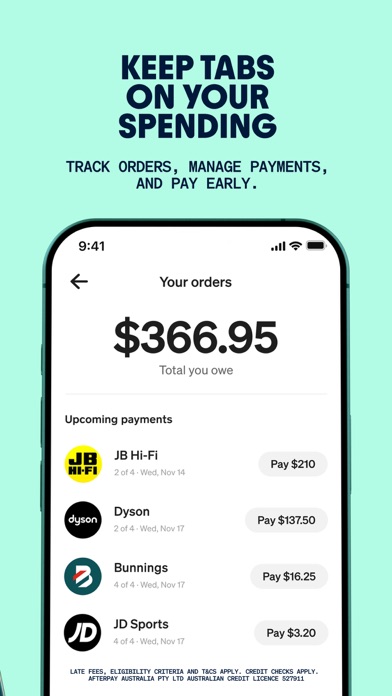
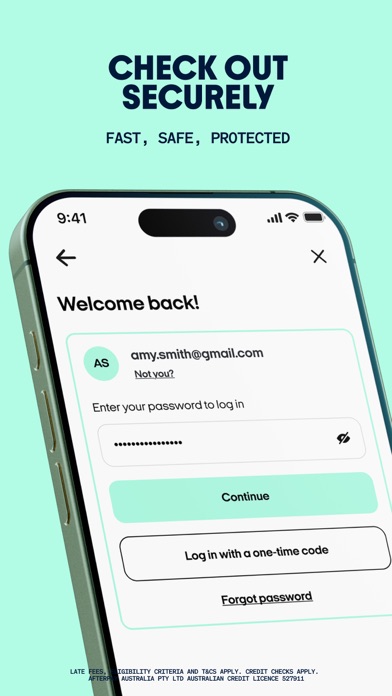
Every shipping app on the App Store has gone through the same decisions you're working through right now: which screenshot goes first, what caption sits over it, which device frame to show, what color the background should be. The 10 screenshots above are Afterpay. Buy now, pay it in 4's answers to those questions — they're public, they're real, and they made it through Apple's review.
Notice the first screenshot in particular. It's the one users see in search results and on the product page, and it's where most apps spend their best caption and tightest design. Look at the proportion of background to phone, where the text sits, what one thing the image is trying to communicate.
Want to see how other Shopping apps approach the same problem? Browse more Shopping apps in the showcase.
Take what works into your own screenshots
Open LaunchShots and design your App Store & Google Play screenshots — pick a device frame, drop captions, ship in minutes. Free, in your browser.
Open the screenshot editor →