Chart position — tracked daily by LaunchShots
Screenshot style breakdown
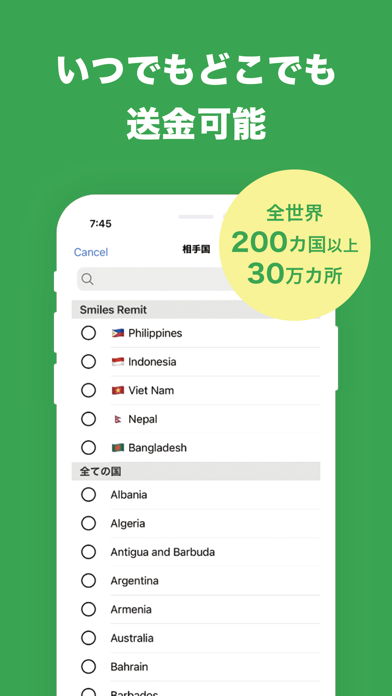
Sampled from 6 of Smiles Mobile Remittance's App Store screenshots — background, accent and theme, measured by LaunchShots (not something Apple publishes).
#3CA454 bg
#57B06B
#D40C14 accent
#FFFFFF text
Screenshots
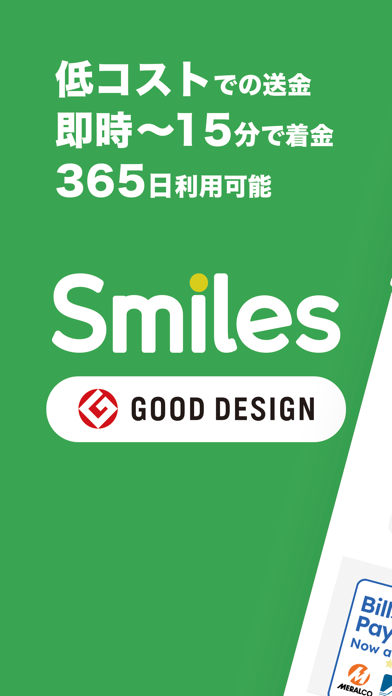
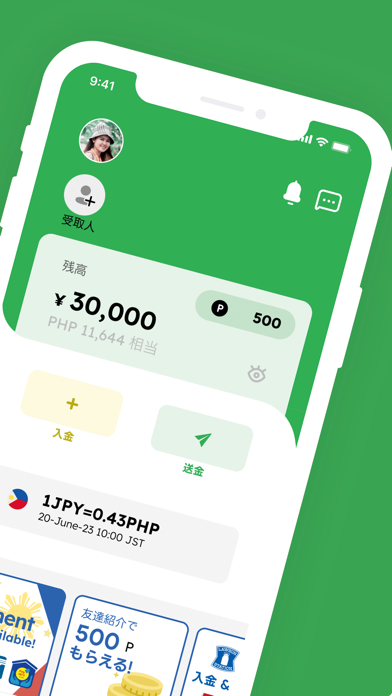
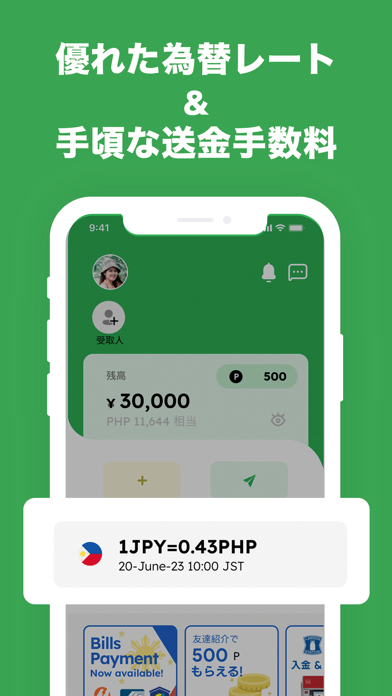
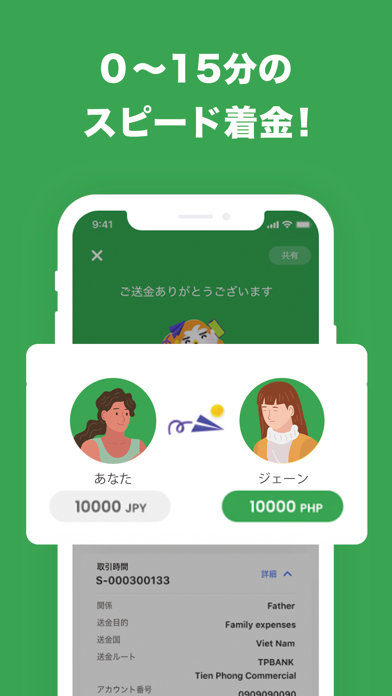

iPad screenshots


Icon palette
About this app
本文 Smilesは、日本No.1*のモバイル国際送金サービスです。 日本・シンガポール・カナダ・アメリカから世界中へ、ほぼリアルタイムで送金できます。 フィリピンへのPHP送金、ベトナムへのVND送金、インドへのINR送金など、 Smilesなら大切なお金をより効率よく便利に送金することができます。 為替レートを24時間体制で確認し、「毎日おトクなレート」で、毎回の送金価値を最大化します。 Smilesが選ばれる理由 ・受賞歴のあるアプリ 2021年度グッドデザイン賞を受賞したアプリで、簡単に登録・海外送金が可能 ・多言語対応のサポート 英語、タガログ語、ベトナム語、インドネシア語などに対応。いつでも安心してご利用いただけます ・海外在住者のためのアプリ 母国を離れた海外での生活を理解するチームが開発。グローバルなお金のやり取りをもっと身近に。 ・安心・安全 AIを活用したeKYC認証システムにより高いセキュリティを実現。各国の金融規制にも完全準拠 ・ポイントで手数料無料 送金ごとにSmilesポイントが貯まり、手数料に利用可能。 特典サービス ・S…
App details
What you can learn from Smiles Mobile Remittance
Every shipping app on the App Store has gone through the same decisions you're working through right now: which screenshot goes first, what caption sits over it, which device frame to show, what color the background should be. The 12 screenshots above are Smiles Mobile Remittance's answers to those questions — they're public, they're real, and they made it through Apple's review.
What the numbers say: Smiles Mobile Remittance runs a dark set with one background colour (#3CA454) carried across every screenshot — the listing reads as a single poster when the shots sit side by side in search results. The accent colour we picked up, #D40C14, is the one to reuse for badges, arrows and highlighted words if you borrow this look. Hit Use this style to open the editor with these exact colours and drop your own screenshot in.
Notice the first screenshot in particular. It's the one users see in search results and on the product page, and it's where most apps spend their best caption and tightest design. Look at the proportion of background to phone, where the text sits, what one thing the image is trying to communicate.
Want to see how other Finance apps approach the same problem? Browse more Finance apps in the showcase.
Take what works into your own screenshots
Open LaunchShots and design your App Store & Google Play screenshots — pick a device frame, drop captions, ship in minutes. Free, in your browser.
Open the screenshot editor →Apps with a similar look
Closest background + accent colours among the listings we've analysed — useful when you want to see the same palette handled by a different team.