Chart position — tracked daily by LaunchShots
Screenshot style breakdown
Sampled from 6 of Babyプラスーお医者さんがつくった妊娠・出産アプリ's App Store screenshots — background, accent and theme, measured by LaunchShots (not something Apple publishes).
#FCE4E4 bg
#DDC8C8
#EC6C7C accent
#111111 text
Screenshots

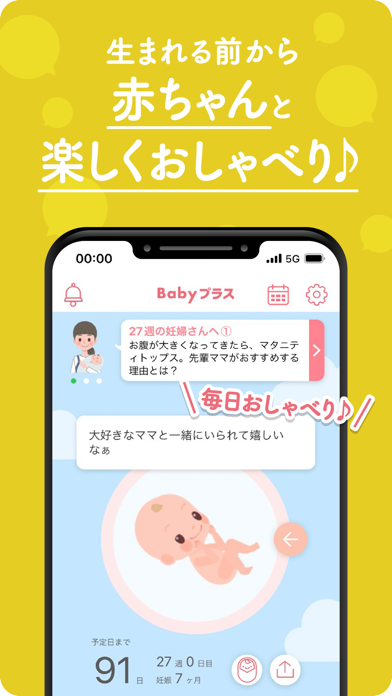

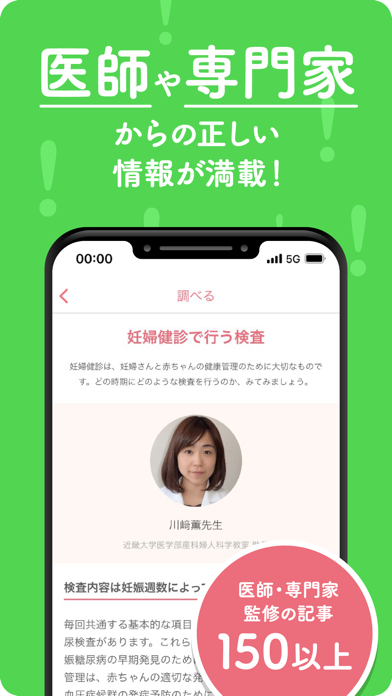
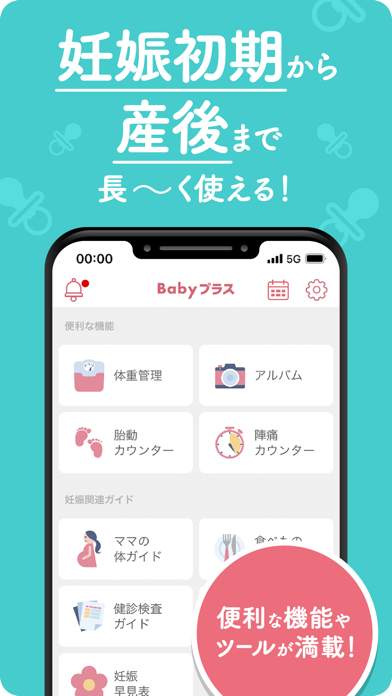
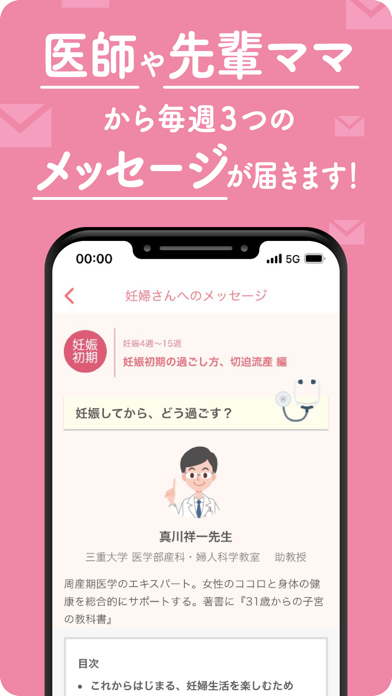

Icon palette
About this app
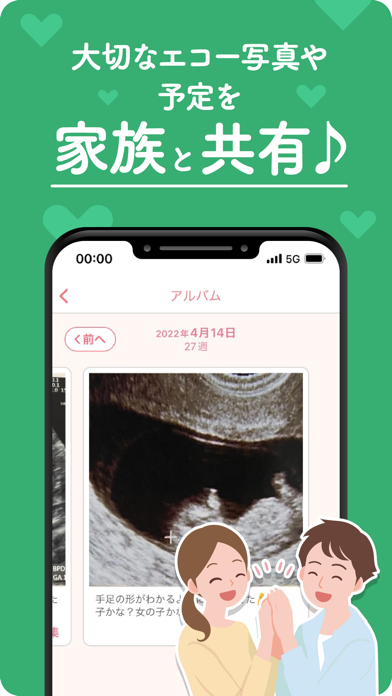
◆生まれる前から赤ちゃんと楽しくおしゃべり! ◆医師や専門家からの正しい情報が満載! ◆妊娠初期から産後まで長~く使える! 無料で妊娠·出産~産後まで使える情報アプリ Babyプラス! 妊娠中のママとパパ、そしてお腹の赤ちゃんのためのアプリです。 「成長する赤ちゃんのアニメーション」や「妊娠週数に合わせて知っておいてもらいたい情報記事」をはじめとした便利な機能が満載!Baby プラスと一緒に安心·安全なマタニティライフを過ごしましょう! パートナーや赤ちゃんのおばあちゃん·おじいちゃんとアプリを共有できます。 家族みんなで一緒にアプリを使って、妊娠期間をもっともっと充実させよう! ●産婦人科医からの紹介数 No.1! ※当社調べ ●累計ダウンロード数 160万以上! ※2026年3月時点 ●提携医療機関数 全国1,800箇所以上! ※Babyプラスをご紹介いただいている医療機関の数 ●記事数 150本以上! ********************** <Baby プラス運営事務局からのお願い> AppStore のレビューにご意見や不具合等をご記入いただ…
App details
What you can learn from Babyプラスーお医者さんがつくった妊娠・出産アプリ
Every shipping app on the App Store has gone through the same decisions you're working through right now: which screenshot goes first, what caption sits over it, which device frame to show, what color the background should be. The 8 screenshots above are Babyプラスーお医者さんがつくった妊娠・出産アプリ's answers to those questions — they're public, they're real, and they made it through Apple's review.
What the numbers say: Babyプラスーお医者さんがつくった妊娠・出産アプリ runs a light set where the background shifts from screenshot to screenshot (first shot #FCE4E4) — each image has to stand on its own, so the captions carry more of the story. The accent colour we picked up, #EC6C7C, is the one to reuse for badges, arrows and highlighted words if you borrow this look. Hit Use this style to open the editor with these exact colours and drop your own screenshot in.
Notice the first screenshot in particular. It's the one users see in search results and on the product page, and it's where most apps spend their best caption and tightest design. Look at the proportion of background to phone, where the text sits, what one thing the image is trying to communicate.
Want to see how other Medical apps approach the same problem? Browse more Medical apps in the showcase.
Take what works into your own screenshots
Open LaunchShots and design your App Store & Google Play screenshots — pick a device frame, drop captions, ship in minutes. Free, in your browser.
Open the screenshot editor →Apps with a similar look
Closest background + accent colours among the listings we've analysed — useful when you want to see the same palette handled by a different team.