Chart position — tracked daily by LaunchShots
Screenshot style breakdown
Sampled from 4 of E-flash's App Store screenshots — background, accent and theme, measured by LaunchShots (not something Apple publishes).
#14B4EC bg
#119ECF
#0C7C9C accent
#111111 text
Reading the caption text from the screenshots in your browser…
Screenshots
iPad screenshots
Icon palette
About this app
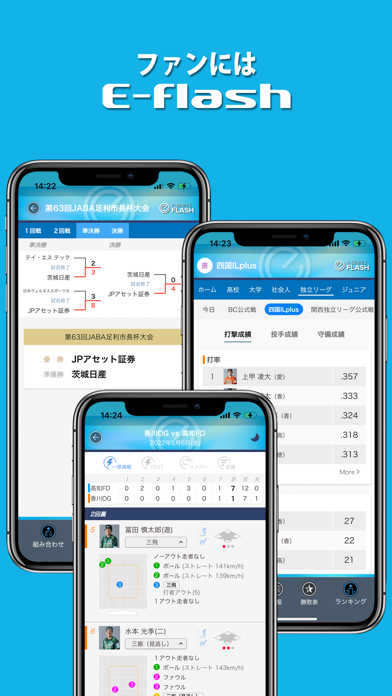
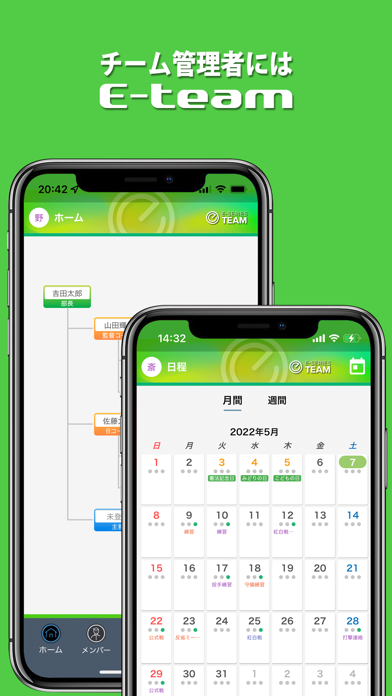
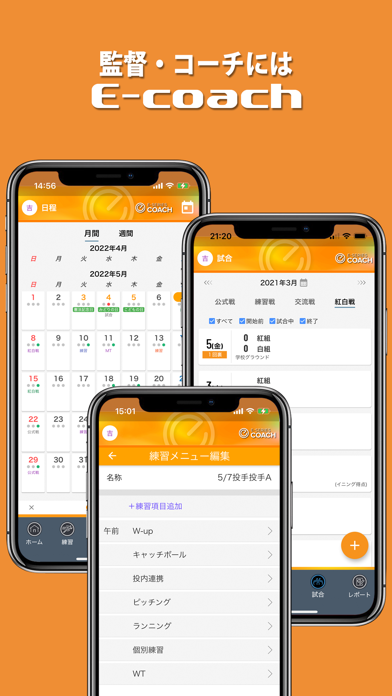
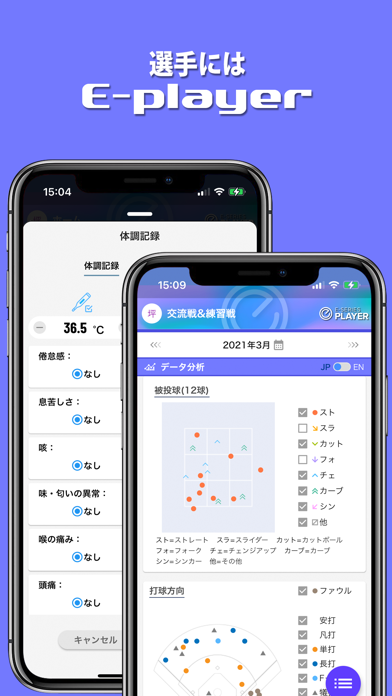
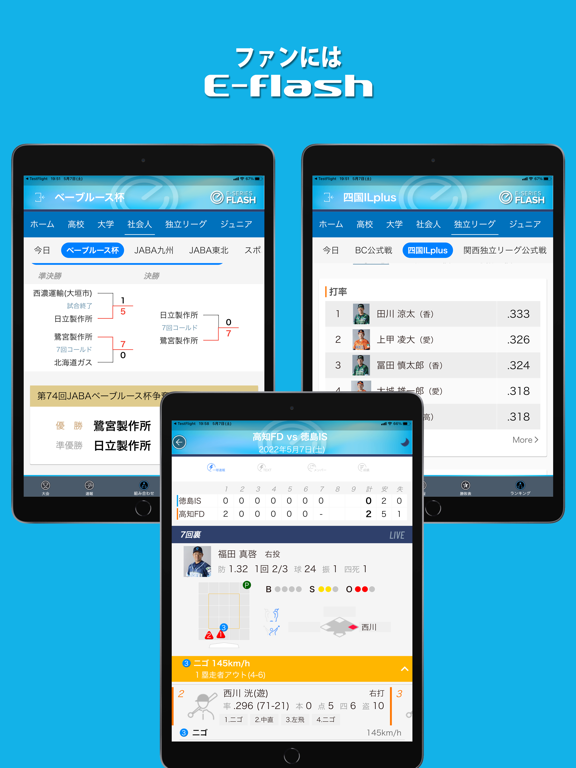
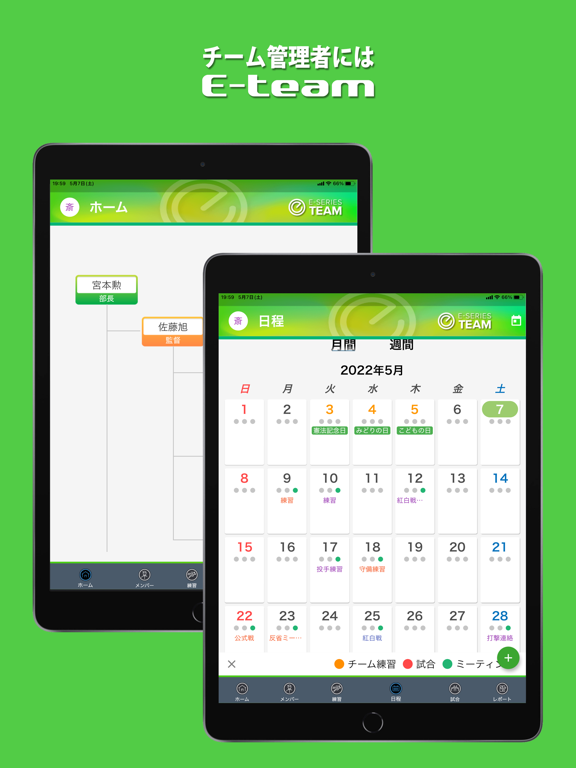
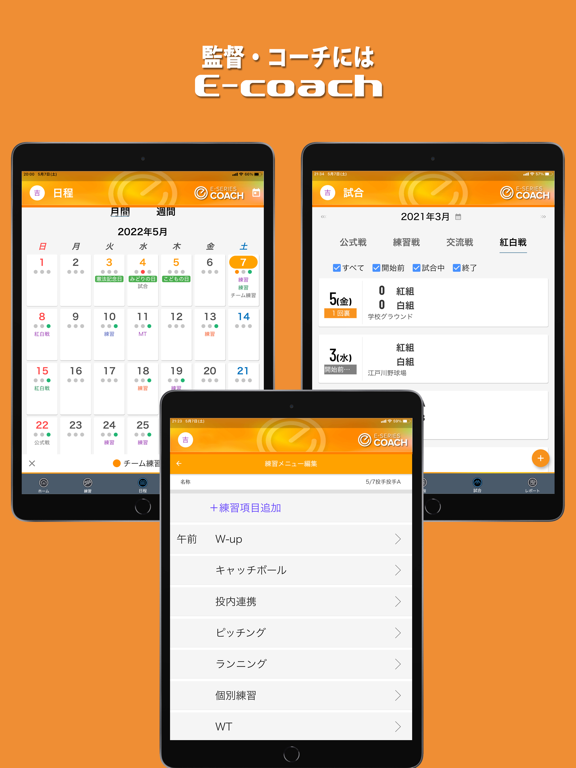
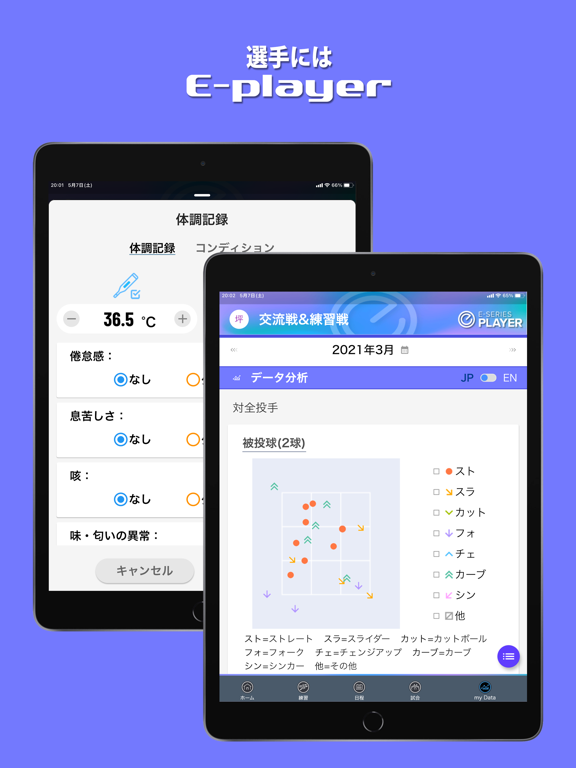
E-flashは、OmyuTech社が運営する野球速報配信サイト「一球速報.com」のアプリ版です。試合中は、リアルタイムに一球速報が配信され、いつでもどこでも試合観戦を楽しめます。過去の試合についても、一球単位に戦績を確認できるほか、試合スコア、打撃成績や投手成績など、詳細な成績情報を参照することができます。 また、E-flashでは、野球チームの管理者・指導者・選手それぞれの活動と相互連携をサポートする多機能サービス「E-series」を利用できます。 E-seriesは、E-team、E-coach、E-playerの3つの機能で構成されています。 ●E-team チームの組織とメンバーの管理、活動スケジュールの管理、紅白戦や交流試合の管理など、部長やマネージャーなどの管理者向けの機能です。 ●E-coach 日々の練習メニューの作成・通知、選手の体調・練習実績の確認、出場選手管理など、監督やコーチなどの指導者向けの機能です。 ●E-player 日々の活動スケジュールの確認・出欠連絡、体調報告、練習メニューの確認と実施記録、練習実績や試合成績の確認など、選手向けの機能で…
App details
What you can learn from E-flash
Every shipping app on the App Store has gone through the same decisions you're working through right now: which screenshot goes first, what caption sits over it, which device frame to show, what color the background should be. The 8 screenshots above are E-flash's answers to those questions — they're public, they're real, and they made it through Apple's review.
What the numbers say: E-flash runs a mixed light-and-dark set where the background shifts from screenshot to screenshot (first shot #14B4EC) — each image has to stand on its own, so the captions carry more of the story. The accent colour we picked up, #0C7C9C, is the one to reuse for badges, arrows and highlighted words if you borrow this look. Hit Use this style to open the editor with these exact colours and drop your own screenshot in.
Notice the first screenshot in particular. It's the one users see in search results and on the product page, and it's where most apps spend their best caption and tightest design. Look at the proportion of background to phone, where the text sits, what one thing the image is trying to communicate.
Want to see how other Sports apps approach the same problem? Browse more Sports apps in the showcase.
Take what works into your own screenshots
Open LaunchShots and design your App Store & Google Play screenshots — pick a device frame, drop captions, ship in minutes. Free, in your browser.
Open the screenshot editor →Apps with a similar look
Closest background + accent colours among the listings we've analysed — useful when you want to see the same palette handled by a different team.