Screenshot style breakdown
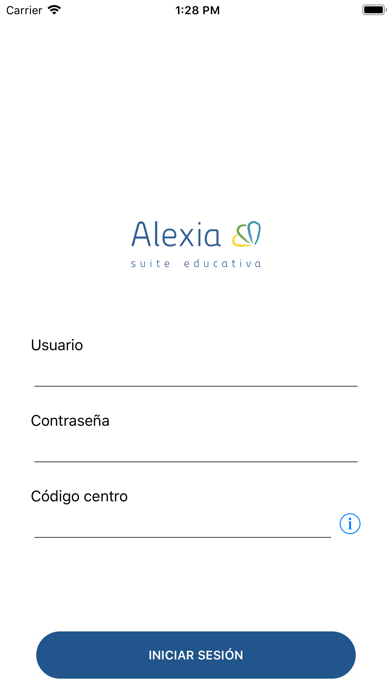
Sampled from 5 of Alexia Aula's App Store screenshots — background, accent and theme, measured by LaunchShots (not something Apple publishes).
#FCFCFC bg
#DDDDDD
#24548C accent
#111111 text
Screenshots


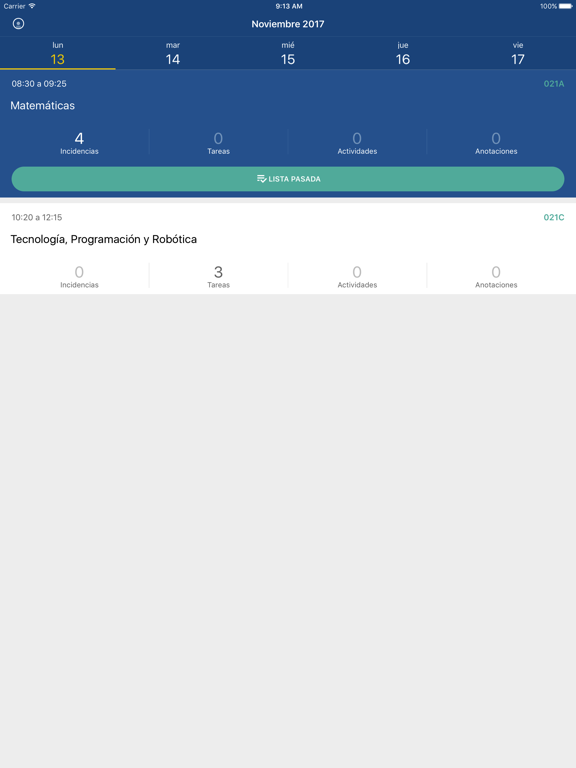
iPad screenshots



Icon palette
About this app
La nueva app de Alexia para el equipo docente es una herramienta intuitiva que te permite acceder a toda la información de tus sesiones y alumnos, así como realizar tareas propias del aula desde tu móvil. Su pantalla principal es una agenda que muestra por defecto todas las sesiones planificadas para ese día, destacando aquella que esté más próxima a la hora de conexión, y con un acceso directo para pasar lista. Podrás moverte entre la programación de los diferentes días y semanas, gestionar las tareas, actividades y anotaciones relativas a las sesiones y evaluar los controles. También permite consultar y gestionar toda la información relativa a tus alumnos: datos de filiación, calificaciones, incidencias, etc. Esta primera versión evolucionará próximamente con nuevas funcionalidades muy útiles para el equipo docente. Recuerda que para poder utilizar esta APP debes pertenecer a un …
App details
What you can learn from Alexia Aula
Every shipping app on the App Store has gone through the same decisions you're working through right now: which screenshot goes first, what caption sits over it, which device frame to show, what color the background should be. The 10 screenshots above are Alexia Aula's answers to those questions — they're public, they're real, and they made it through Apple's review.
What the numbers say: Alexia Aula runs a mixed light-and-dark set where the background shifts from screenshot to screenshot (first shot #FCFCFC) — each image has to stand on its own, so the captions carry more of the story. The accent colour we picked up, #24548C, is the one to reuse for badges, arrows and highlighted words if you borrow this look. Hit Use this style to open the editor with these exact colours and drop your own screenshot in.
Notice the first screenshot in particular. It's the one users see in search results and on the product page, and it's where most apps spend their best caption and tightest design. Look at the proportion of background to phone, where the text sits, what one thing the image is trying to communicate.
Want to see how other Education apps approach the same problem? Browse more Education apps in the showcase.
Take what works into your own screenshots
Open LaunchShots and design your App Store & Google Play screenshots — pick a device frame, drop captions, ship in minutes. Free, in your browser.
Open the screenshot editor →Apps with a similar look
Closest background + accent colours among the listings we've analysed — useful when you want to see the same palette handled by a different team.