Screenshots

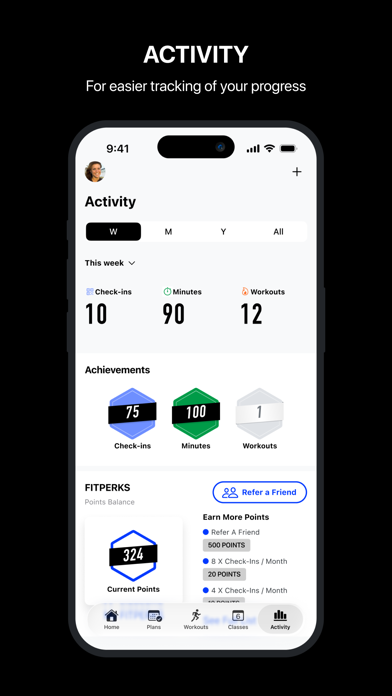
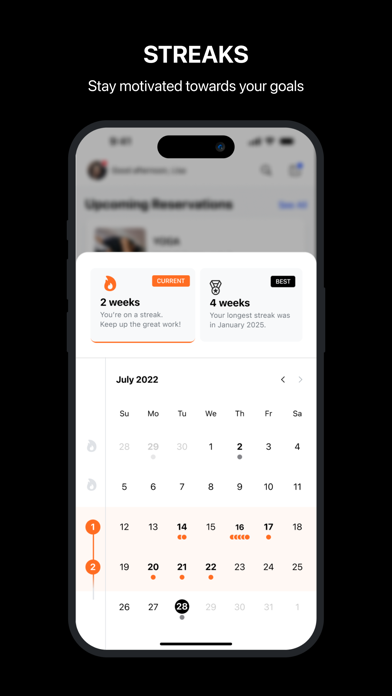
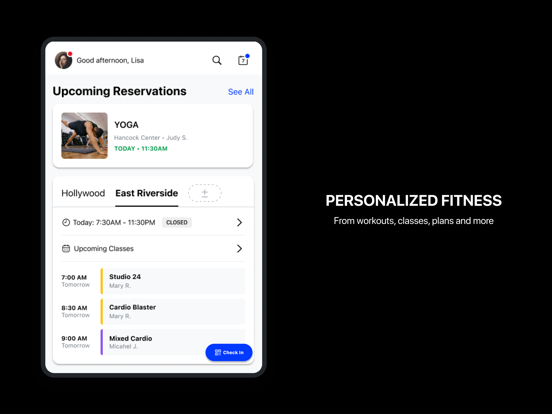
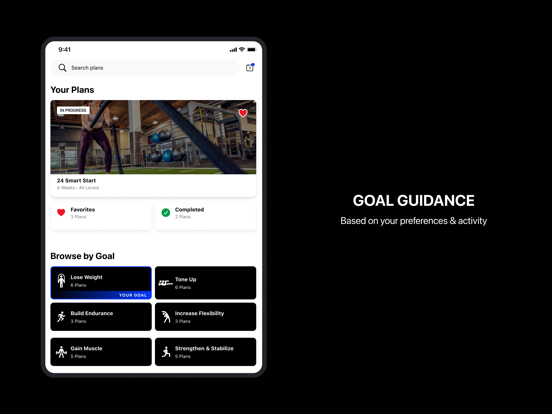
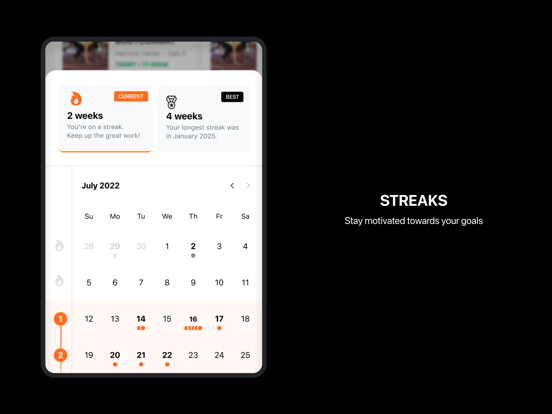
iPad screenshots
Icon palette
About this app
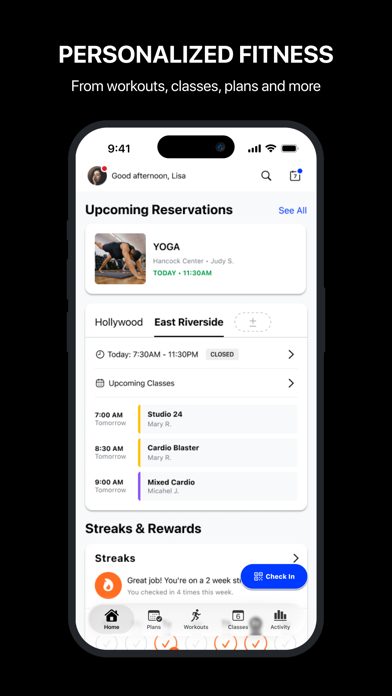
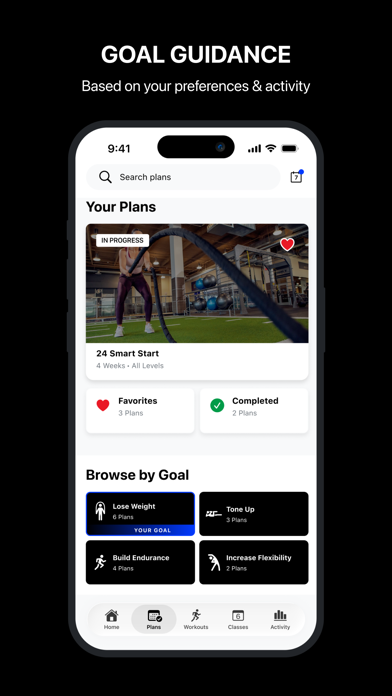
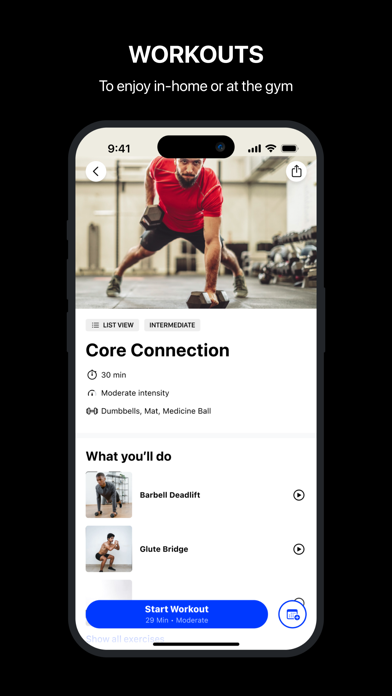
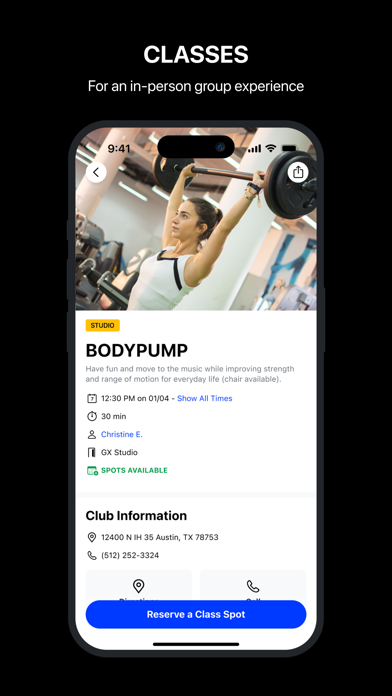
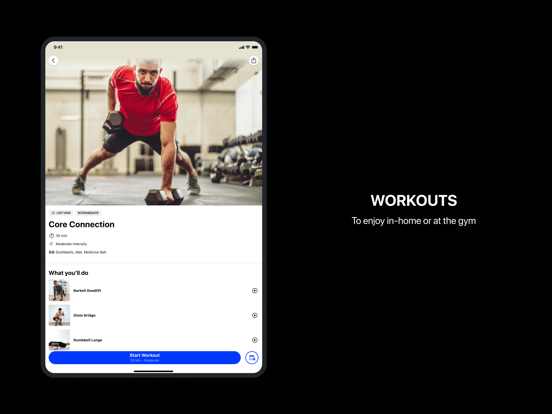
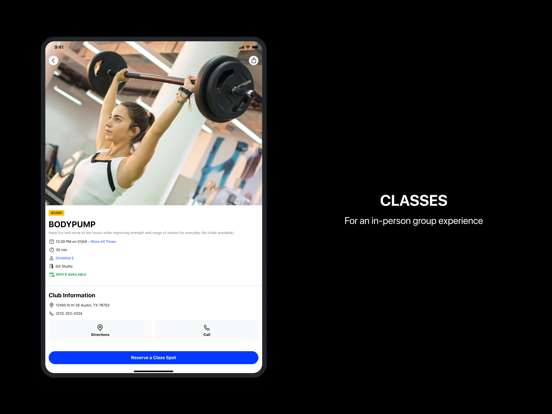
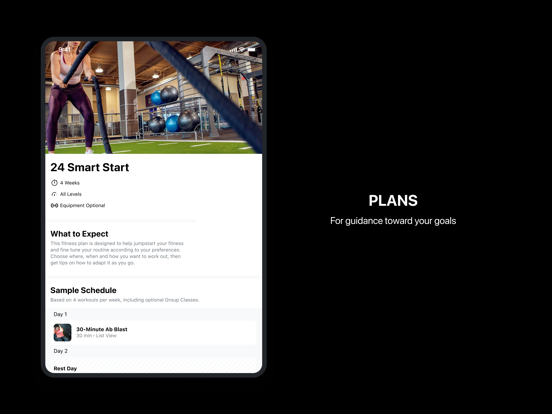
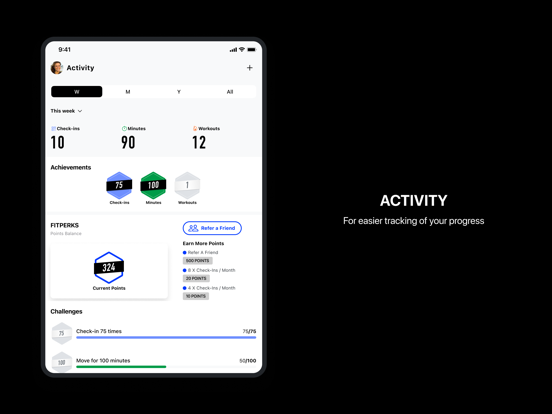
Achieve the fitness results you want – inside and outside of the gym – with 24GO®, the Official App of 24 Hour Fitness. KNOW WHAT TO DO AND WHEN with Custom Workout Recommendations - Get a game plan for success with 24 Smart Start™, a multi-week fitness plan customized to you and your goals - Go straight to working out with workouts picked for you daily that fit your goals, equipment and current location - Add workouts and plans to your Favorites to keep your most-loved sessions on repeat ACHIEVE YOUR RESULTS FASTER with Thousands of Workouts and Plans - Explore in-club and at home workouts from 24 Hour Fitness and trusted partners like LES MILLS®, Zumba®, Kettlebell Kings™ and more - Adapt Smart Workouts to fit your needs in the moment: skip or swap out exercises, change the intensity, or add or remove equipment for the perfect fit - Get expert coaching with audio-g…
App details
What you can learn from 24GO by 24 Hour Fitness
Every shipping app on the App Store has gone through the same decisions you're working through right now: which screenshot goes first, what caption sits over it, which device frame to show, what color the background should be. The 14 screenshots above are 24GO by 24 Hour Fitness's answers to those questions — they're public, they're real, and they made it through Apple's review.
Notice the first screenshot in particular. It's the one users see in search results and on the product page, and it's where most apps spend their best caption and tightest design. Look at the proportion of background to phone, where the text sits, what one thing the image is trying to communicate.
Want to see how other Health & Fitness apps approach the same problem? Browse more Health & Fitness apps in the showcase.
Take what works into your own screenshots
Open LaunchShots and design your App Store & Google Play screenshots — pick a device frame, drop captions, ship in minutes. Free, in your browser.
Open the screenshot editor →