Chart position — tracked daily by LaunchShots
Screenshot style breakdown
Sampled from 6 of readAwrite – รี้ดอะไร้ต์'s App Store screenshots — background, accent and theme, measured by LaunchShots (not something Apple publishes).
#F4F4F4 bg
#D6D6D6
#EC4C74 accent
#111111 text
Screenshots
iPad screenshots


Icon palette
About this app
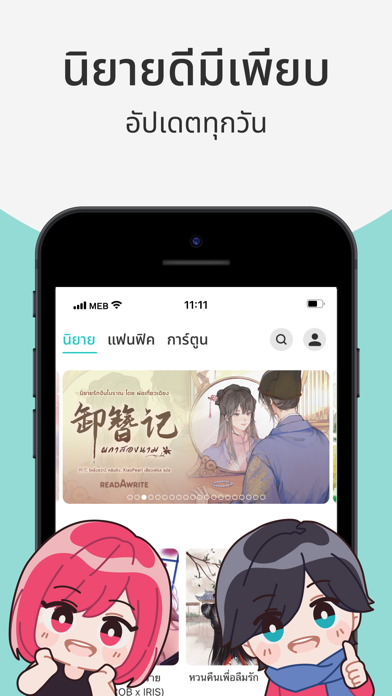
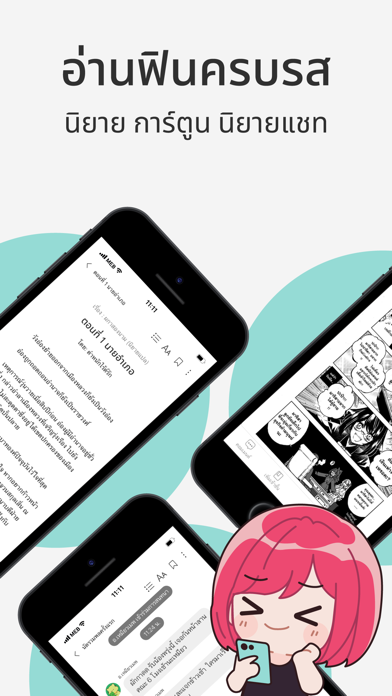
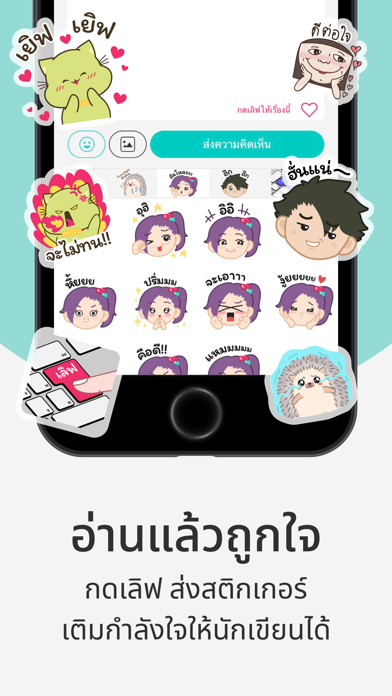
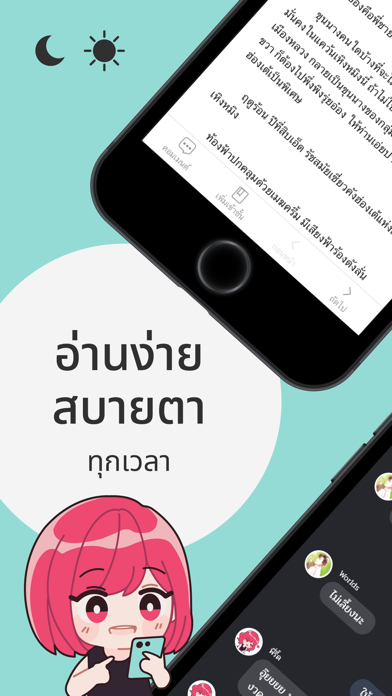
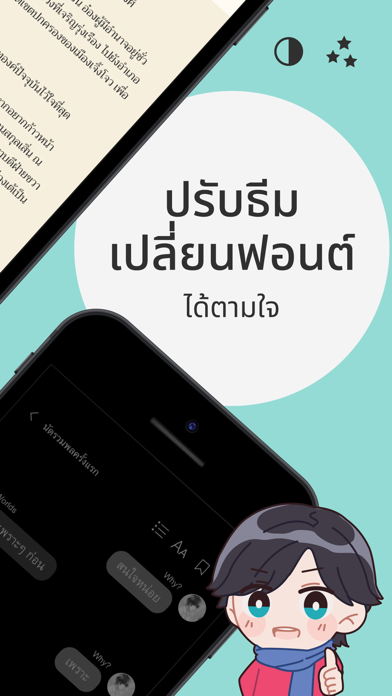
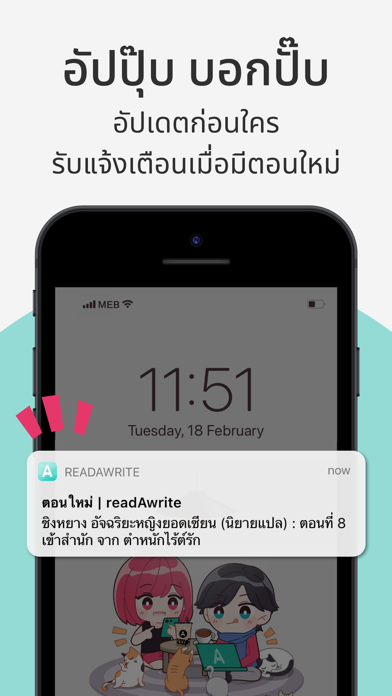
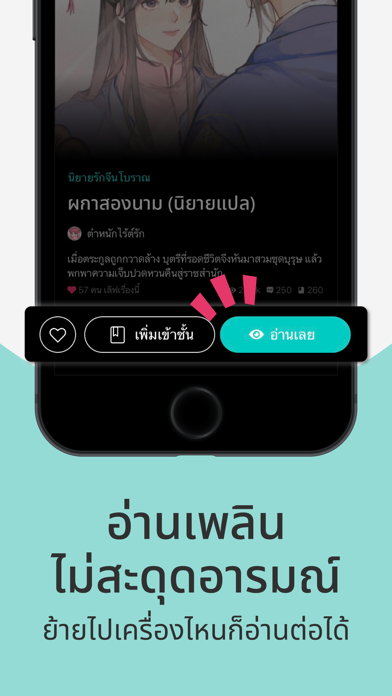
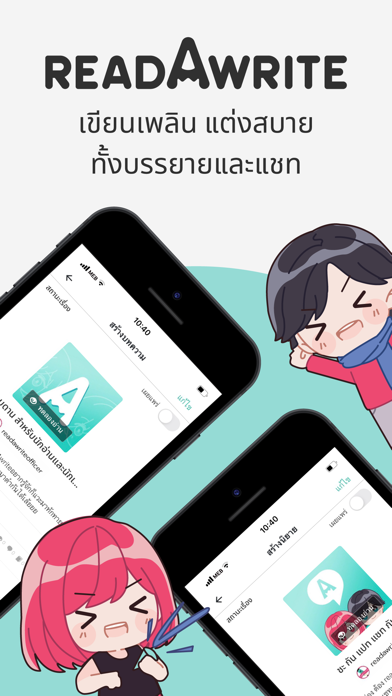
readAwrite by meb (รี้ดอะไร้ต์) แอปพลิเคชันอ่านเขียนนิยายออนไลน์สุดยิ่งใหญ่ในจักรวาล สนุกครบทุกอารมณ์ อ่านง่ายสบายตา นิยายฟรีมีเพียบ อัปตอนใหม่ทุกวัน readAwrite คือ แหล่งกบดานสุดฟินของนักเขียนและนักอ่านหลากแนว ทั้งนิยายรัก นิยายจีนโบราณ นิยายวาย นิยายยูริ และการ์ตูน & โดจินชิ แถมยังเอาใจนักเขียนและนักอ่านนิยายแชท ด้วย readAchat (รี้ดอะแชท) นิยายแชทน้องใหม่ ไฟแรงเว่อร์ แต่งนิยายผ่านแอปฯ และในคอมฯ ได้ทุกที่ทุกเวลา เลือกหมวดหมู่ได้ตามสไตล์ที่คุณชอบ ฟีเจอร์สุดฮ็อตจาก readAwrite - มีระบบ Auto search เสิร์ชพยางค์น้อย อ่านสอยได้ทันที - มีโดเนทไอเทมเจ้าแรกในวงการ ที่คุณนักอ่านสามารถให้ชานมไข่มุก พิซซ่า ซาชิมิ ฯลฯ กับนักเขียนได้ - ให้ Tip นักเขียนคนโปรด เสมือนเข้าโหมดให้กำลังใจแก่นักเขียน - สติกเกอร์ พี่รี๊ดน้องไร้ต์ พี่ meb พี่ฮิปโป และอื่นๆ อีกมากมาย ให้คอมเมนต์กันระรัว - ปรับจอสีให้เลือกสรรได้ถึง 4 แบบ ทั้งแบบปกติ ซีเปีย โหมดกลางคืน และโหมดมืด - จะฟ้อนต์ใหญ่ ฟ้อนต์เล็ก ชิดริมขวา ริมซ้าย …
App details
What you can learn from readAwrite – รี้ดอะไร้ต์
Every shipping app on the App Store has gone through the same decisions you're working through right now: which screenshot goes first, what caption sits over it, which device frame to show, what color the background should be. The 16 screenshots above are readAwrite – รี้ดอะไร้ต์'s answers to those questions — they're public, they're real, and they made it through Apple's review.
What the numbers say: readAwrite – รี้ดอะไร้ต์ runs a light set where the background shifts from screenshot to screenshot (first shot #F4F4F4) — each image has to stand on its own, so the captions carry more of the story. The accent colour we picked up, #EC4C74, is the one to reuse for badges, arrows and highlighted words if you borrow this look. Hit Use this style to open the editor with these exact colours and drop your own screenshot in.
Notice the first screenshot in particular. It's the one users see in search results and on the product page, and it's where most apps spend their best caption and tightest design. Look at the proportion of background to phone, where the text sits, what one thing the image is trying to communicate.
Want to see how other Book apps approach the same problem? Browse more Book apps in the showcase.
Take what works into your own screenshots
Open LaunchShots and design your App Store & Google Play screenshots — pick a device frame, drop captions, ship in minutes. Free, in your browser.
Open the screenshot editor →Apps with a similar look
Closest background + accent colours among the listings we've analysed — useful when you want to see the same palette handled by a different team.