Chart position — tracked daily by LaunchShots
Screenshot style breakdown
Sampled from 6 of Tokyo Disney Resort App's App Store screenshots — background, accent and theme, measured by LaunchShots (not something Apple publishes).
#F4F4F4 bg
#D6D6D6
#1C4C74 accent
#111111 text
Screenshots
Icon palette
About this app
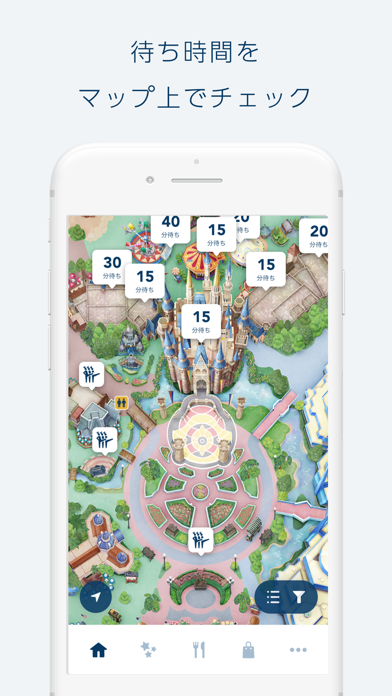
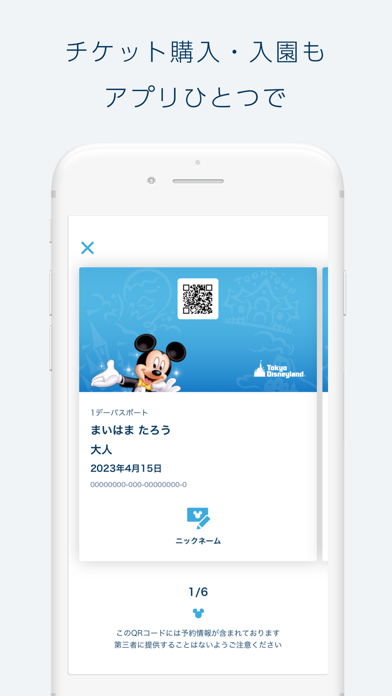
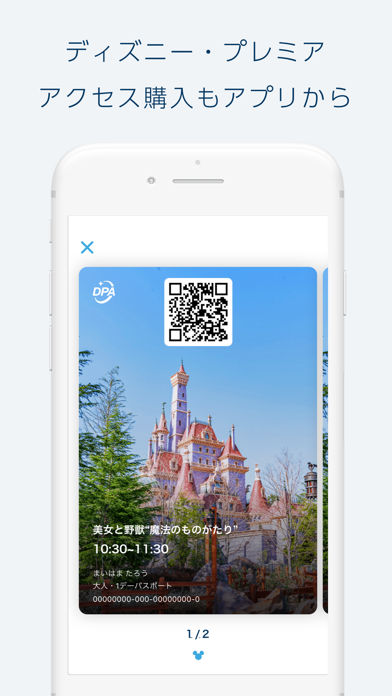
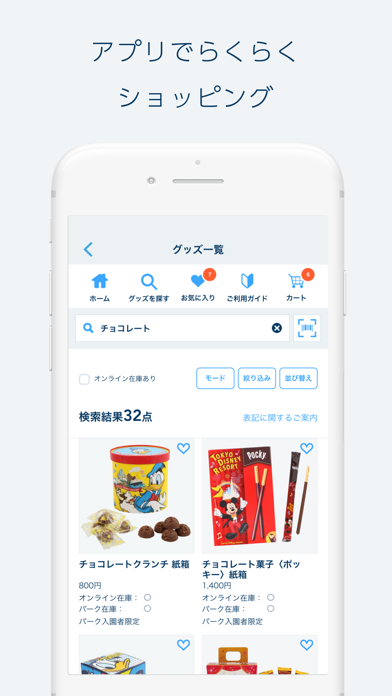
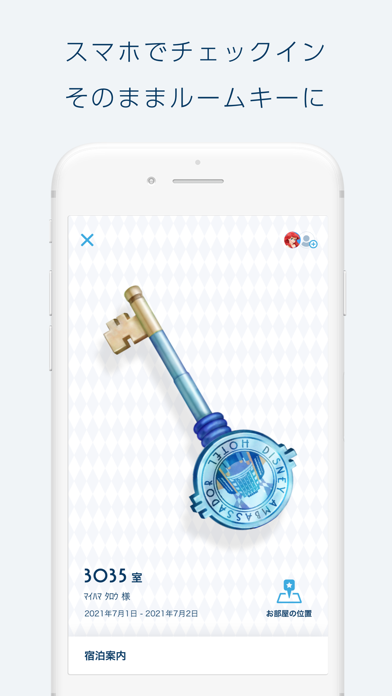
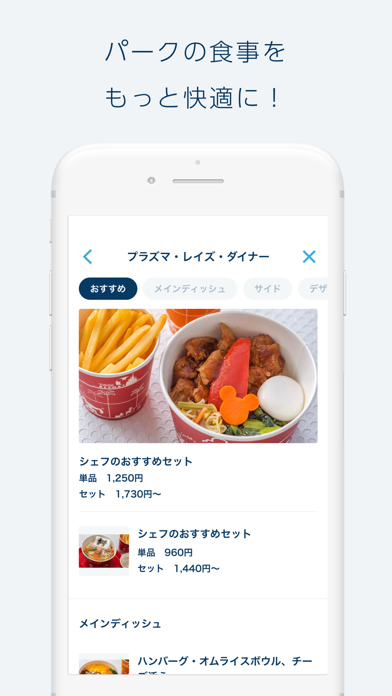
~東京ディズニーリゾートの公式アプリ~ パークをお楽しみいただくために役立つ情報や、各種予約・購入へのアクセスをひとつにまとめた、東京ディズニーリゾート初の総合アプリです。 【特徴】 ● 現在位置や目的地がひと目でわかる! -デジタルガイドマップ ● マップ上で待ち時間などがすぐわかる! -待ち時間/施設情報のピン表示 ● スマホでタッチしてそのまま入園できる! -モバイルeチケットの購入・管理 ● いつでも予約・確認できる! -ホテルやレストランの予約・プラン表示 ● より快適なパーク体験が楽しめる! -ディズニー・プレミアアクセス ● 体験にスムーズにアクセスできる! -スタンバイパス/エントリー受付 ● フォト体験がアプリから楽しめる! -ディズニー・フォト ● グッズ情報を事前にチェック!入園当日にスマホで購入! -ショッピング ● ホテルステイもアプリでスムーズに! -オンラインチェックイン* *ディズニーアンバサダーホテル、東京ディズニーランドホテル、 東京ディズニーシー・ホテルミラコスタ、トイストーリーホテ…
App details
What you can learn from Tokyo Disney Resort App
Every shipping app on the App Store has gone through the same decisions you're working through right now: which screenshot goes first, what caption sits over it, which device frame to show, what color the background should be. The 6 screenshots above are Tokyo Disney Resort App's answers to those questions — they're public, they're real, and they made it through Apple's review.
What the numbers say: Tokyo Disney Resort App runs a light set with one background colour (#F4F4F4) carried across every screenshot — the listing reads as a single poster when the shots sit side by side in search results. The accent colour we picked up, #1C4C74, is the one to reuse for badges, arrows and highlighted words if you borrow this look. Hit Use this style to open the editor with these exact colours and drop your own screenshot in.
Notice the first screenshot in particular. It's the one users see in search results and on the product page, and it's where most apps spend their best caption and tightest design. Look at the proportion of background to phone, where the text sits, what one thing the image is trying to communicate.
Want to see how other Entertainment apps approach the same problem? Browse more Entertainment apps in the showcase.
Take what works into your own screenshots
Open LaunchShots and design your App Store & Google Play screenshots — pick a device frame, drop captions, ship in minutes. Free, in your browser.
Open the screenshot editor →Apps with a similar look
Closest background + accent colours among the listings we've analysed — useful when you want to see the same palette handled by a different team.