Screenshots

iPad screenshots


Icon palette
About this app
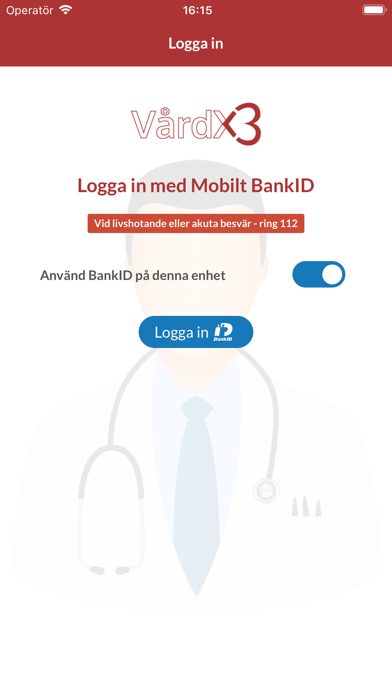
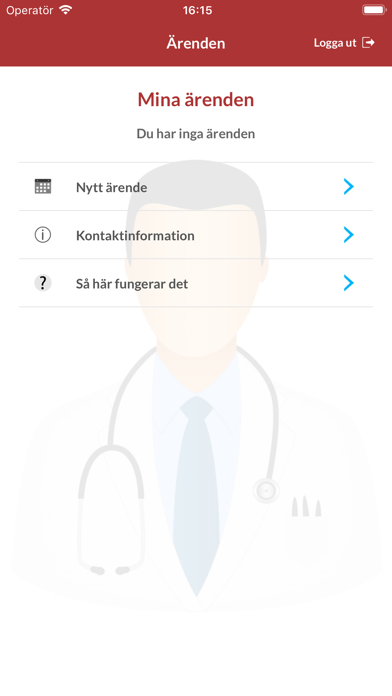
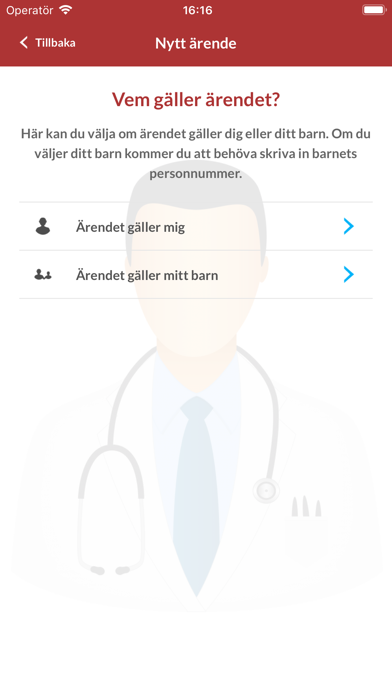
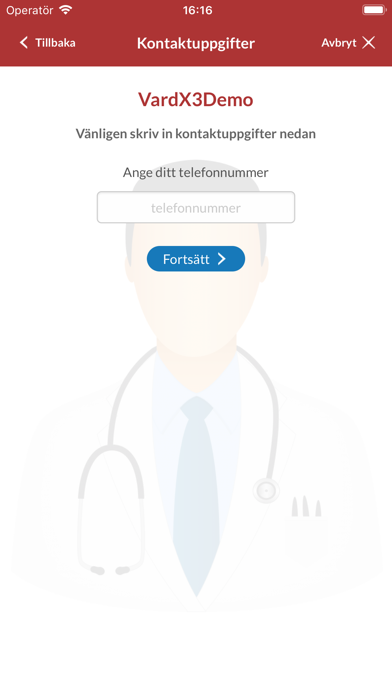
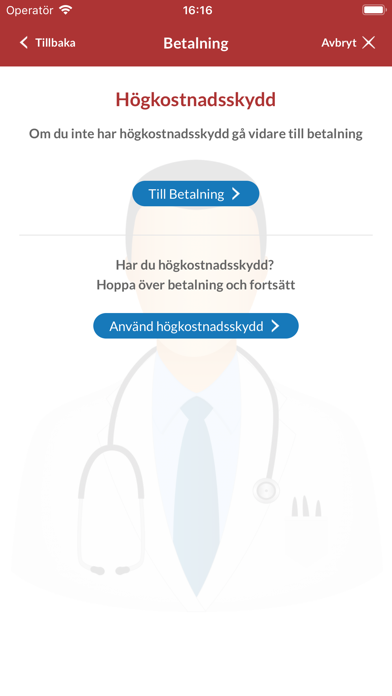
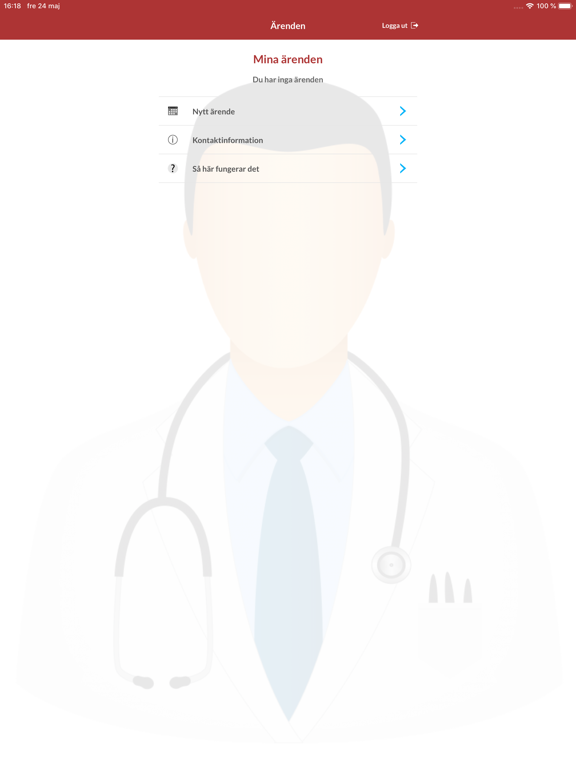
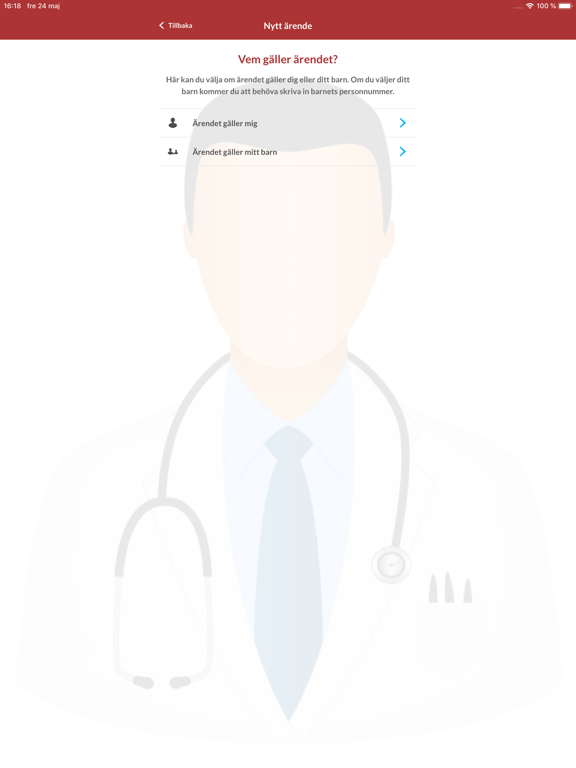
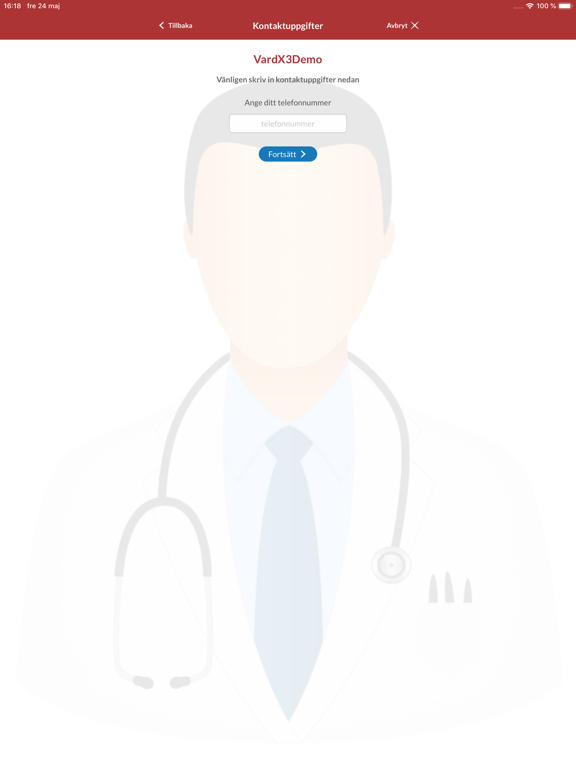
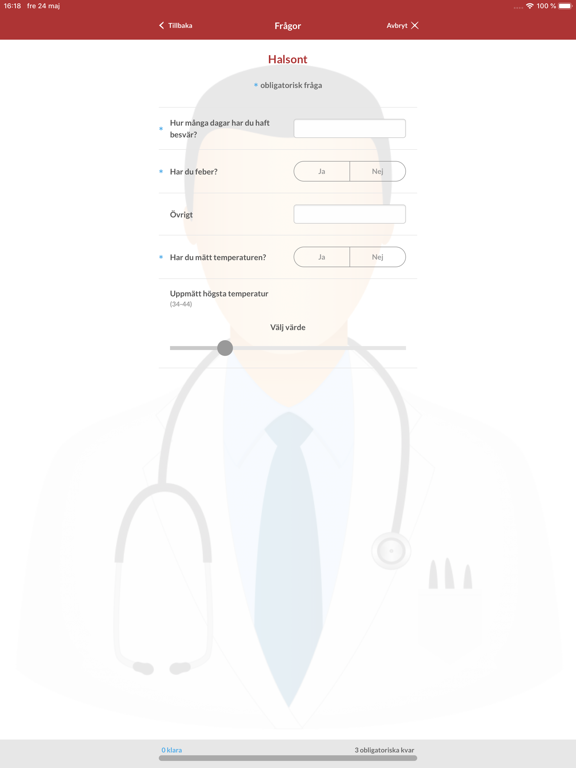
Med VårdX3 kan du enkelt och säkert kontakta din vårdgivare och genomföra videosamtal. Så här gör du: * Ladda ner och installera VårdX3 * Välj vårdgivare - ange den kod du fått av din vårdgivare (endast en gång) * Logga in med BankID (Saknar du BankID kan du beställa det av din bank) * Svara på ett par frågor och boka en tid som passar dig * Betala om det är ett ärende där betalning krävs. * När det är dags för mötet kommer vårdgivaren att ringa upp dig, du behöver inte ha appen igång. I vissa fall bokar vi in ett möte med dig. Du kommer du att se denna bokning i din App när du loggar in. Eventuellt ber vi dig betala mötet och svara på ett par frågor innan mötet.
App details
What you can learn from Vårdx3
Every shipping app on the App Store has gone through the same decisions you're working through right now: which screenshot goes first, what caption sits over it, which device frame to show, what color the background should be. The 12 screenshots above are Vårdx3's answers to those questions — they're public, they're real, and they made it through Apple's review.
Notice the first screenshot in particular. It's the one users see in search results and on the product page, and it's where most apps spend their best caption and tightest design. Look at the proportion of background to phone, where the text sits, what one thing the image is trying to communicate.
Want to see how other Medical apps approach the same problem? Browse more Medical apps in the showcase.
Take what works into your own screenshots
Open LaunchShots and design your App Store & Google Play screenshots — pick a device frame, drop captions, ship in minutes. Free, in your browser.
Open the screenshot editor →