Chart position — tracked daily by LaunchShots
Screenshot changes — detected by LaunchShots
Screenshot style breakdown
Sampled from 6 of Meu Talking Tom 2's App Store screenshots — background, accent and theme, measured by LaunchShots (not something Apple publishes).
#5CA454 bg
#509049
#94D4EC accent
#111111 text
Screenshots
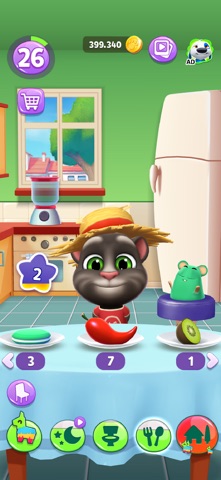
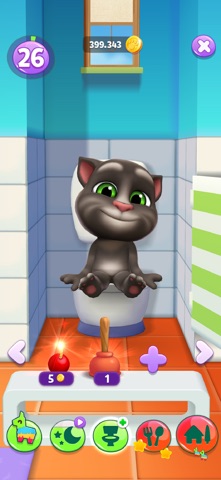

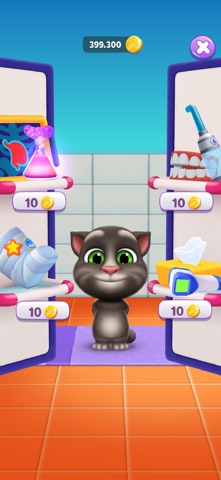

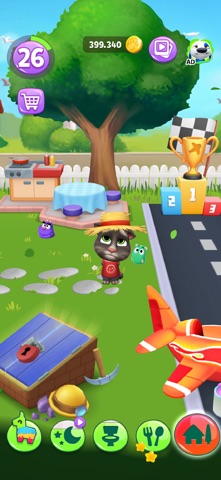

iPad screenshots


Icon palette
About this app
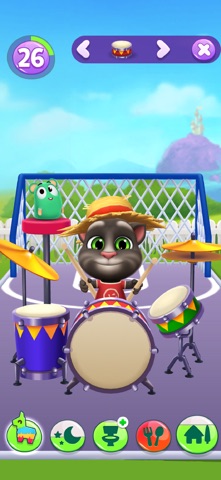
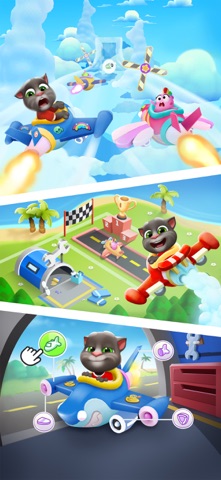
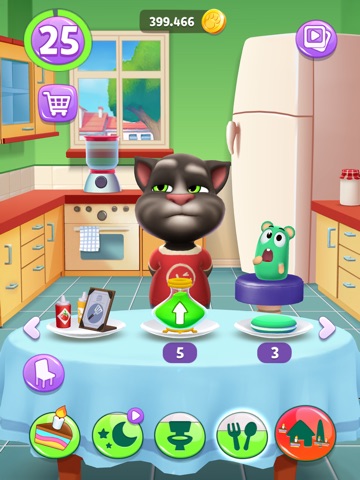
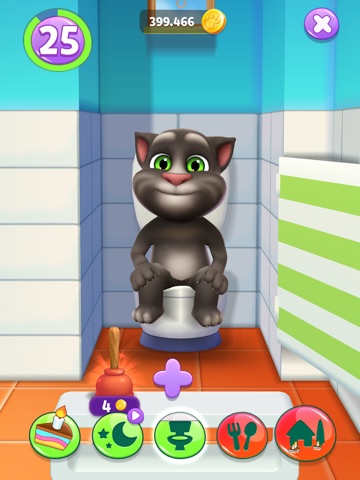
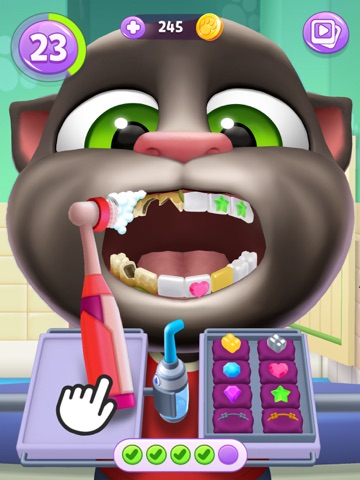
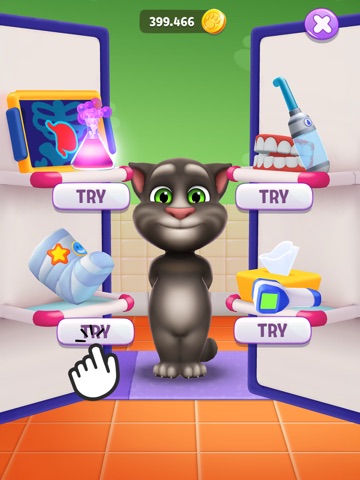
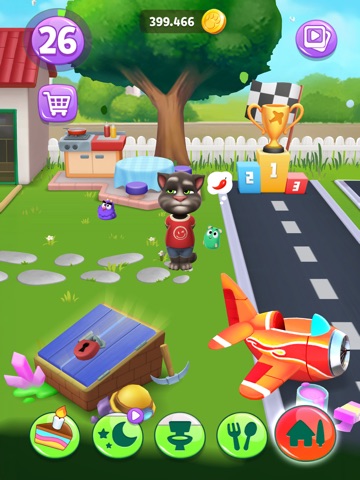
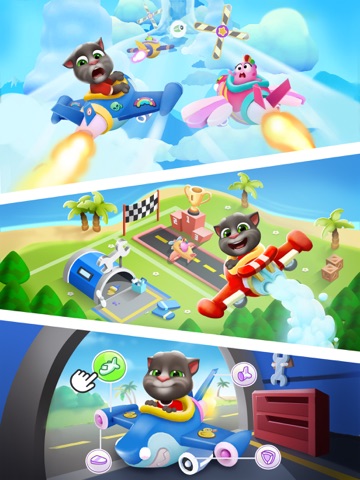
O gato virtual superfamoso embarca numa aventura incrível e, com você, vai ser mais divertido do que nunca! Seu amigo preferido está pronto para impressionar você com novas roupas, habilidades incríveis e recursos especiais. O que você pode fazer: - Aprender novas habilidades: Ensine o Tom truques e habilidades legais, como tocar bateria, jogar basquete e lutar boxe. Ele será o gato mais talentoso da área! - Saborear petiscos inéditos: Dê vários petiscos deliciosos e engraçados para o Tom. De sorvete a sushi, o Tom adora tudo! Você tem coragem de dar uma pimenta para ele comer? - Manter-se limpo: Ajude o Tom a se manter limpo com atividades divertidas como tomar banho e escovar os dentes. Deixe-o limpinho e cheiroso! - Ir ao banheiro: Sim, até o Tom precisa ir ao banheiro, e é tão engraçado quanto parece! Ajude-o e garanta que ele se sinta confortável. - Explorar novos mundos: Via…
App details
What you can learn from Meu Talking Tom 2
Every shipping app on the App Store has gone through the same decisions you're working through right now: which screenshot goes first, what caption sits over it, which device frame to show, what color the background should be. The 17 screenshots above are Meu Talking Tom 2's answers to those questions — they're public, they're real, and they made it through Apple's review.
What the numbers say: Meu Talking Tom 2 runs a mixed light-and-dark set where the background shifts from screenshot to screenshot (first shot #5CA454) — each image has to stand on its own, so the captions carry more of the story. The accent colour we picked up, #94D4EC, is the one to reuse for badges, arrows and highlighted words if you borrow this look. Hit Use this style to open the editor with these exact colours and drop your own screenshot in.
Notice the first screenshot in particular. It's the one users see in search results and on the product page, and it's where most apps spend their best caption and tightest design. Look at the proportion of background to phone, where the text sits, what one thing the image is trying to communicate.
Want to see how other Games apps approach the same problem? Browse more Games apps in the showcase.
Take what works into your own screenshots
Open LaunchShots and design your App Store & Google Play screenshots — pick a device frame, drop captions, ship in minutes. Free, in your browser.
Open the screenshot editor →Apps with a similar look
Closest background + accent colours among the listings we've analysed — useful when you want to see the same palette handled by a different team.