Chart position — tracked daily by LaunchShots
Screenshot style breakdown
Sampled from 5 of Poste's App Store screenshots — background, accent and theme, measured by LaunchShots (not something Apple publishes).
#ECECF4 bg
#CFCFD6
#D4F474 accent
#111111 text
Screenshots
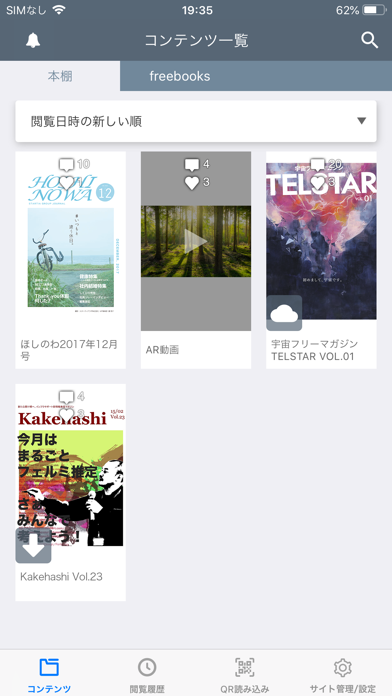

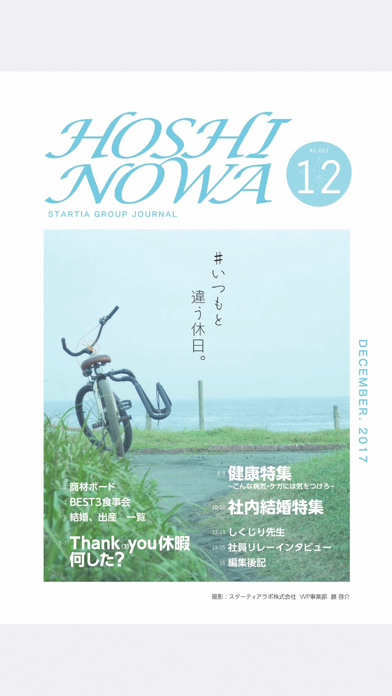
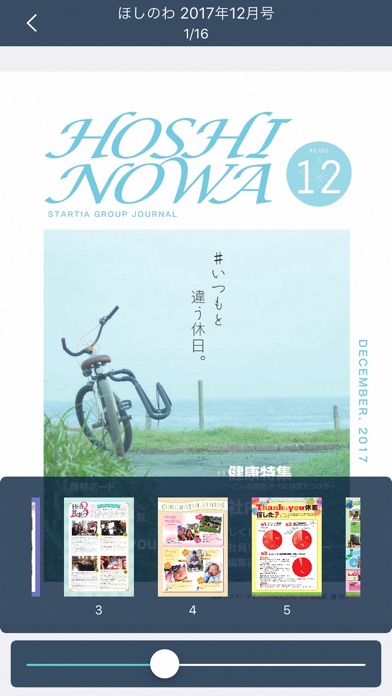
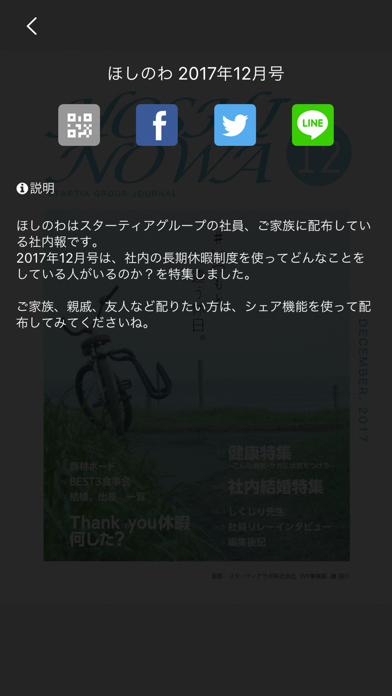
iPad screenshots

Icon palette
About this app
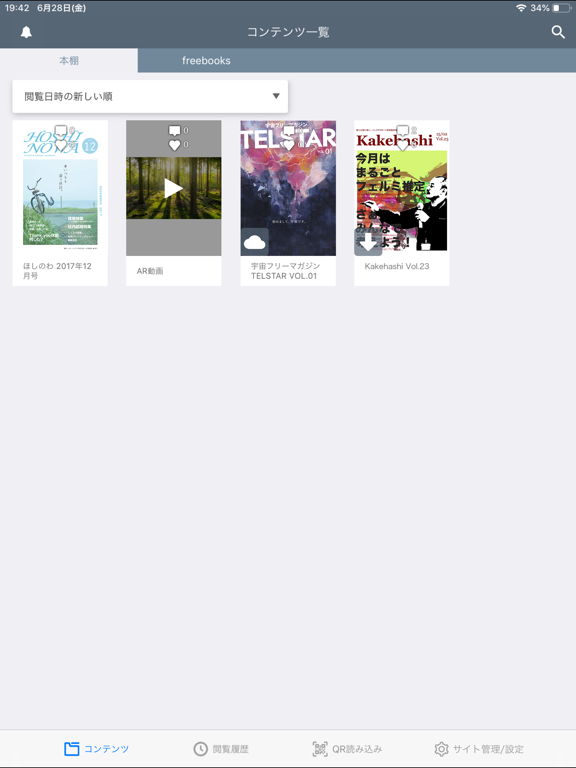
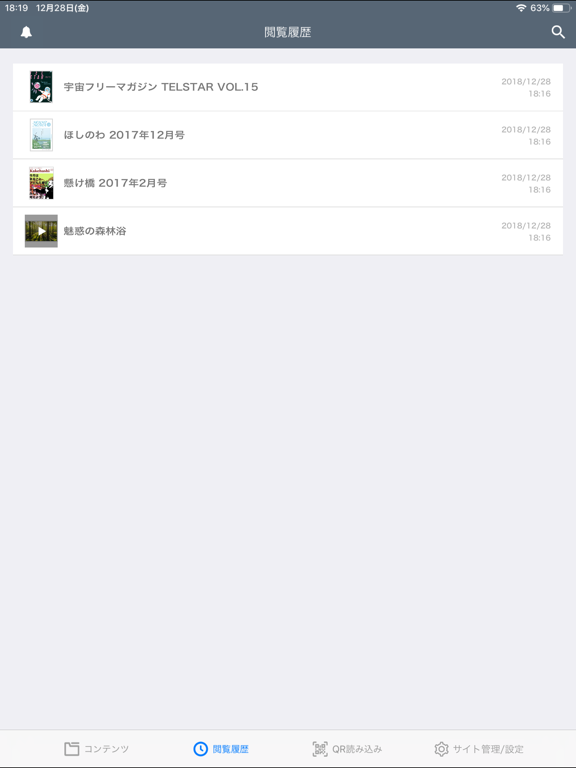
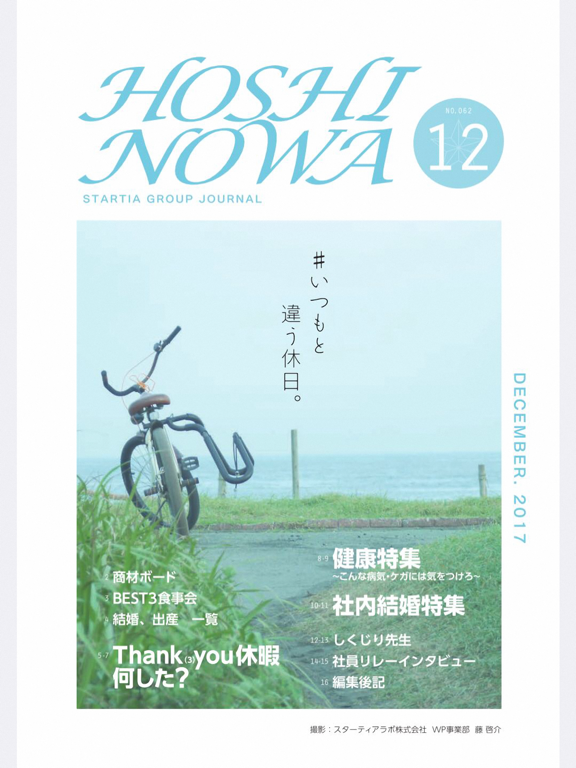
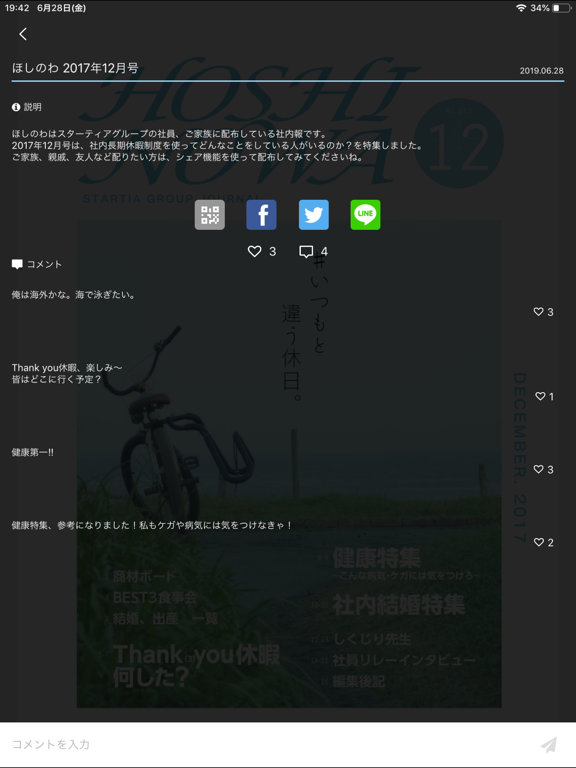
Poste(ポステ)は、フリーマガジンを中心とした様々なコンテンツを手軽に閲覧することができるアプリです。 様々な企業、団体、個人が、フリーマガジン、広報誌、会報誌、パンフレットなどを提携サイトで公開しており、ユーザーが気になるコンテンツをアプリ上の登録してご覧頂くこと、後から簡単に見返すこと、友達に共有することが可能です。 このアプリの使い方■ ●コンテンツを入手 コンテンツが公開されているWebページ上で「アプリで見る」をタップするか、アプリ上の「QRを読み込む」を利用することでコンテンツを入手できます。 ●サイトタブ コンテンツを入手したサイトが自動的に登録されます。 ●通知 送られてきた通知を受け取る事ができます。 ●本棚 入手したコンテンツが保存されます。コンテンツをタップすると閲覧できます。 一覧の中を検索することもできます。 ●コンテンツ閲覧 コンテンツを閲覧することができます。 タップまたはスライドでページをめくることができます。 ■動作確認端末 アプリがリリースされた時点での、最新のiOSバージョ…
App details
What you can learn from Poste
Every shipping app on the App Store has gone through the same decisions you're working through right now: which screenshot goes first, what caption sits over it, which device frame to show, what color the background should be. The 10 screenshots above are Poste's answers to those questions — they're public, they're real, and they made it through Apple's review.
What the numbers say: Poste runs a mixed light-and-dark set where the background shifts from screenshot to screenshot (first shot #ECECF4) — each image has to stand on its own, so the captions carry more of the story. The accent colour we picked up, #D4F474, is the one to reuse for badges, arrows and highlighted words if you borrow this look. Hit Use this style to open the editor with these exact colours and drop your own screenshot in.
Notice the first screenshot in particular. It's the one users see in search results and on the product page, and it's where most apps spend their best caption and tightest design. Look at the proportion of background to phone, where the text sits, what one thing the image is trying to communicate.
Want to see how other Book apps approach the same problem? Browse more Book apps in the showcase.
Take what works into your own screenshots
Open LaunchShots and design your App Store & Google Play screenshots — pick a device frame, drop captions, ship in minutes. Free, in your browser.
Open the screenshot editor →Apps with a similar look
Closest background + accent colours among the listings we've analysed — useful when you want to see the same palette handled by a different team.